



Reforged Armors Java for Minecraft 26.3
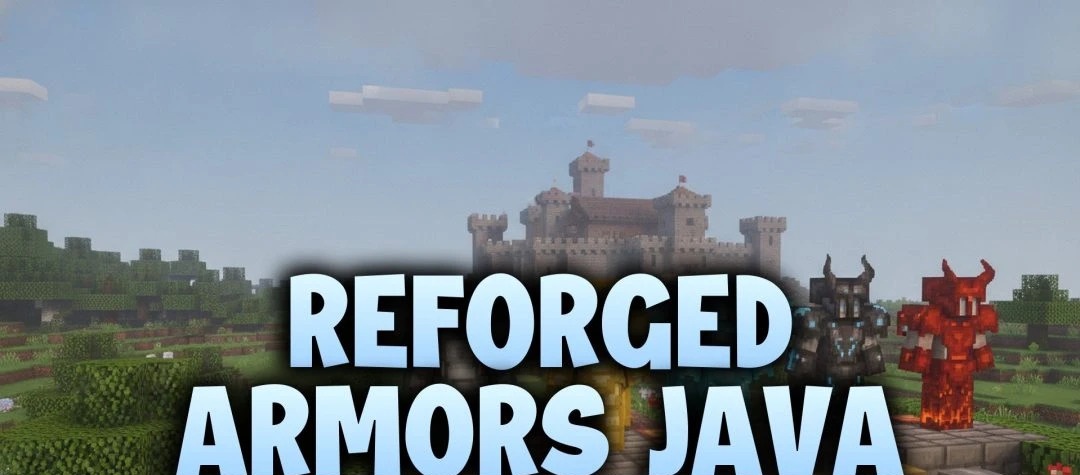
Vanilla Minecraft generally gives armor the same basic shape and lets the textures distinguish one material from another. Reforged Armors Java takes a different approach to all seven sets. Helmets, chestplates, leggings and boots have been rebuilt with proper 3D pieces in place of the usual flat outer layers.
Each set has a stronger, more battle-ready silhouette, and the materials look different enough that you can recognize them from farther away. There's no need to inspect the texture up close to tell what someone is wearing. This is a visual overhaul only; armor protection, durability and other equipment attributes are untouched.
How to install the texture pack:
First step: download and install Reforged Armors Java
Second step: copy the texture pack to the C:\Users\USER_NAME\AppData\Roaming\.minecraft\resourcepacks
Third step: in game settings choose needed resource pack.
Comments (0)