



Sharpless Pvp for Minecraft 26.3
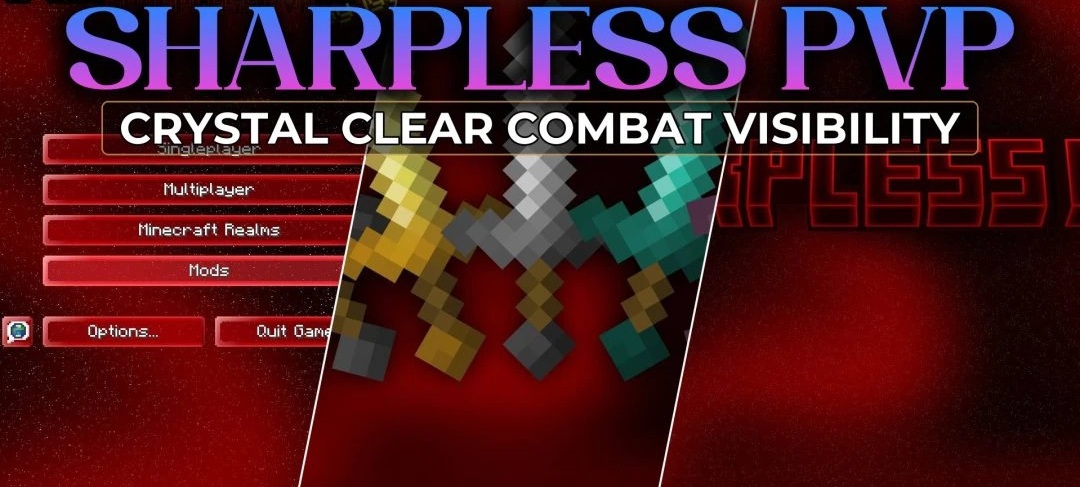
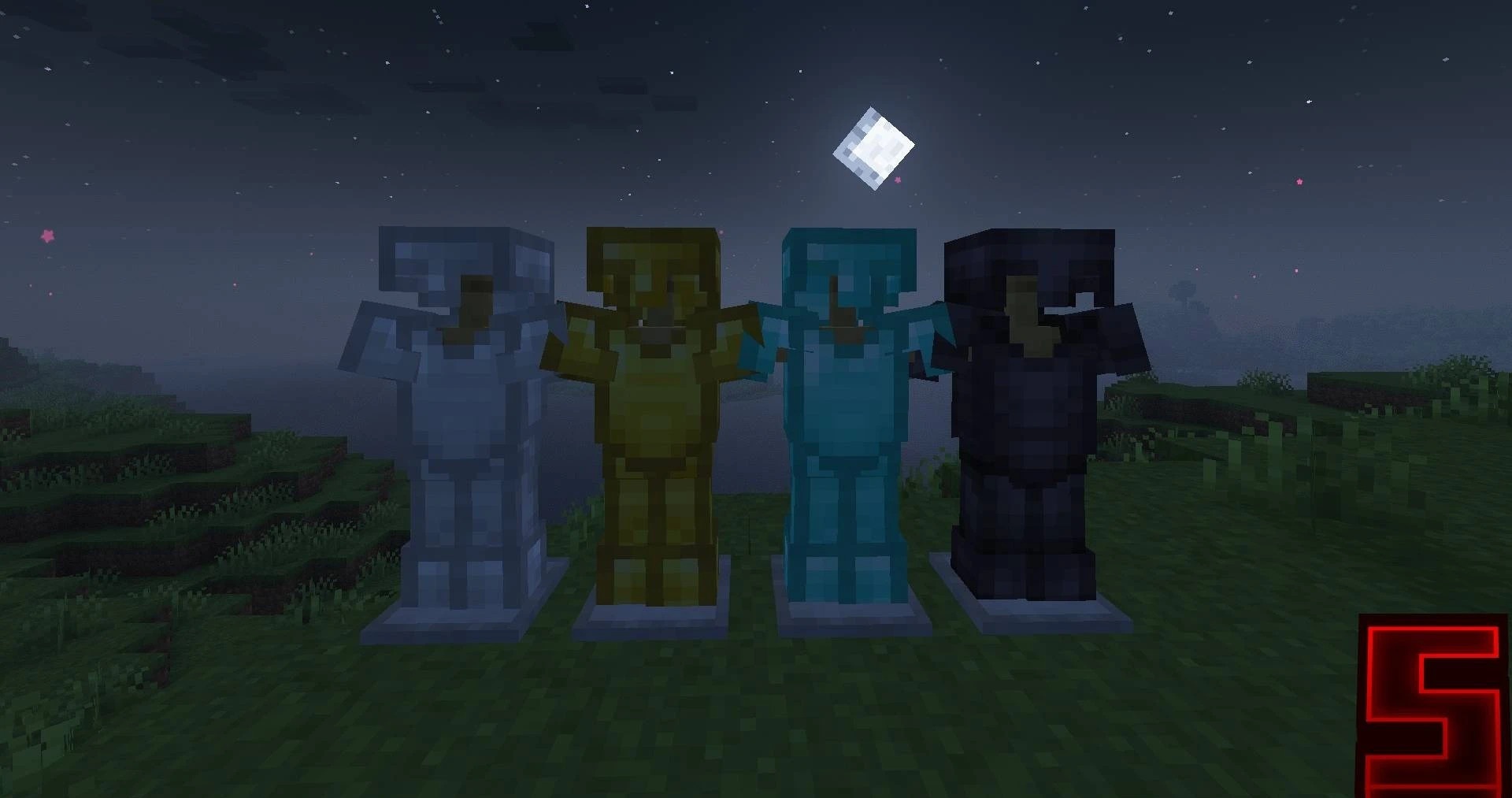
Free screen space becomes one of the main elements of Sharpless Pvp. Swords are shortened and take up less space in the player’s hands, while the on-screen fire effect is reduced so that flames do not block the action during combat. Blocks and items receive simpler shapes with fewer small details, while saturated shades are slightly muted.
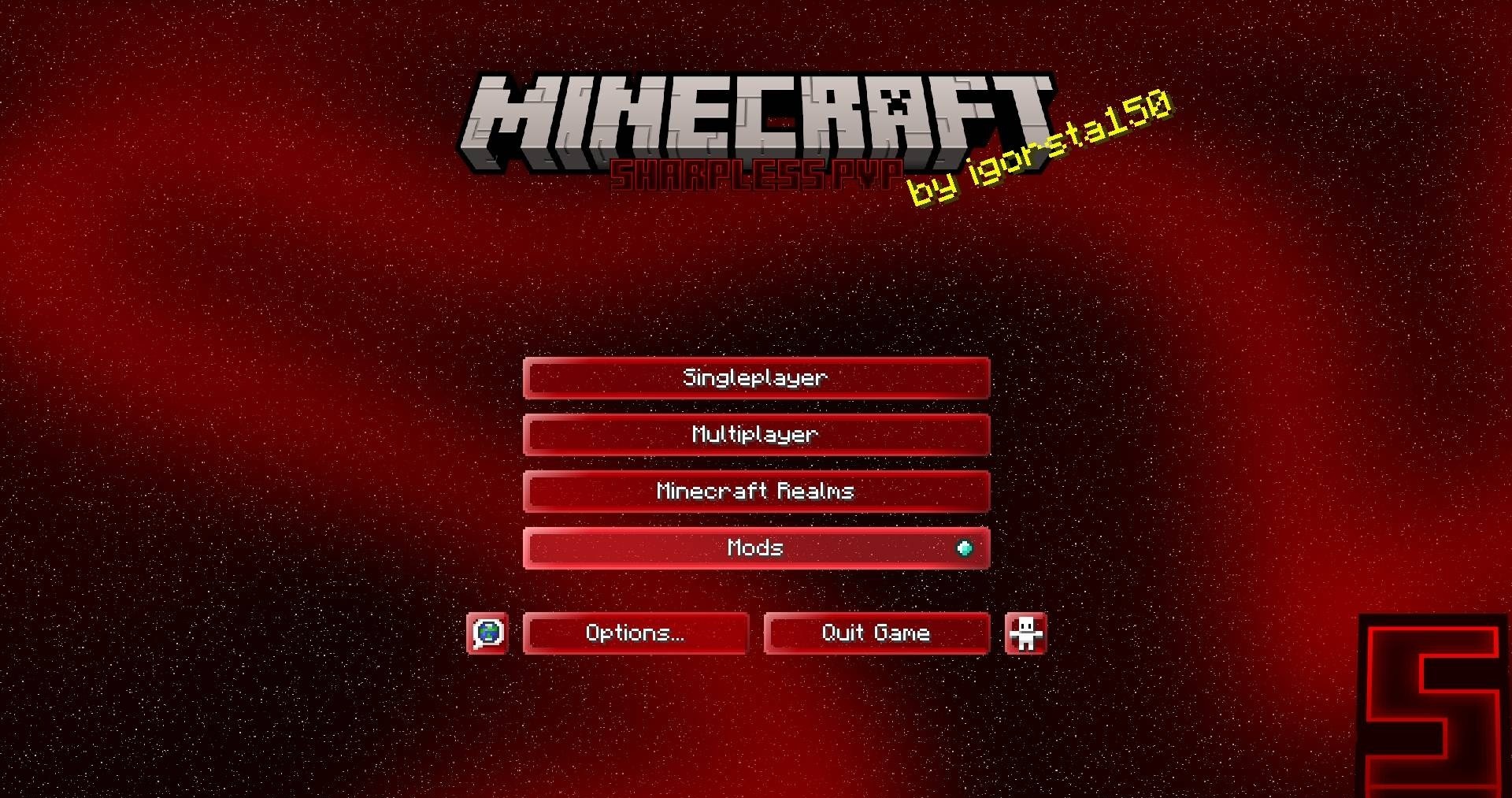
Ores, on the other hand, are highlighted with bright outlines: diamonds, gold, and other resources are easier to distinguish among stone in dark mines. This redesign reduces the number of visual elements that can block an opponent or interfere with quickly navigating the environment.
How to install the texture pack:
First step: download and install Sharpless Pvp
Second step: copy the texture pack to the C:\Users\USER_NAME\AppData\Roaming\.minecraft\resourcepacks
Third step: in game settings choose needed resource pack.
Comments (0)