



Simple PvP for Minecraft 26.3
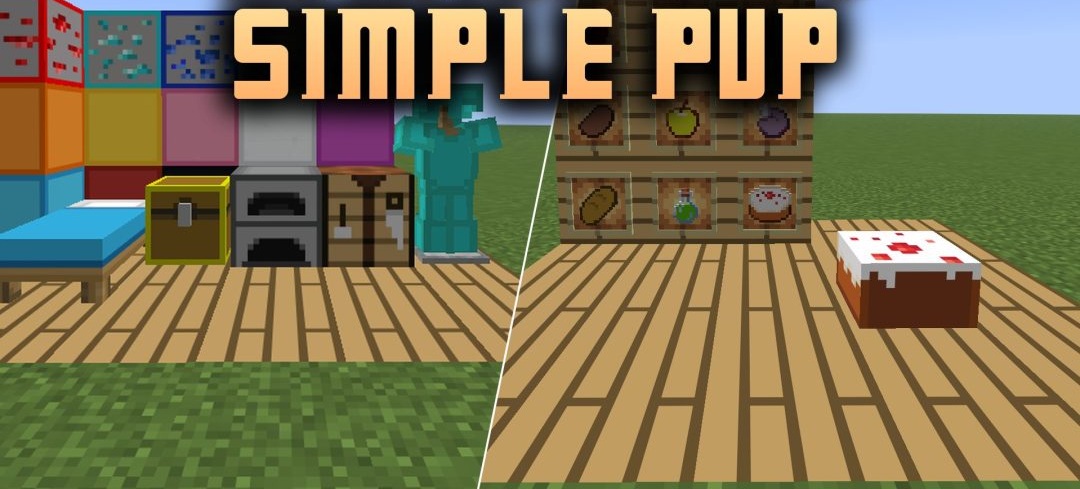
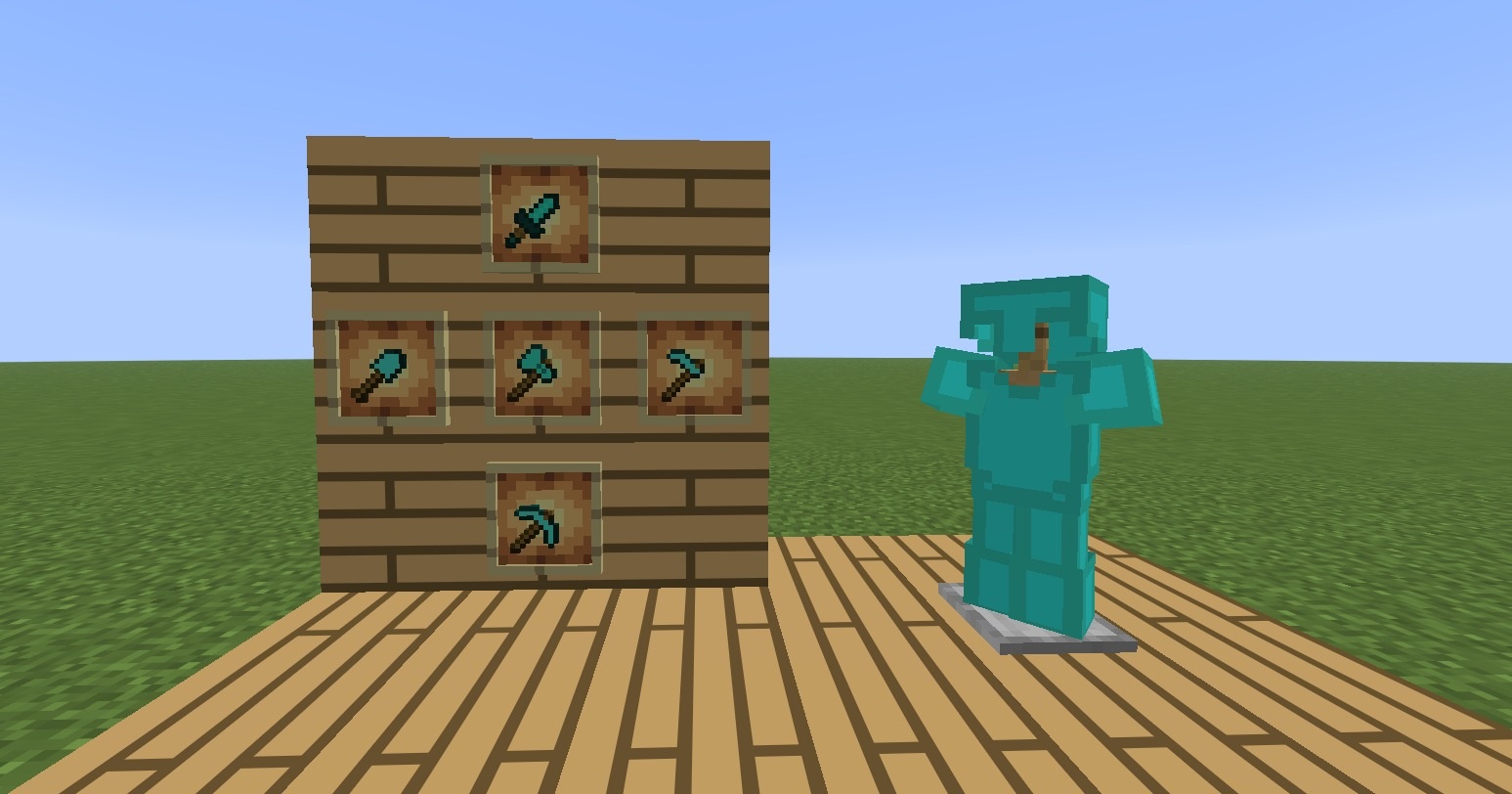
In BedWars and The Bridge, wool is used constantly: it’s used to build bridges, block passageways and erect small fortifications. That’s why, in Simple PvP, the creator has focused not only on weapons but also on wool blocks. Swords have been given new textures, and the designs of armour, pickaxes, axes, shovels and hoes have been updated.
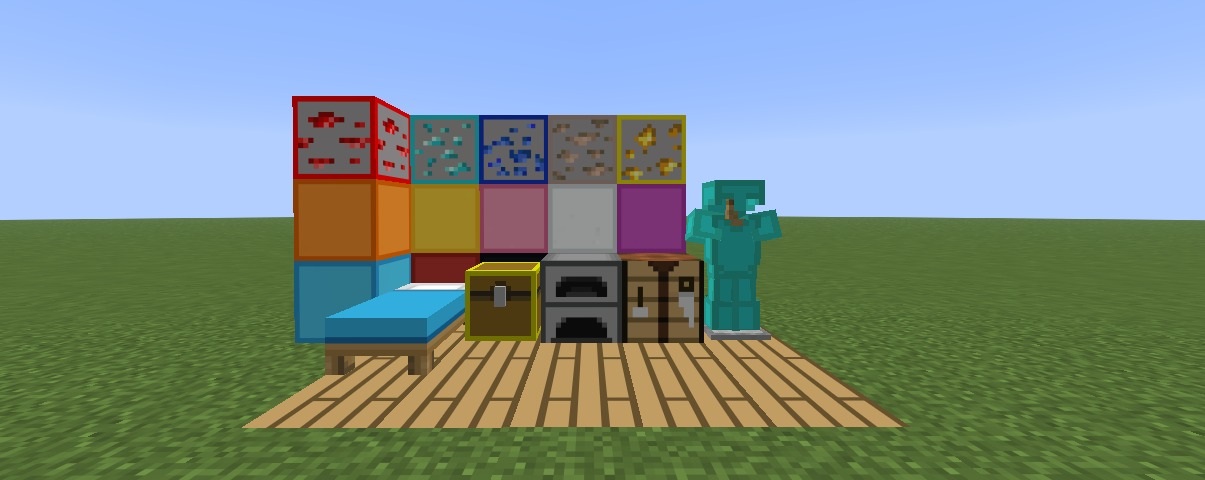
Ores and the materials obtained from them also look different. A total of 242 textures have been created, covering items, blocks, particles, models, creatures and interface elements. The pack is suitable for BedWars, SkyWars, Survival Games, Duel and other modes where you spend most of your time fighting other players. However, the creator has not completely redesigned the entire surrounding world.
How to install the texture pack:
Step one: Download the texture pack using the link below.
Step two: Extract the downloaded archive and copy the folder Simple PvP to c:\Users\Пользователь\AppData\Roaming\.minecraft\resourcepacks\ (if this folder does not exist, create it yourself) (For Windows)
Step three: In the game, go to Settings, then Resource Packs. There, click on the icon for the new texture pack in the left-hand list.
Comments (0)