



Simplecraft X16 for Minecraft 26.3
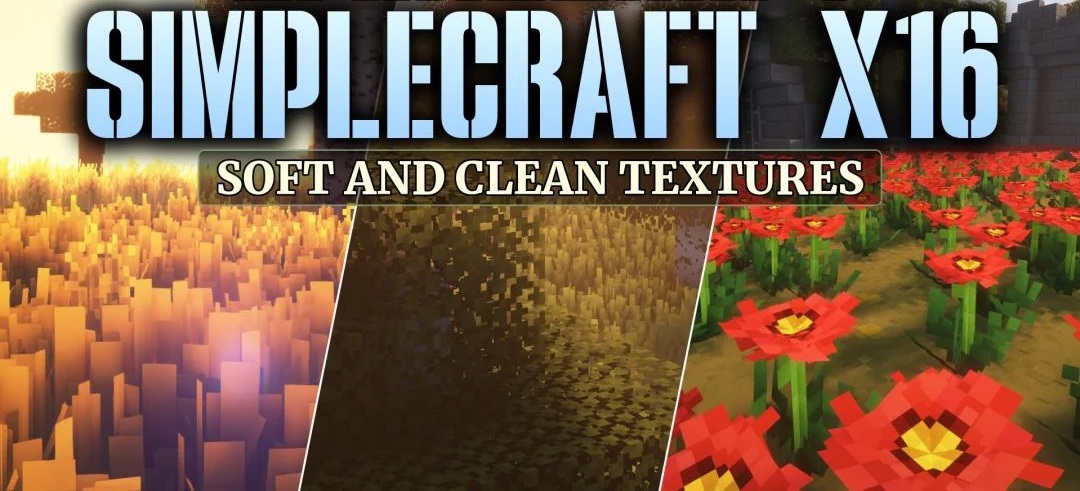
A soft palette and simpler surfaces define the style of Simplecraft X16. The pack retains the standard 16x resolution but removes some visual noise from blocks and items, replacing bright shades with calmer colors. Tools gain signs of wear that allow their condition to be assessed visually, while some items receive their own animations.
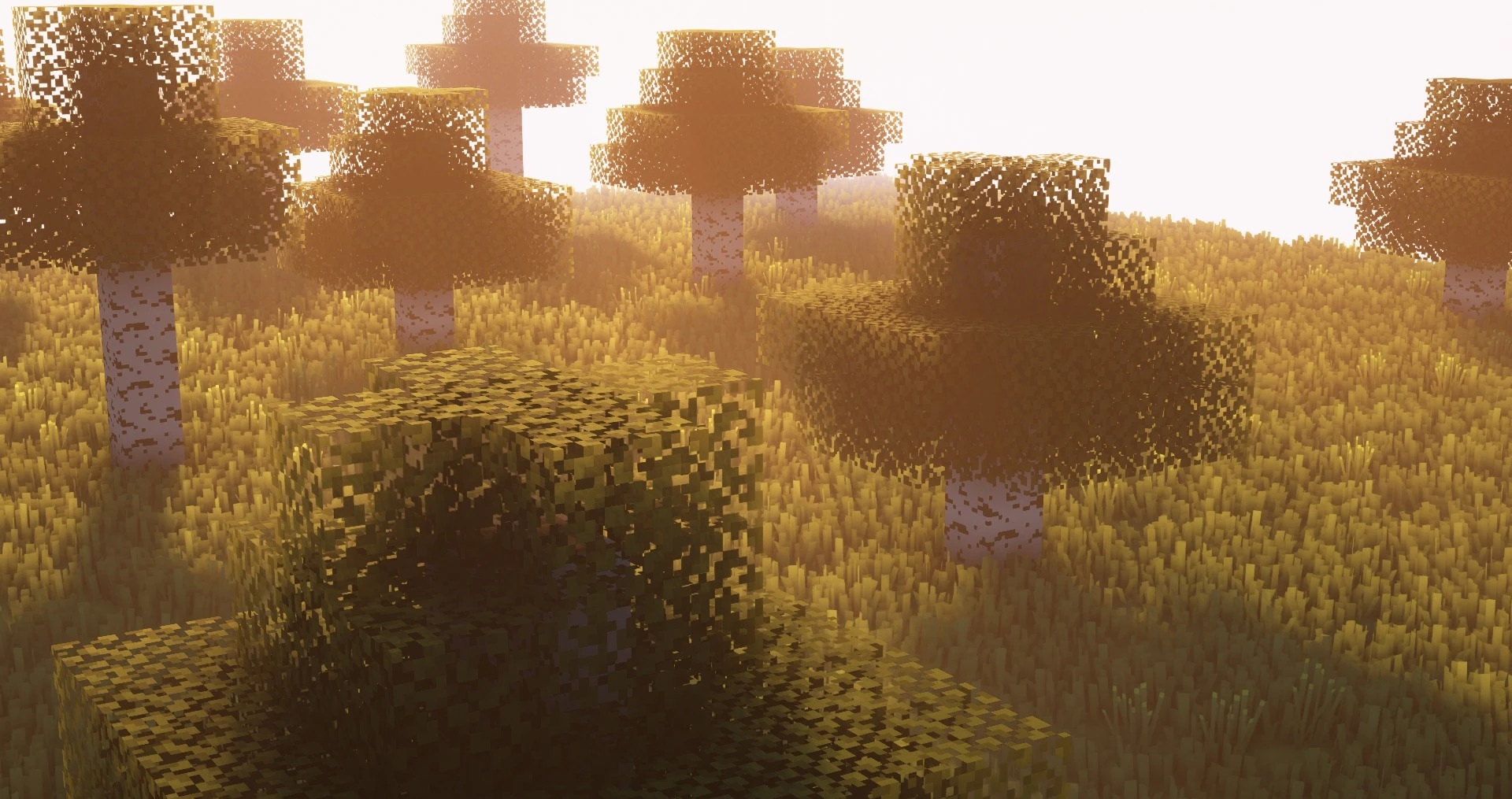
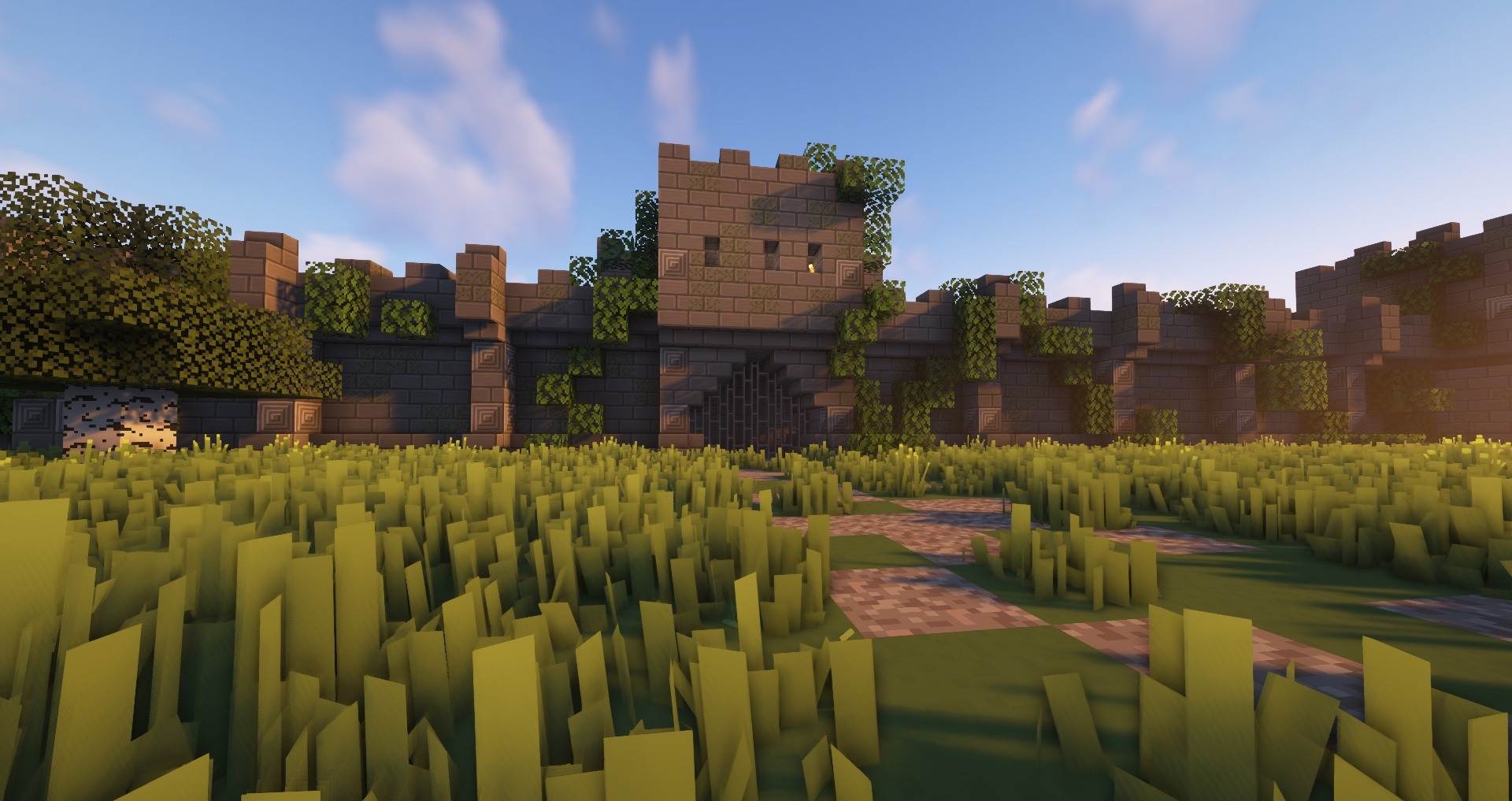
Blocks feature slight texture variations that reduce the repetition of identical patterns across large surfaces. Certain objects use custom 3D models, adding extra three-dimensional details to the environment.
How to install the texture pack:
First step: download and install Simplecraft X16
Second step: copy the texture pack to the C:\Users\USER_NAME\AppData\Roaming\.minecraft\resourcepacks
Third step: in game settings choose needed resource pack.
Comments (0)