



Simply Defined for Minecraft 26.3
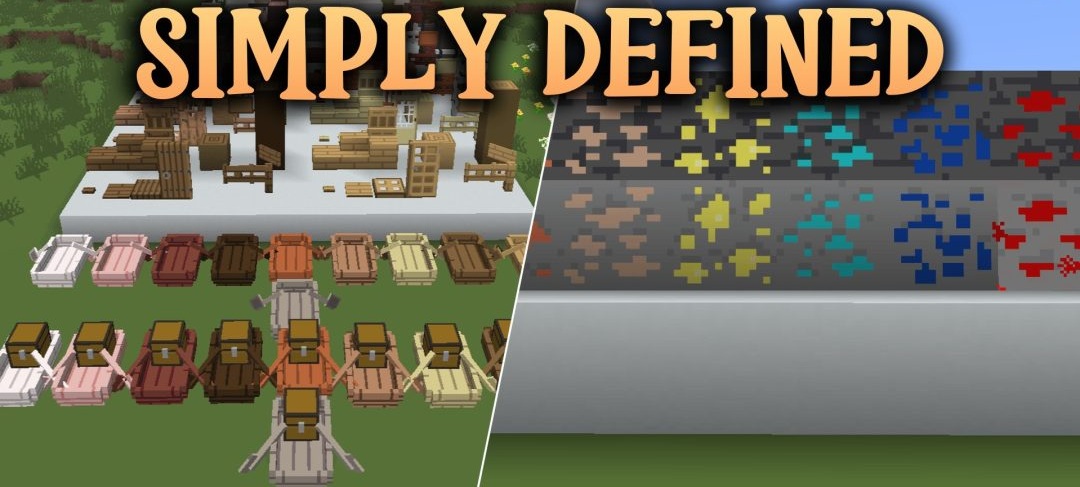
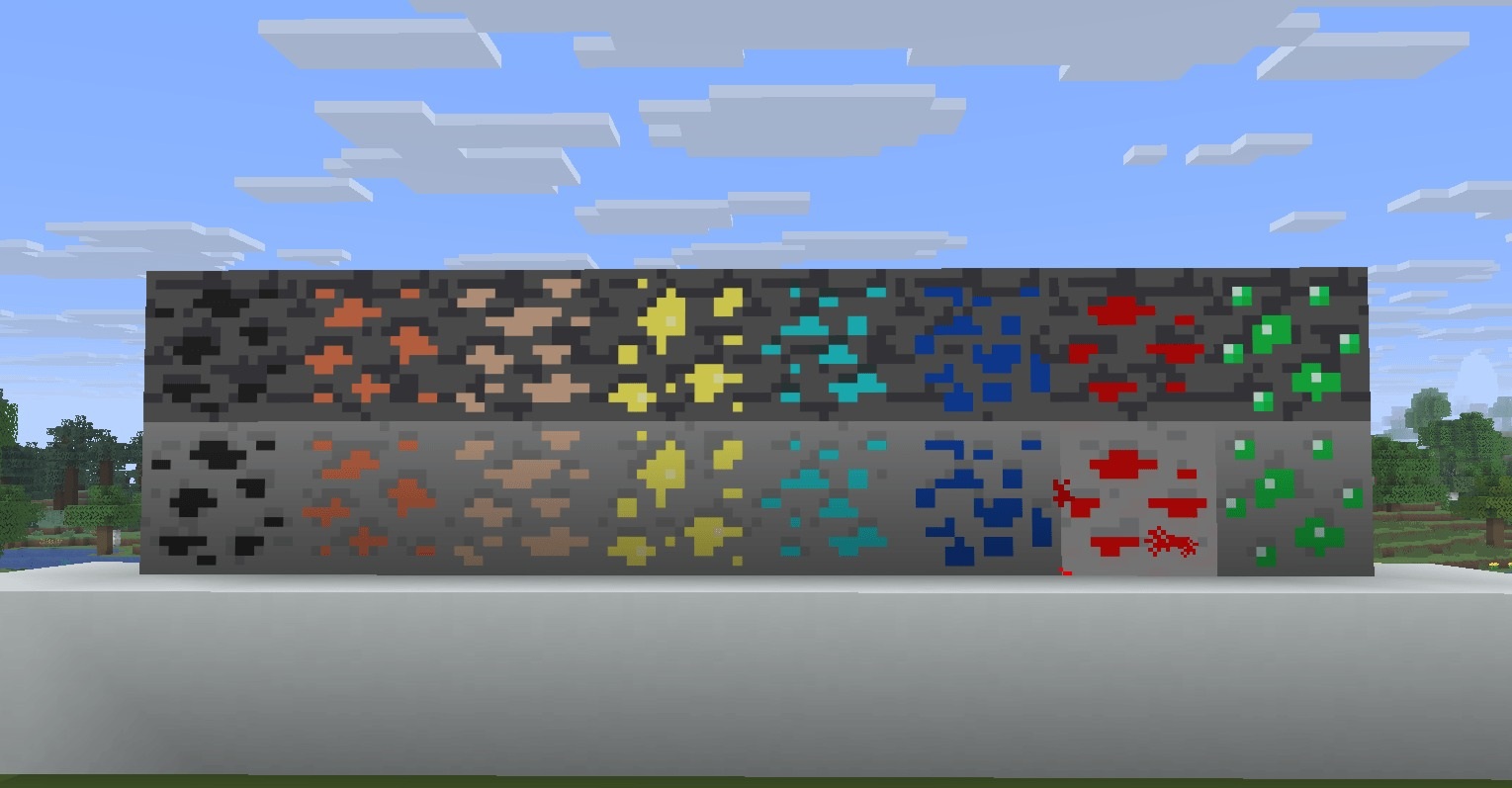
Not everyone likes textures overloaded with fine details, but completely plain blocks look a bit dull too. Simply Defined offers a happy medium. Stone, sand, glass, ores and workstations are given a simpler design that makes the shapes and boundaries of the materials easy to distinguish.
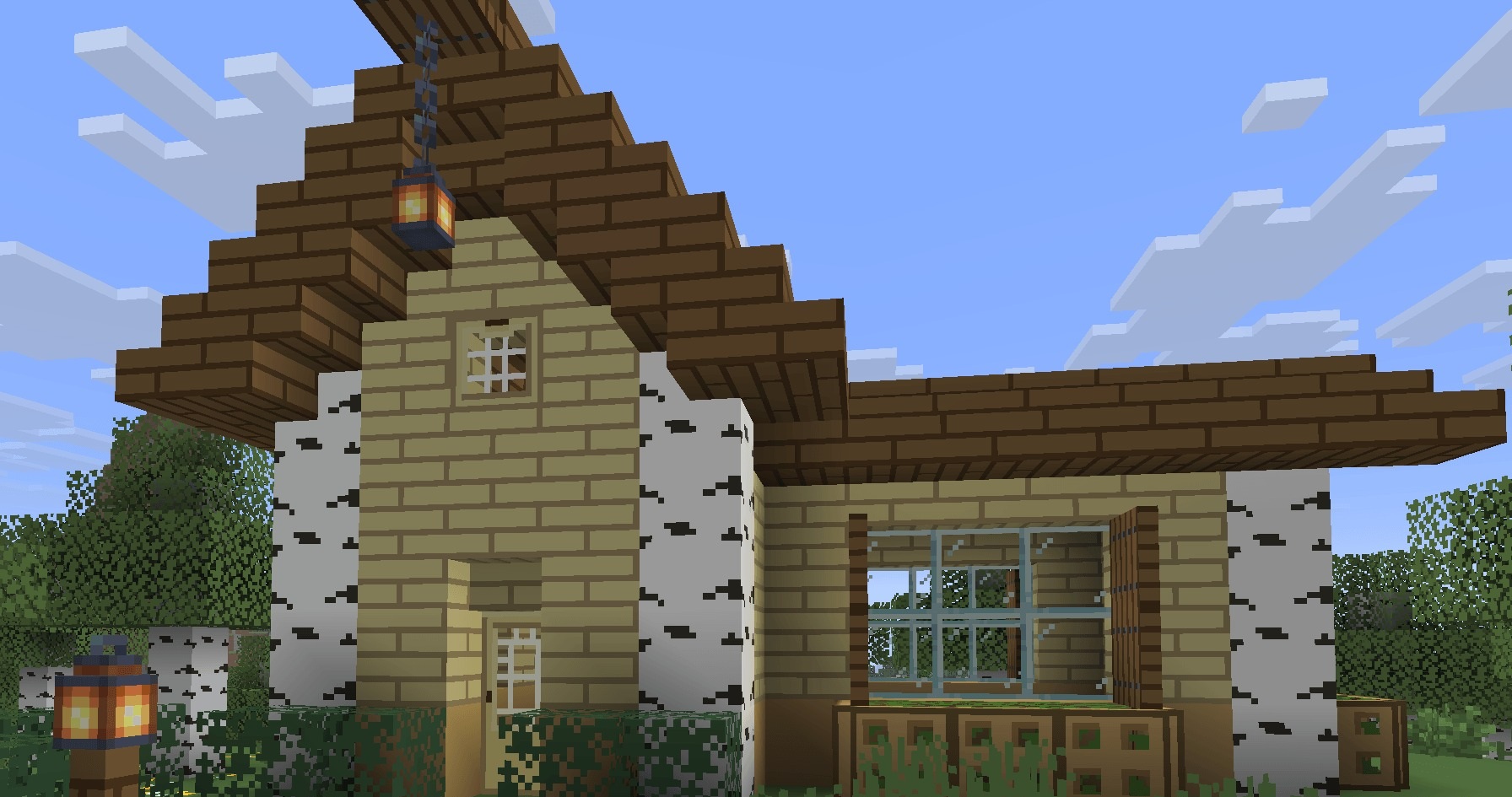
At the same time, the author has retained small details and surface depth, so the blocks do not resemble ordinary coloured squares. This style can be used when building an entire house: walls, windows and work areas will complement one another. The resource pack also works well with BSL shaders, allowing you to add beautiful lighting to the minimalist textures.
How to install the texture pack:
Step one: Download the texture pack using the link below.
Step two: Extract the downloaded archive and copy the Simply Defined folder to c:\Users\Пользователь\AppData\Roaming\.minecraft\resourcepacks\ (if this folder does not exist, create it yourself) (For Windows)
Step three: In the game, go to Settings, then Resource Packs. Click the icon for the newly added texture pack in the left-hand list.
Comments (0)