



Small Caps DEEZ for Minecraft 26.3
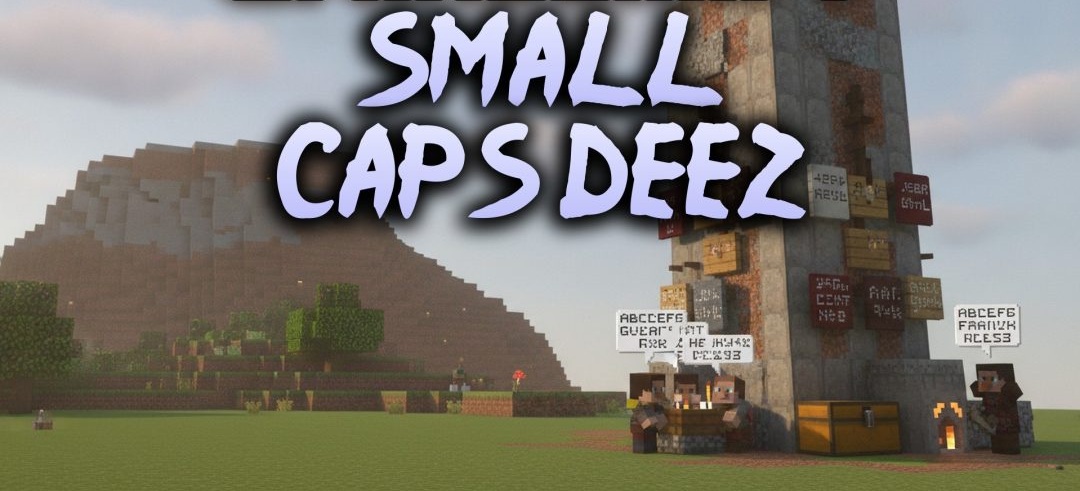
Small Caps DEEZ replaces the standard Minecraft font with compact small caps. The usual lowercase characters are styled to resemble scaled-down uppercase letters, giving text a consistent typographic style. The change is visible not only in the settings menu or on the main screen.
The new font is used in chat, on signs and in other places where the game displays text, so the styling extends to almost every interaction with the interface. Blocks, items and window layouts remain the same—it is only the typography that changes. Once enabled, the new style is applied to all in-game text.
How to install the texture pack:
Step 1: Download the texture pack using the link below.
Step 2: Extract the downloaded archive and copy the Small Caps DEEZ folder to the following path: c:\Users\Пользователь\AppData\Roaming\.minecraft\resourcepacks\ (if this folder does not exist, create it yourself) (For Windows)
Step 3: In the game, go to Settings, then Resource Packs. In the list on the left, click the icon for the newly added texture pack.
Comments (0)