



Small Mini Items for Minecraft 26.3
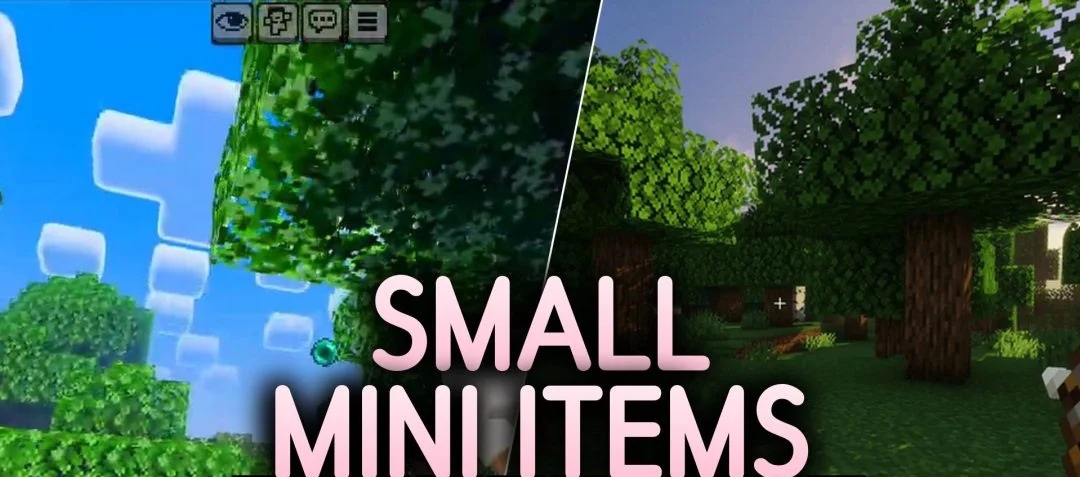
During combat, a large sword in front of the camera can sometimes be far more of a hindrance than the opponent themselves. This is particularly true in PvP, where it is vital to see every move your opponent makes. Small Mini Items reduces the size of displayed items, including swords and bows, freeing up part of the screen.
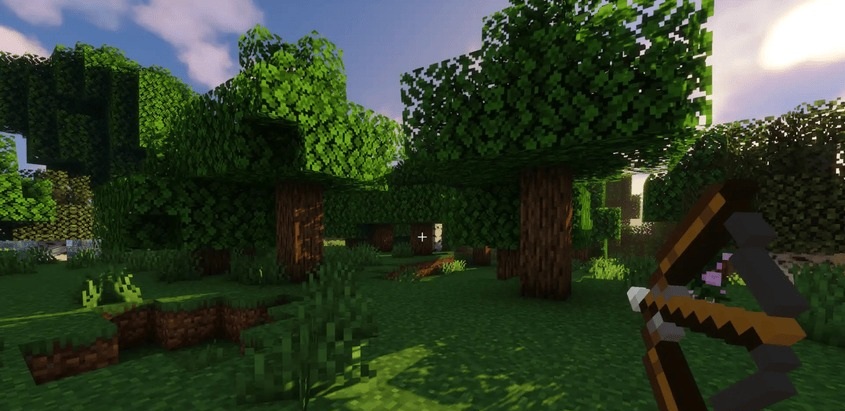
With these visuals, it’s easier to keep an eye on what’s happening ahead and spot enemies to the sides. This change is also useful outside of combat, such as when exploring caves or building, where a large item in your hand constantly blocks your view. There are no new weapons here, and the stats of existing tools remain the same.
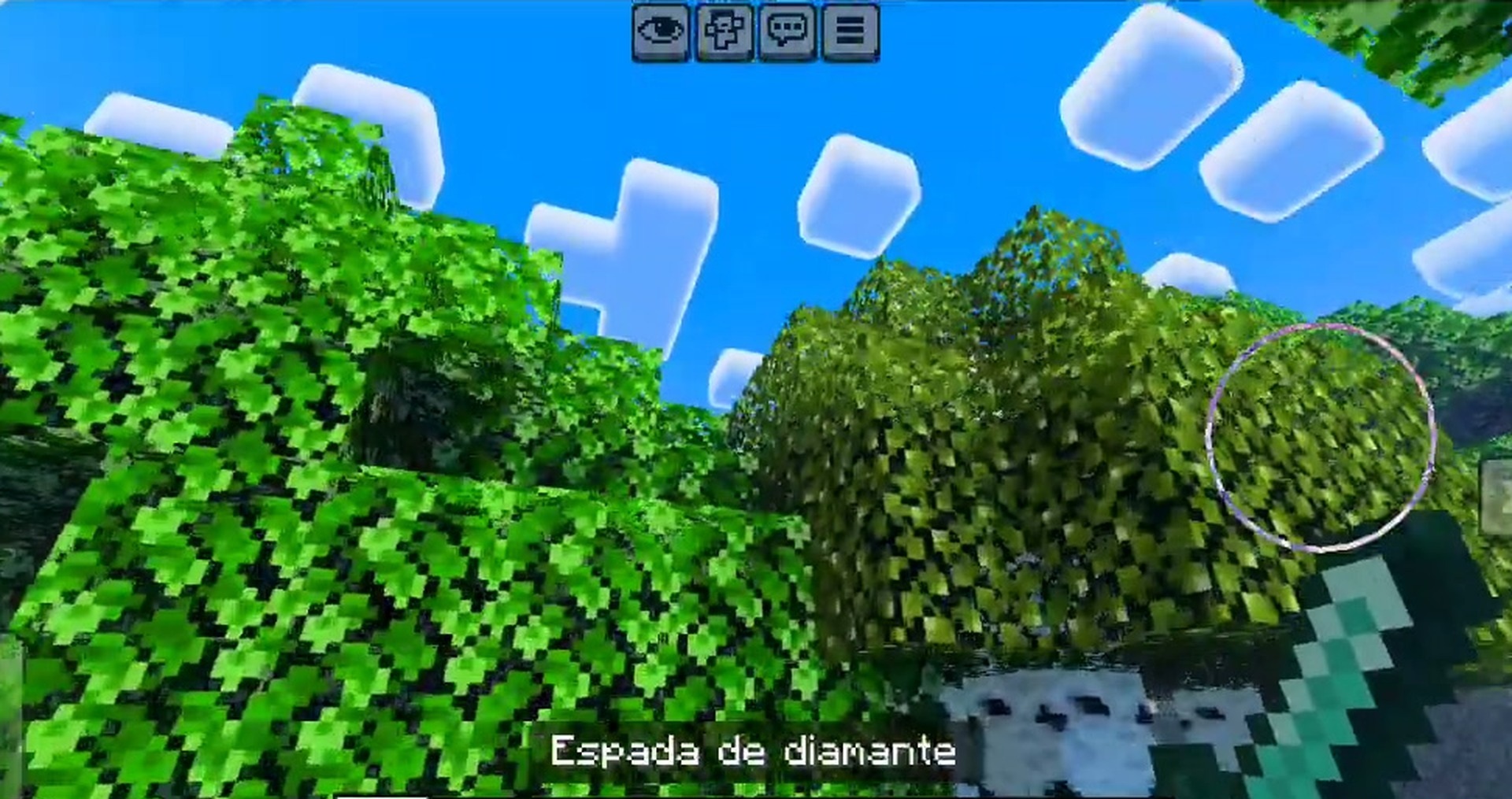
How to install the texture pack:
Step one: Download the texture pack using the link below.
Step two: Extract the downloaded archive and copy the Small Mini Items folder to c:\Users\Пользователь\AppData\Roaming\.minecraft\resourcepacks\ (if this folder does not exist, create it yourself) (For Windows)
Step three: In the game, go to Settings, then Resource Packs. In the left-hand list, click on the icon for the newly added texture pack.
Comments (0)