



Smooth PvP Overlay for Minecraft 26.3
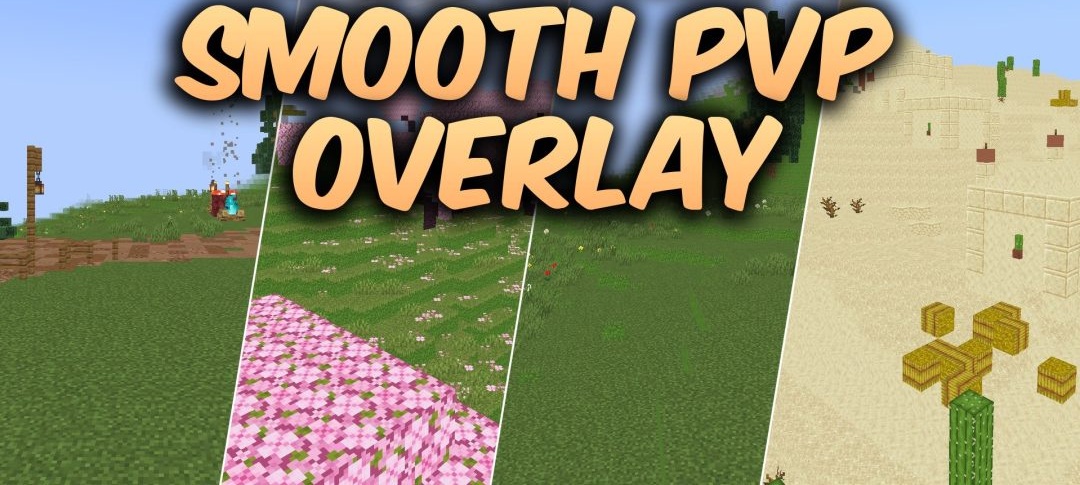
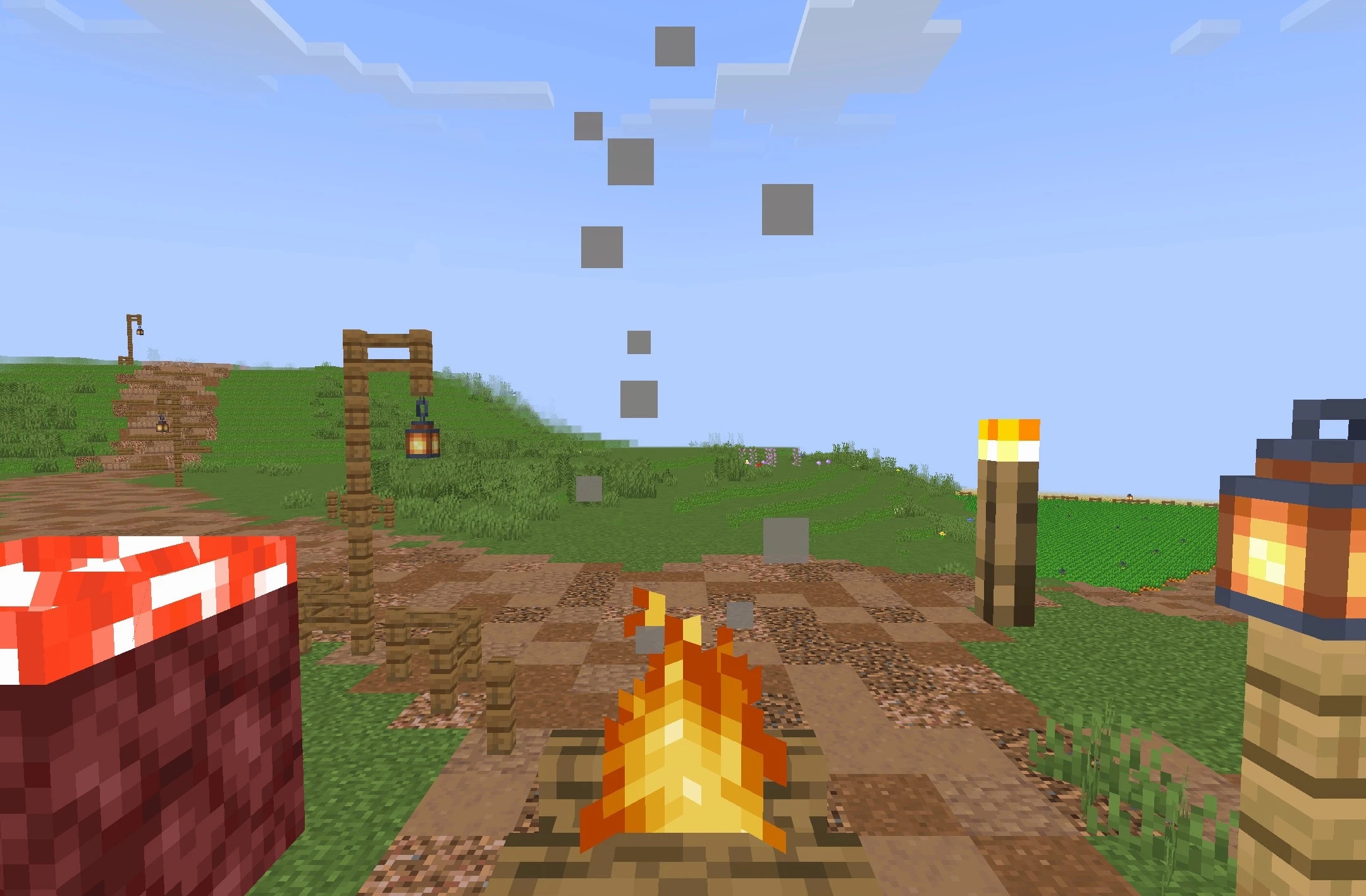
During fast-paced combat, Smooth PvP Overlay frees the screen from unnecessary visual elements. The pack reduces the opacity of the interface, making the surroundings more visible through panels and individual GUI elements. Some distracting particles are removed entirely, making the action on screen cleaner during melee combat or while chasing an opponent.
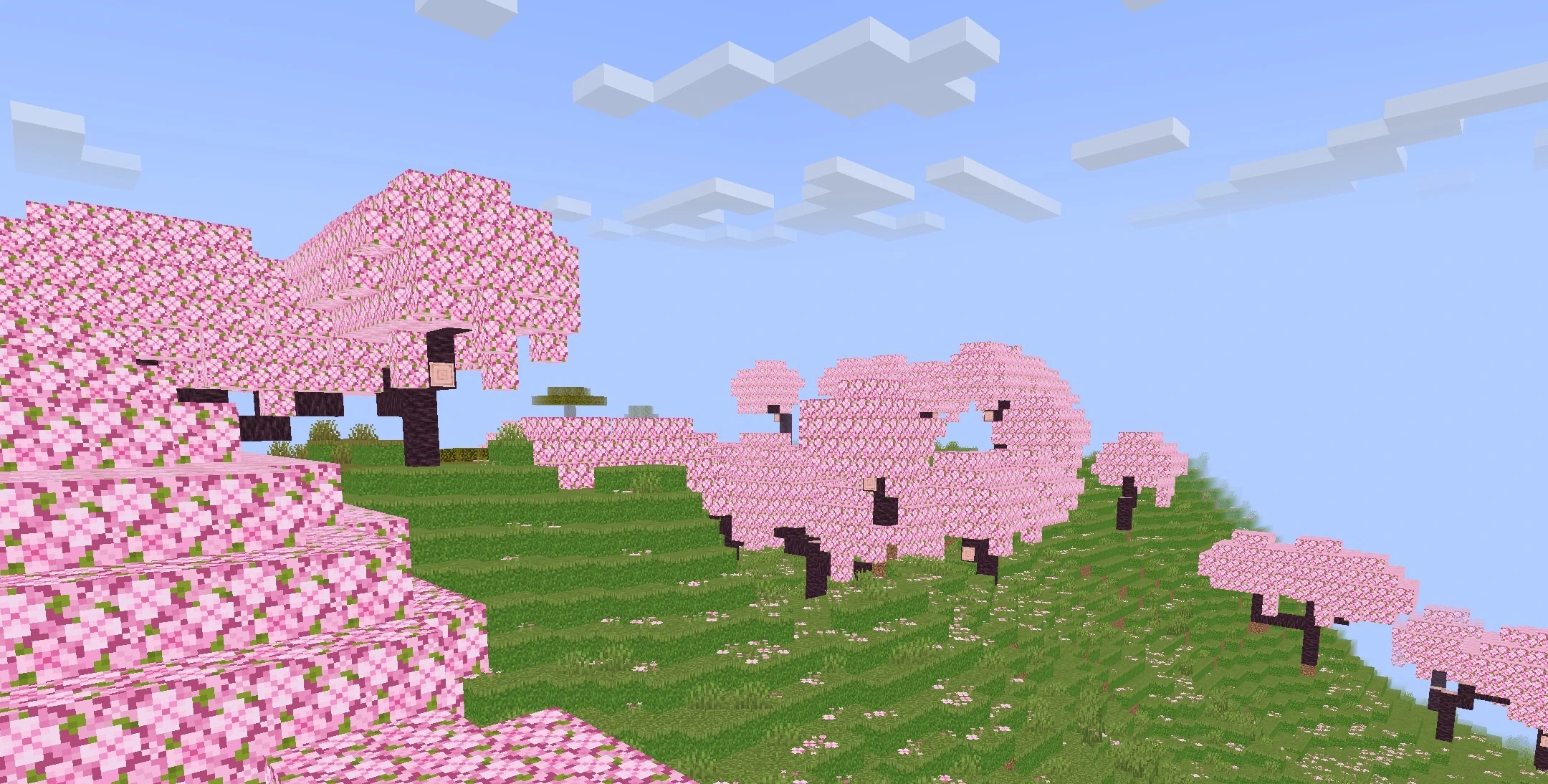
Sword models have also been reworked and take up less space in front of the camera, providing a wider view. All textures retain the standard 16x resolution, so the design remains close to vanilla and does not add the load associated with highly detailed materials.
How to install the texture pack:
First step: download and install Smooth PvP Overlay
Second step: copy the texture pack to the C:\Users\USER_NAME\AppData\Roaming\.minecraft\resourcepacks
Third step: in game settings choose needed resource pack.
Comments (0)