



Stone Buttons for Minecraft 26.3
Stone Buttons offers a small change to the interface and decorative elements. The pack gives buttons and the hotbar a stone-themed appearance, allowing them to blend better with structures made of cobblestone, stone, and other similar materials. The main idea is not to completely overhaul the GUI but to create a more cohesive visual design for individual elements.
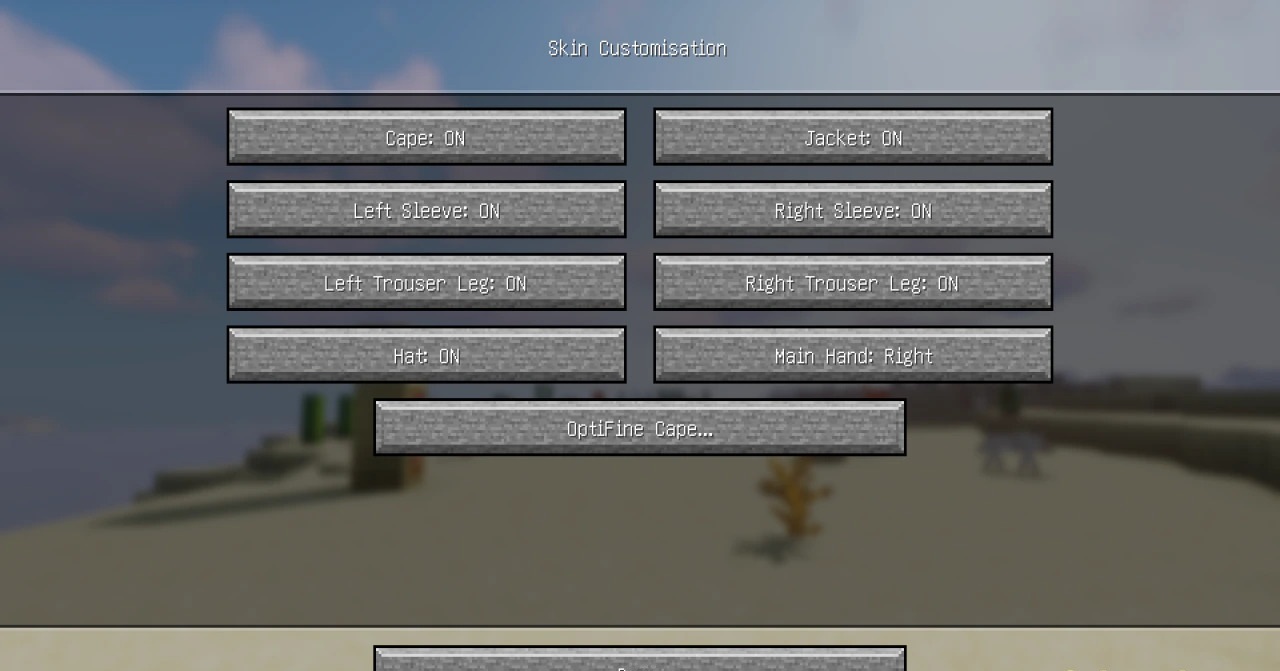
The stone texture helps buttons stand out less on walls and makes them part of the structure itself, which is convenient when creating mechanisms, hidden passages, or technical rooms. The hotbar receives the same style, maintaining a consistent appearance on the screen.
How to install the texture pack:
First step: download and install Stone Buttons
Second step: copy the texture pack to the C:\Users\USER_NAME\AppData\Roaming\.minecraft\resourcepacks
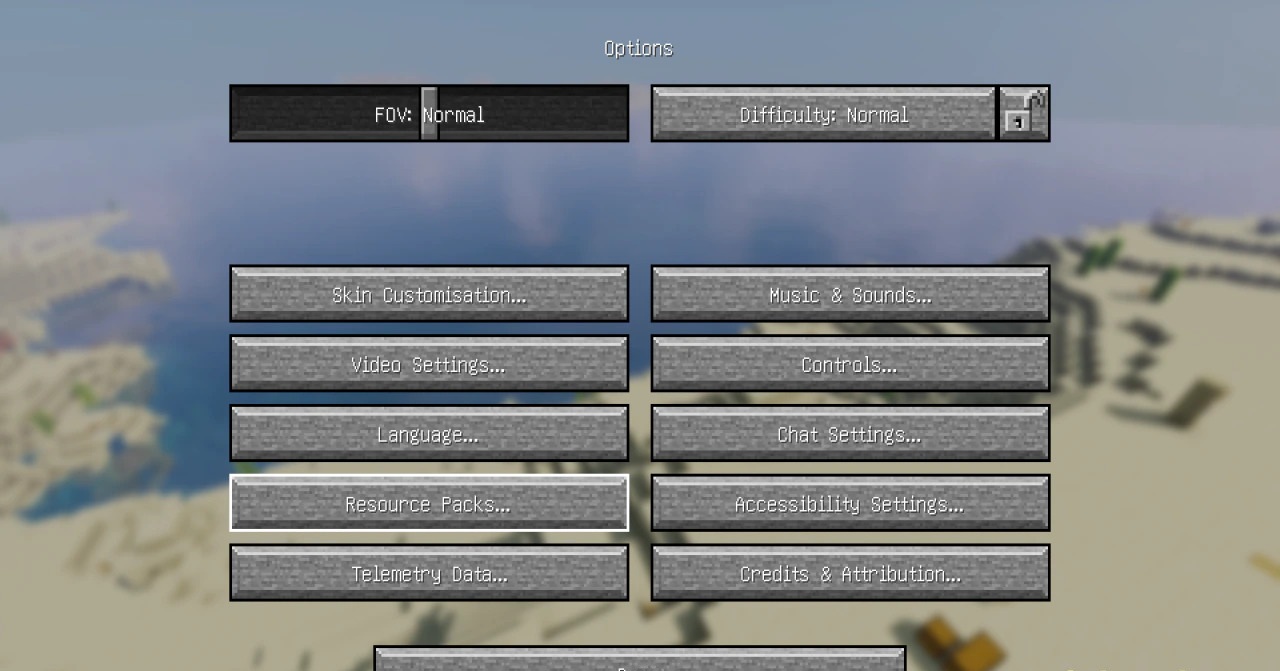
Third step: in game settings choose needed resource pack.
Comments (0)