



Stupendous Visuals for Minecraft 26.3
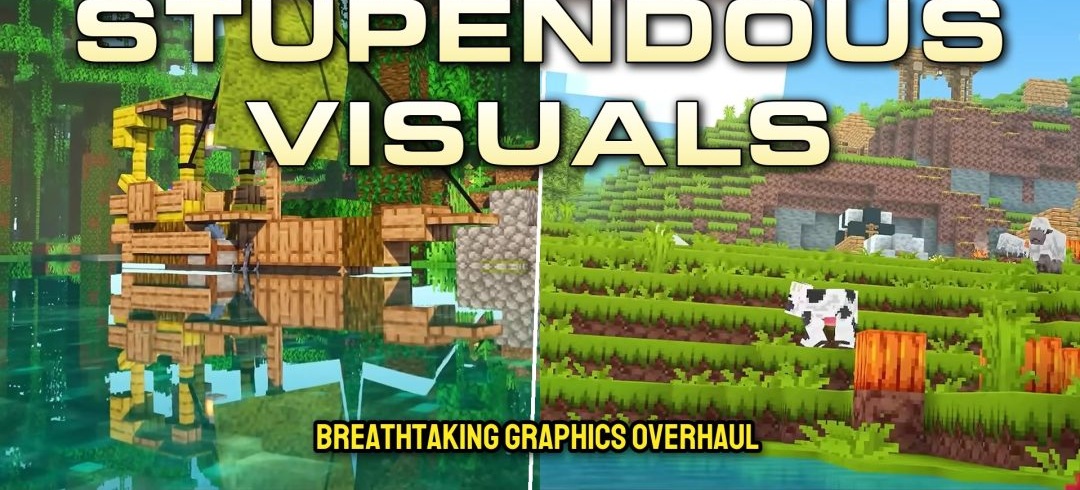
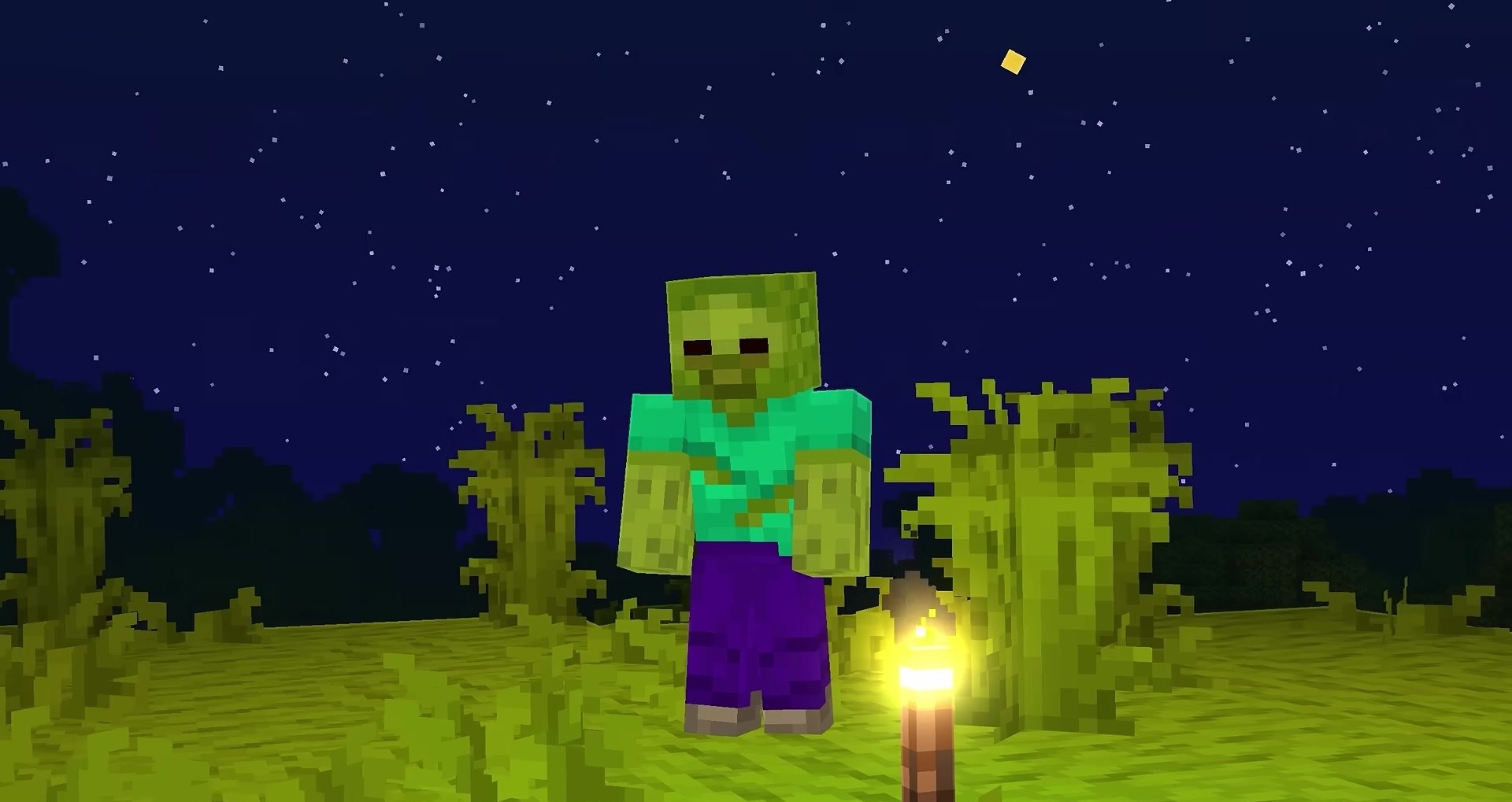
Bright colors and small animations form the basis of Stupendous Visuals. The pack reworks standard blocks and items, making the palette richer while retaining Minecraft's recognizable shapes and pixel style. Some items receive animations, and the changes also cover certain animals and creatures.
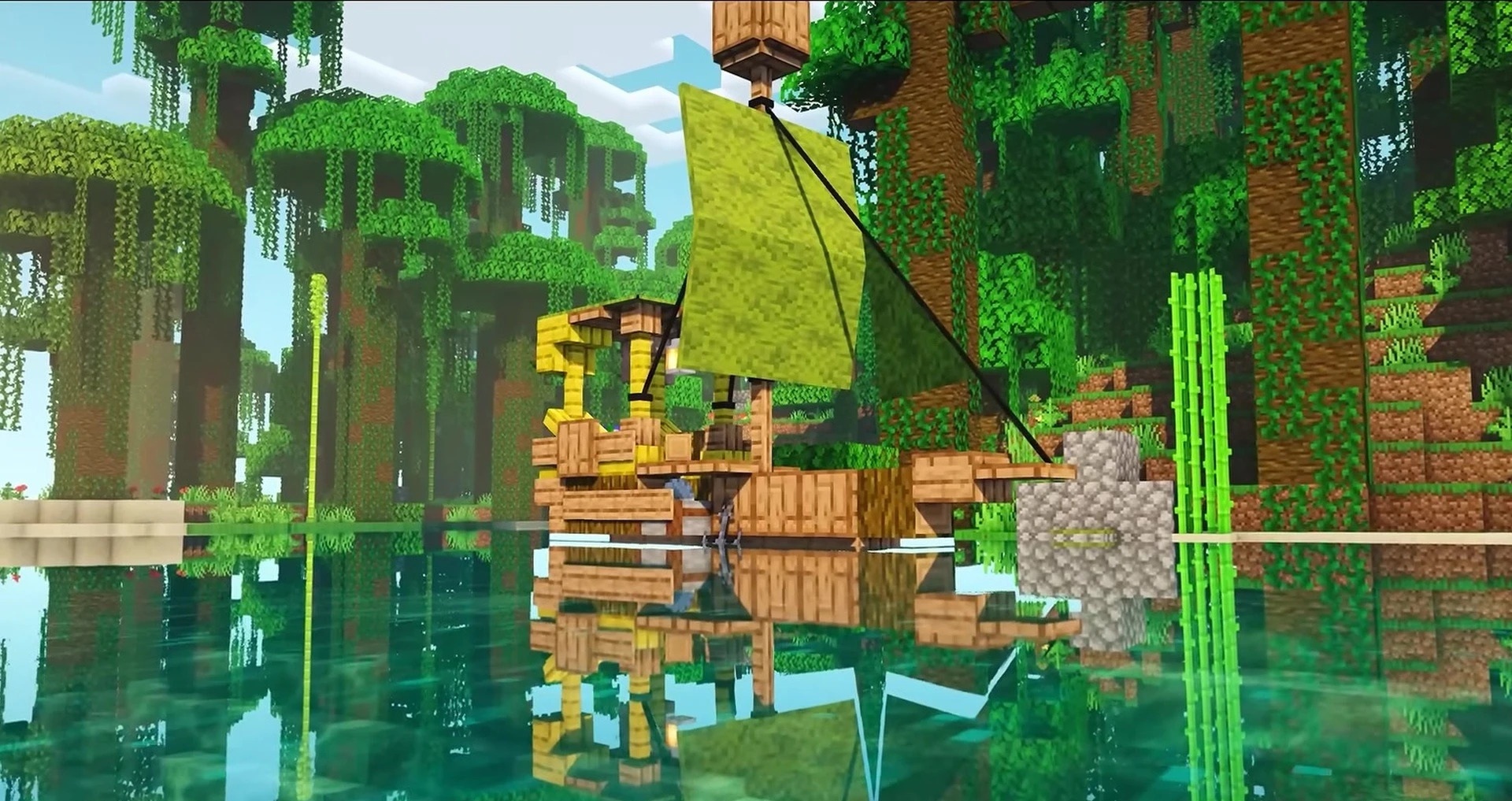
Polytone, Entity Texture Features, and Entity Model Features are required for full functionality, since some of the visual effects and models depend on these components. The pack also supports the appearance of content from popular mods so that additional elements do not stand out from the overall palette.
How to install the texture pack:
First step: download and install Stupendous Visuals
Second step: copy the texture pack to the C:\Users\USER_NAME\AppData\Roaming\.minecraft\resourcepacks
Third step: in game settings choose needed resource pack.
Comments (0)