



Tiny PVP Swords and Tools for Minecraft 26.3
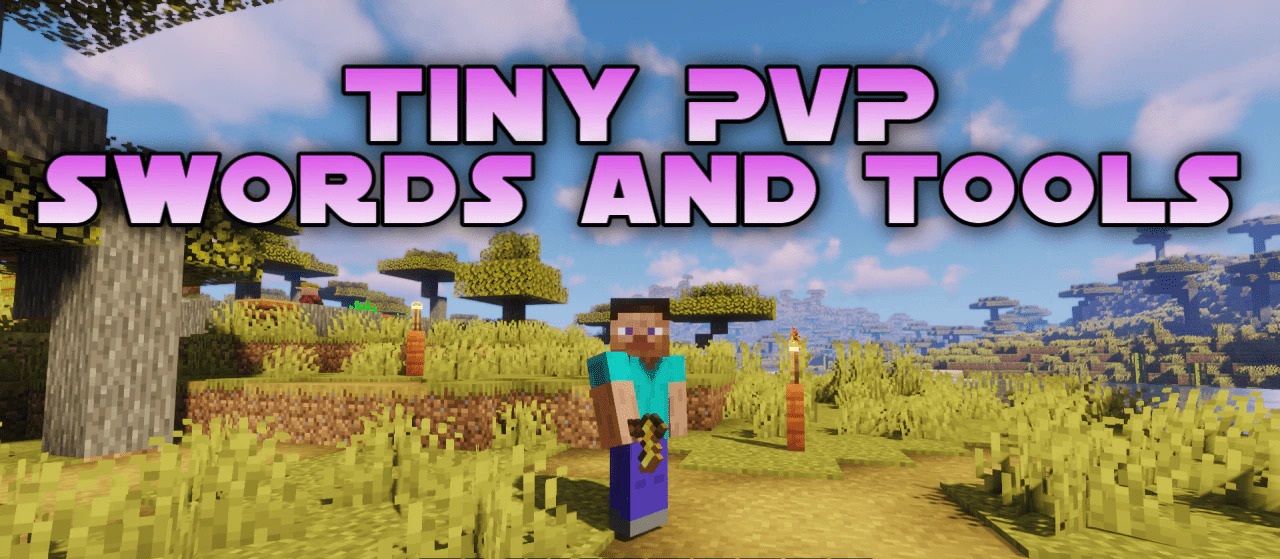
Weapons occupy a minimal portion of the screen in Tiny PVP Swords and Tools. All swords are reduced to compact images measuring approximately 5×5 pixels, while tools are reduced to 4×4 pixels, so held items obstruct significantly less space. This change is especially noticeable in melee combat, where a standard sword can hide part of an opponent or surrounding blocks.
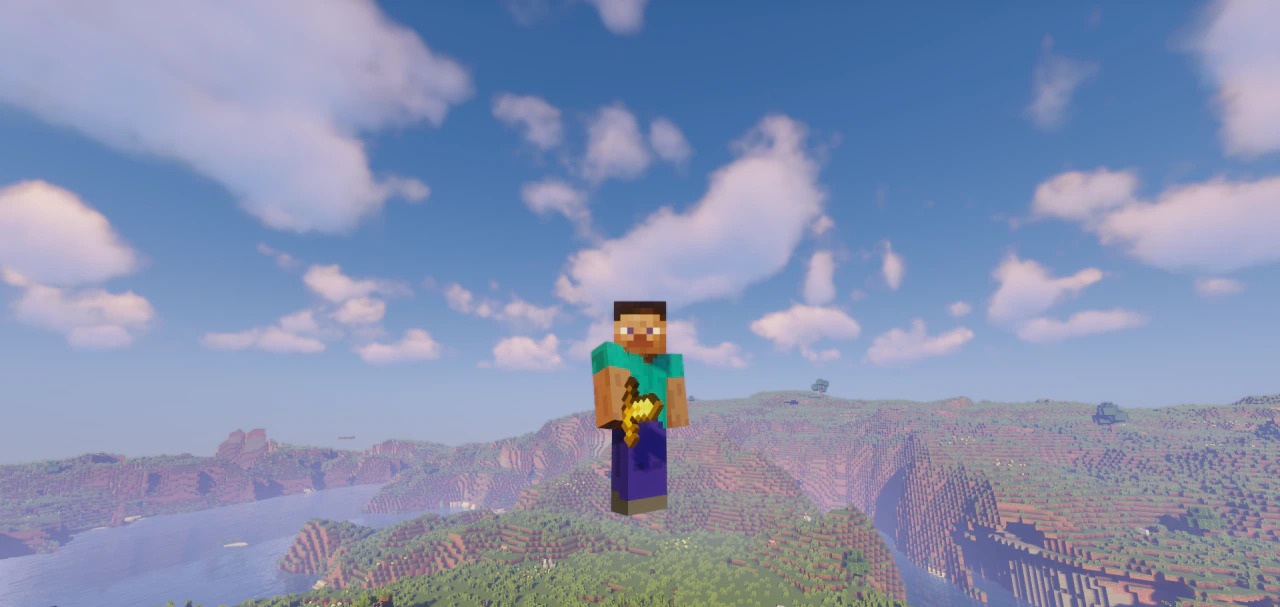
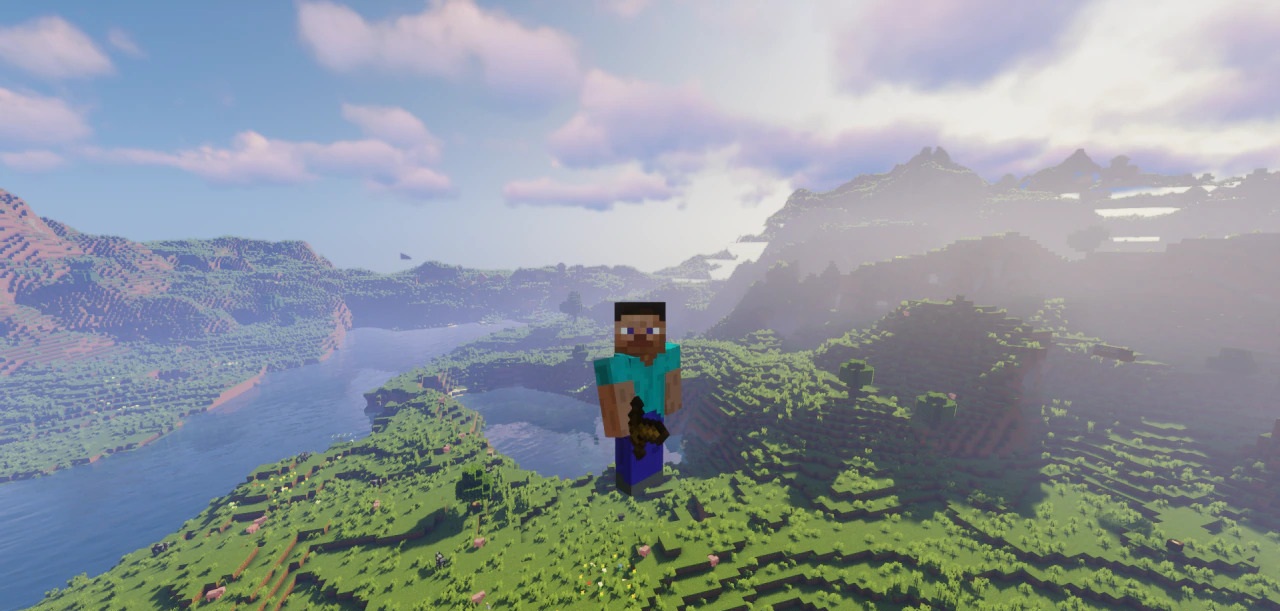
The pack does not add complex models, new effects, or reworked world textures — its purpose is limited to reducing the size of equipment for a clearer view. Small tools remain recognizable thanks to their original color palette and shape, but they look considerably simpler.
How to install the texture pack:
First step: download and install Tiny PVP Swords and Tools
Second step: copy the texture pack to the C:\Users\USER_NAME\AppData\Roaming\.minecraft\resourcepacks
Third step: in game settings choose needed resource pack.
Comments (0)