



Trailers Vision for Minecraft 26.3
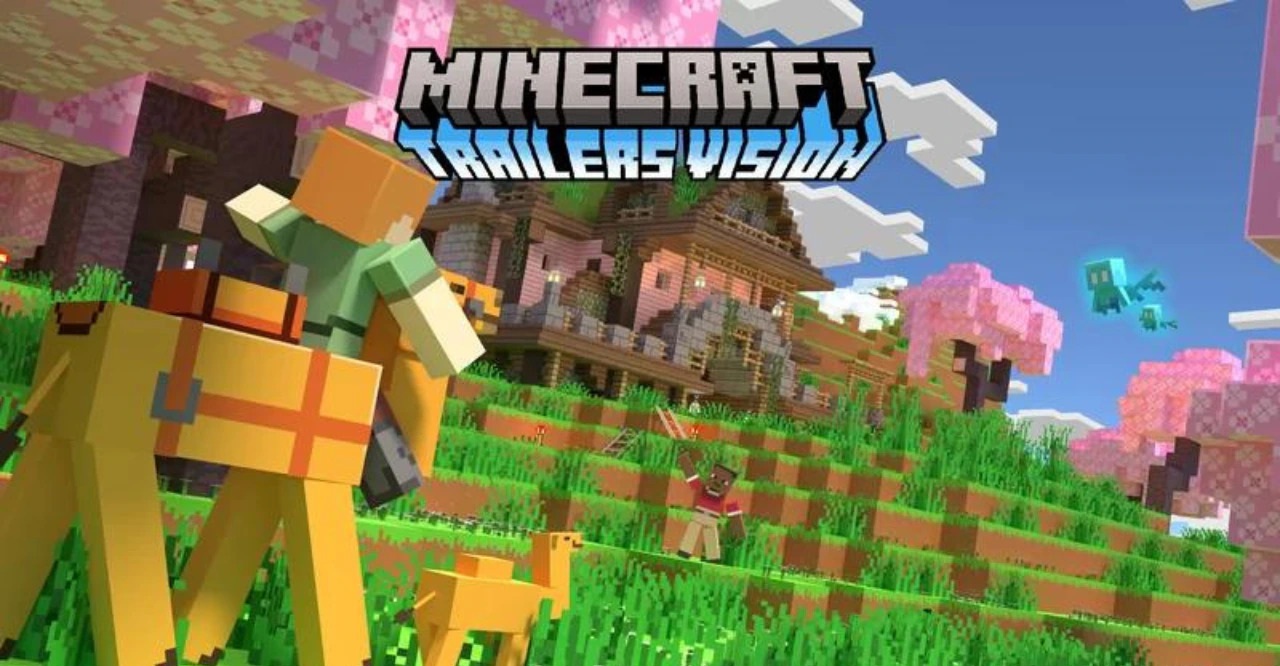
Trailers Vision brings the visual presentation familiar from the game's official trailers into regular Minecraft. The resource pack reworks the environment so that blocks, landscapes, and buildings look closer to Mojang's promotional videos, with their clean, expressive, and slightly cinematic graphics.
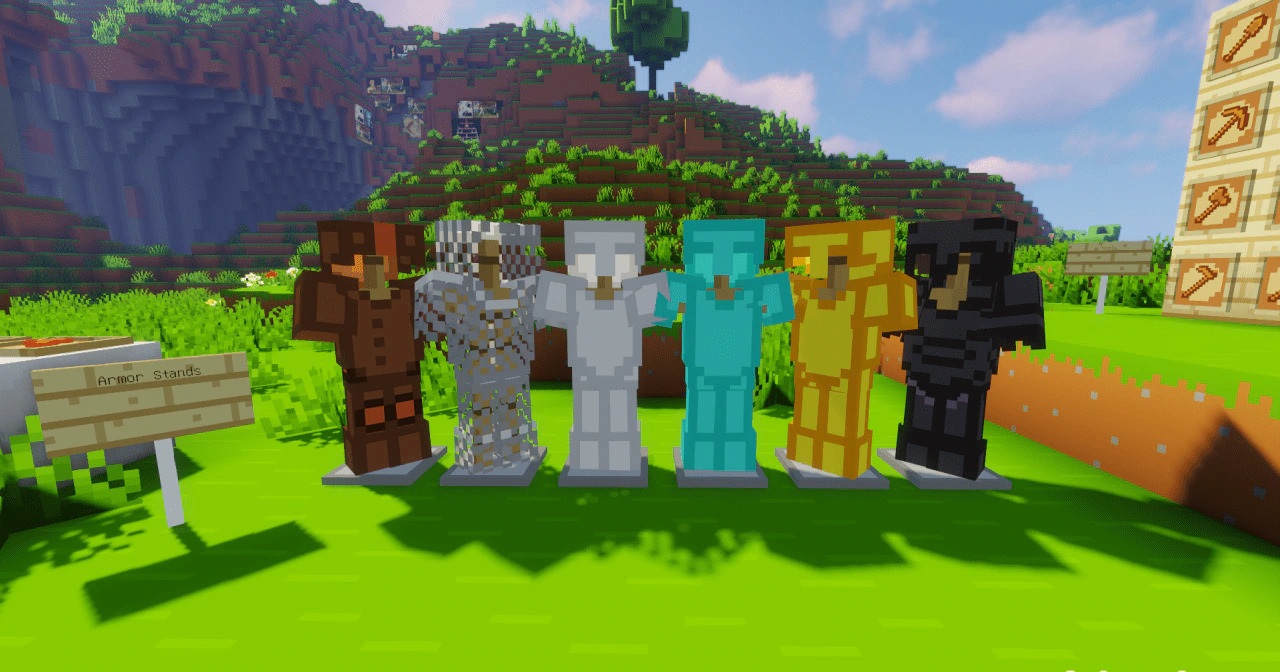
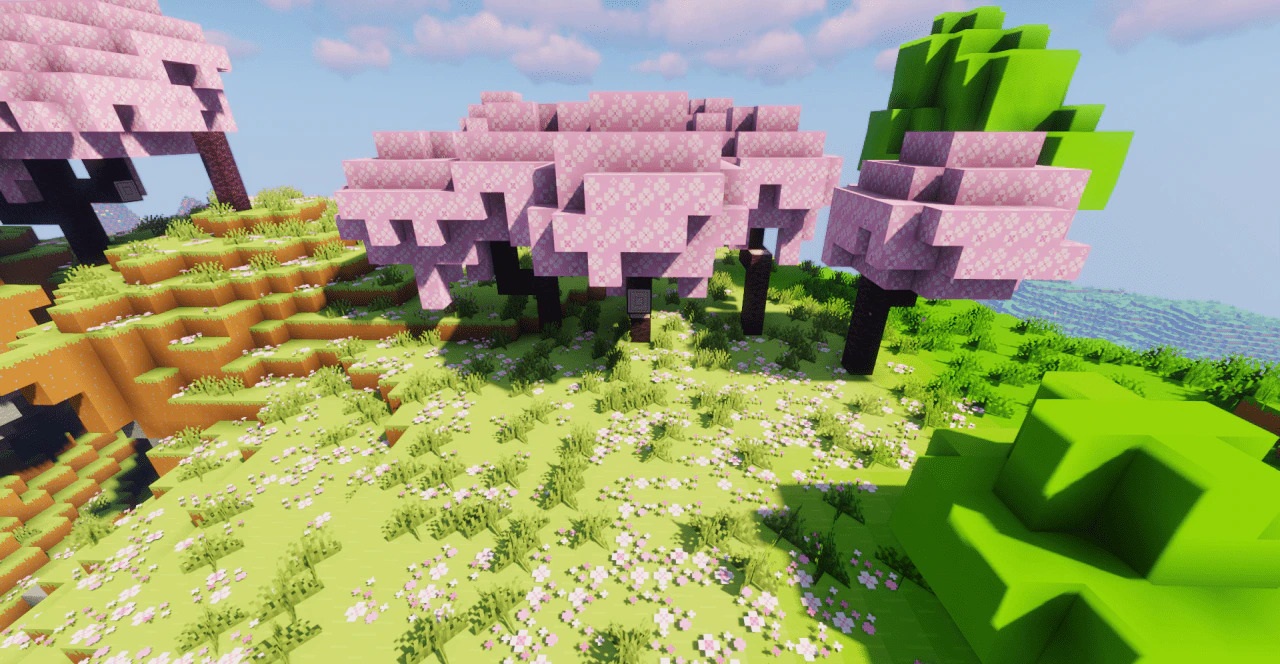
The main focus is not on photorealism but on a more cohesive and stylized version of the familiar world. Exploring biomes and viewing builds feels different thanks to the overall artistic direction, while the block-based structure and recognizable materials remain intact.
How to install the texture pack:
First step: download and install Trailers Vision
Second step: copy the texture pack to the C:\Users\USER_NAME\AppData\Roaming\.minecraft\resourcepacks
Third step: in game settings choose needed resource pack.
Comments (0)