



True Doors for Minecraft 26.3
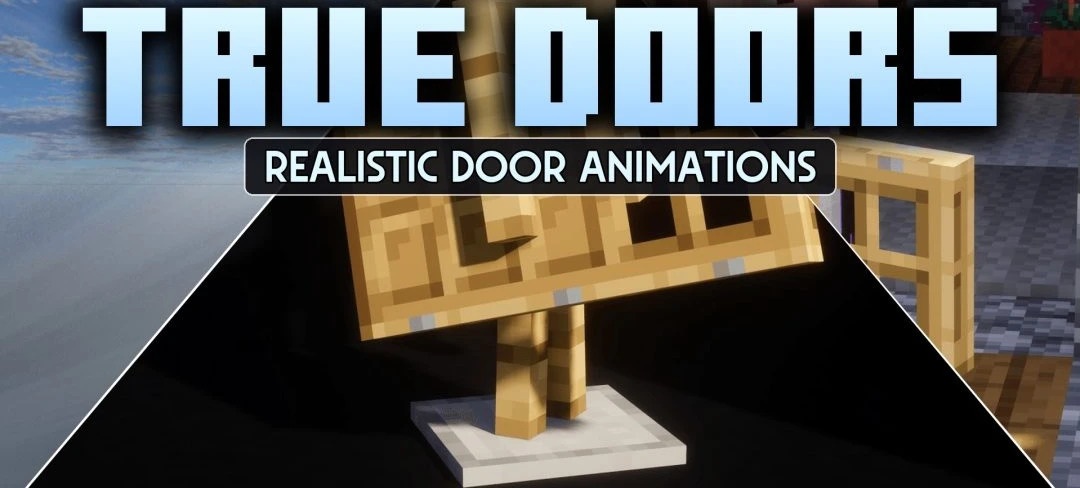
The door item no longer looks like a flat icon after installing True Doors. The pack creates fully three-dimensional models for different types of doors, which are displayed in the character's hands and when the item is dropped on the ground. Unlike the standard version, where the sides look like stretched parts of the main texture, the top, bottom, and edges have their own properly designed surfaces.
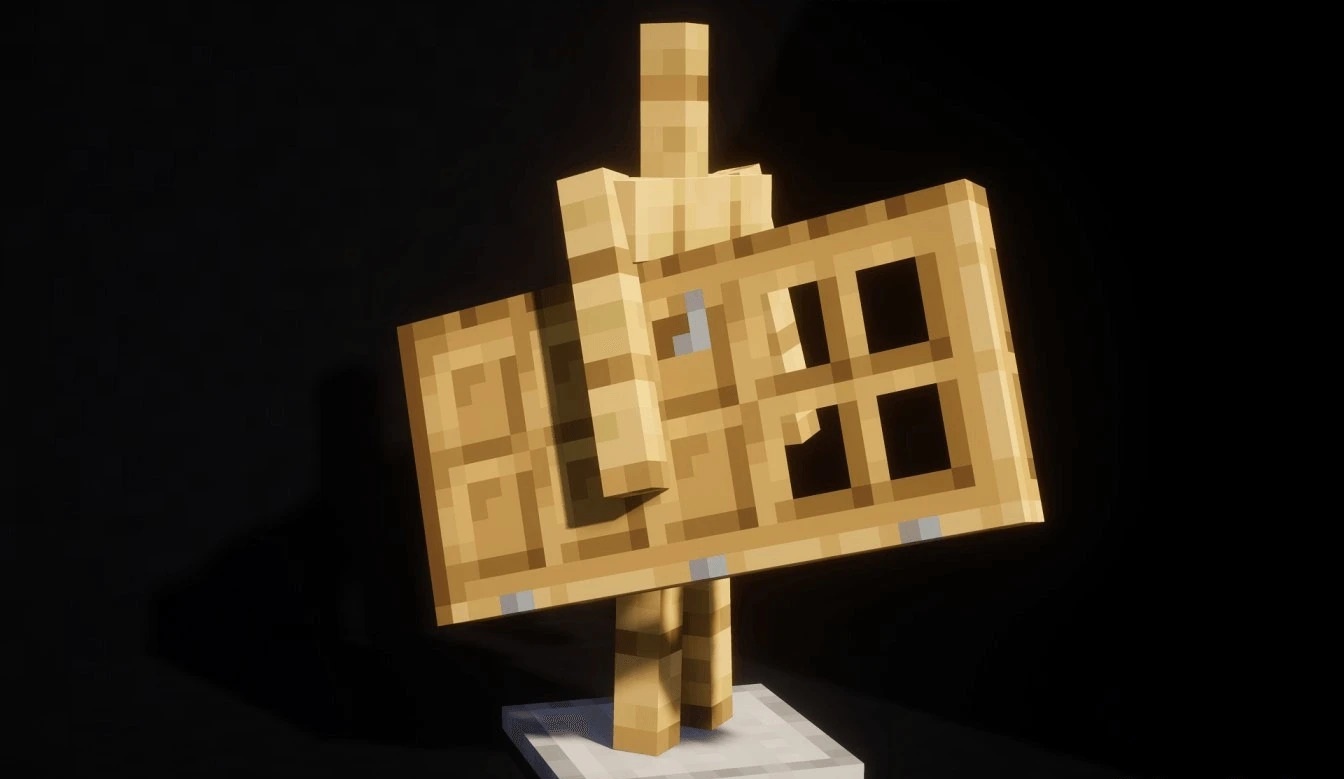
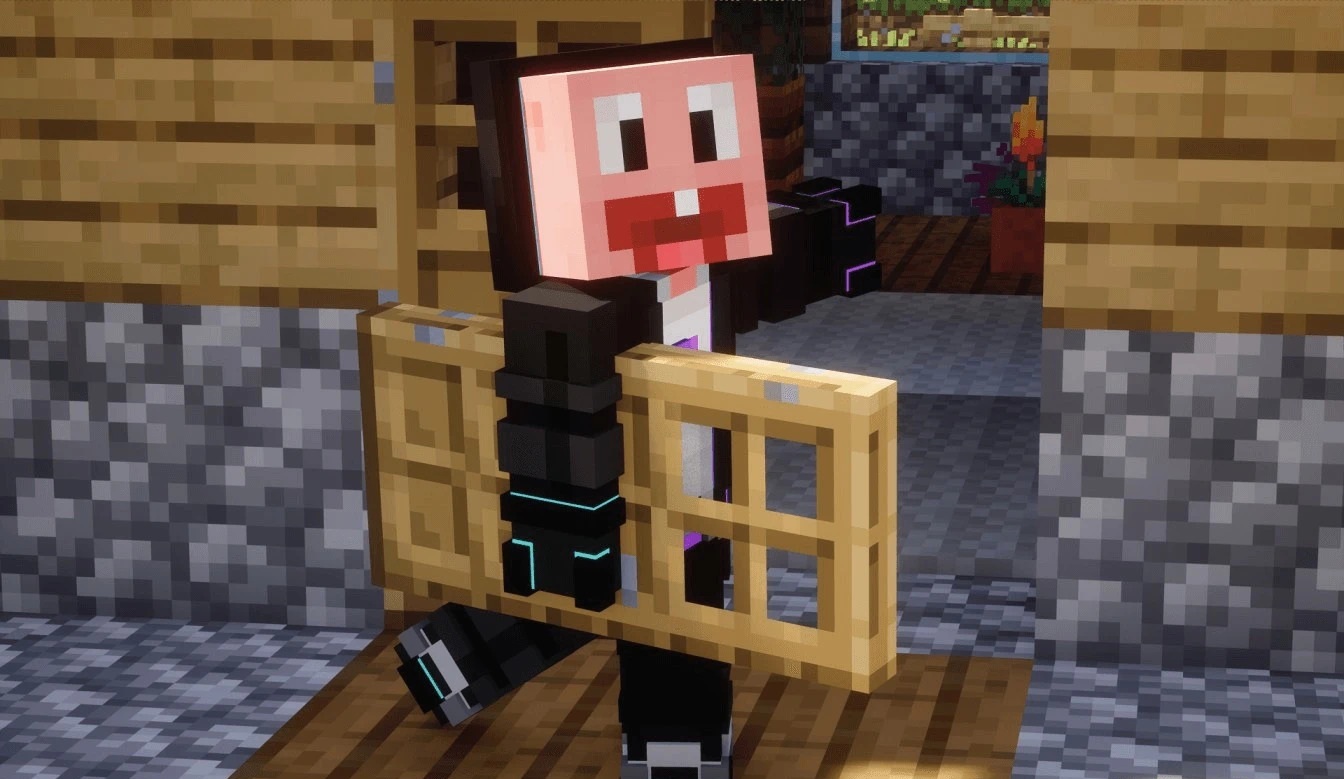
The change is clearly visible in third-person view, when the character actually holds a three-dimensional door rather than a thin image. In addition to the models, the pack's main icon in the menu has been updated. Red error or incompatibility messages that could appear in the resource pack list have also been removed.
How to install the texture pack:
First step: download and install True Doors
Second step: copy the texture pack to the C:\Users\USER_NAME\AppData\Roaming\.minecraft\resourcepacks
Third step: in game settings choose needed resource pack.
Comments (0)