



Truly Purple for Minecraft 26.3
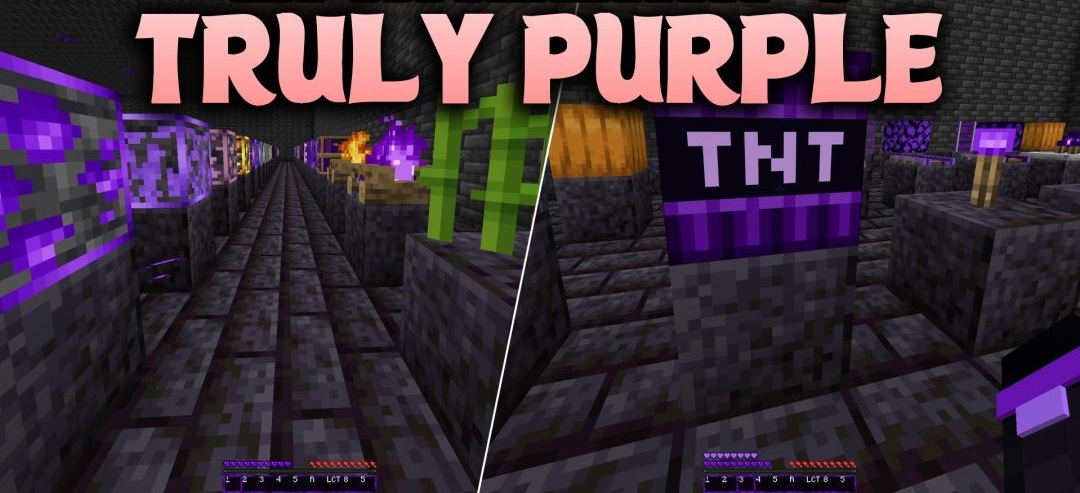
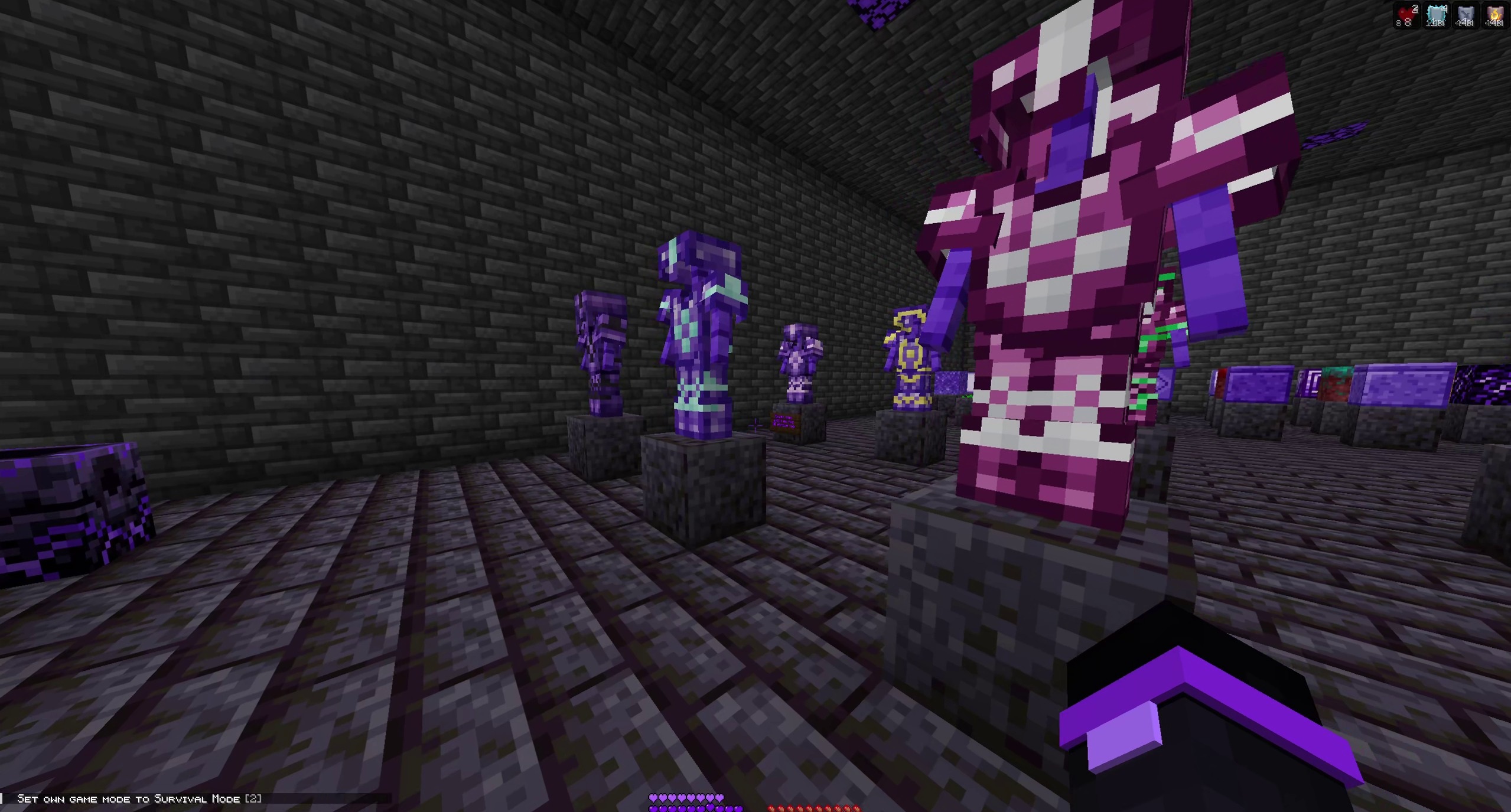
Purple armour, new weapon textures and a less obstructed view during combat — all of this is brought together in Truly Purple. Most of the design uses dark purple shades. Tools, diamonds, netherite equipment, health hearts, the experience bar and the hotbar have been recoloured.
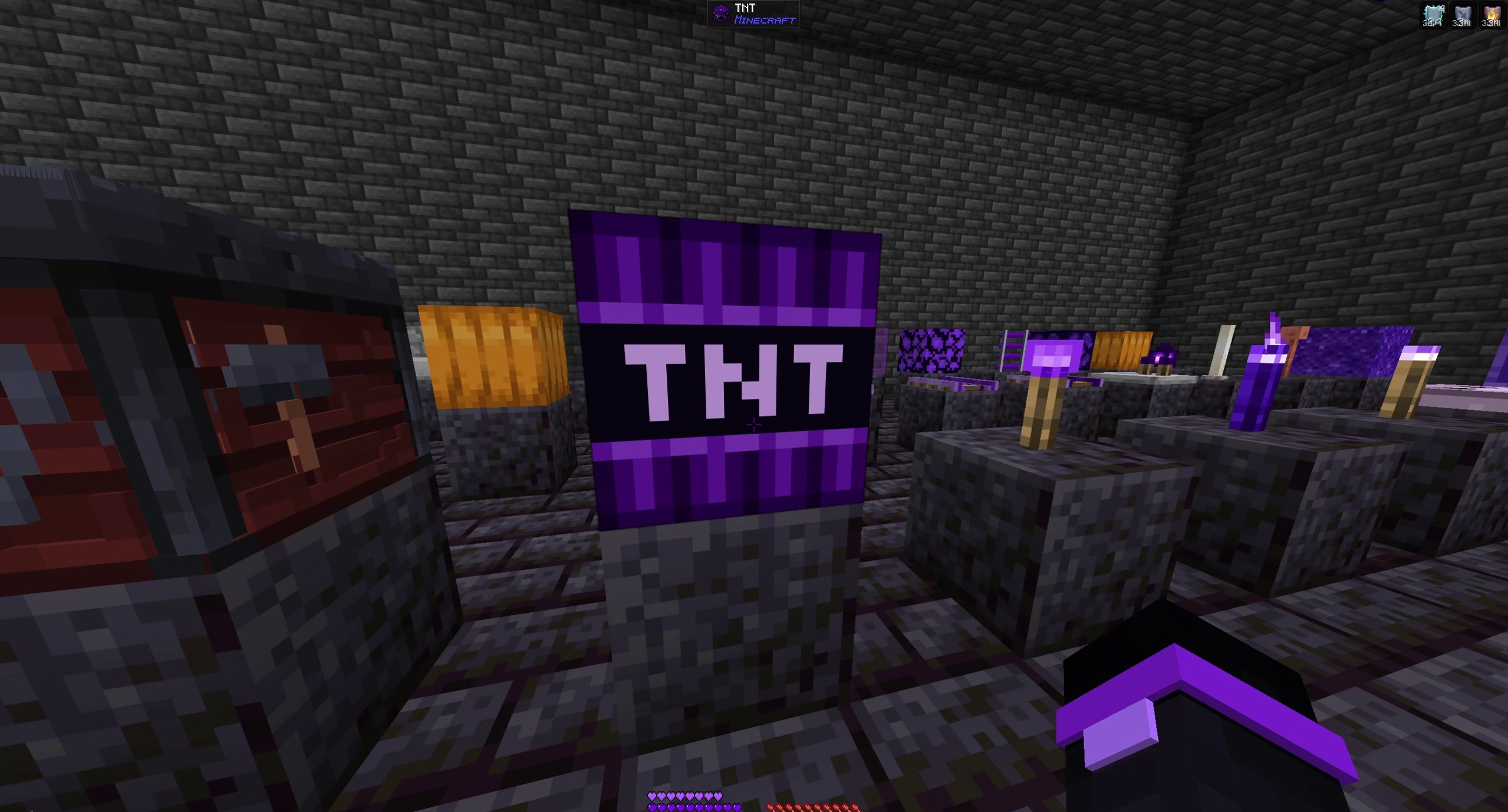
But the pack is not just for fans of a particular colour scheme. It includes several useful visual changes for PvP: fire appears lower on the screen, items held in the hands are smaller, and a short animation plays when a totem is used. Smoke from explosions has been removed, water is more transparent, and rain and snow no longer obstruct the view as much.
How to install the texture pack:
First step: Download the texture pack using the link below.
Second step: Extract the downloaded archive and copy the Truly Purple folder to c:\Users\Пользователь\AppData\Roaming\.minecraft\resourcepacks\ (if this folder does not exist, create it yourself)(For Windows)
Third step: In the game, go to Settings, then Resource Packs. In the list on the left, click the icon for the newly added texture pack.
Comments (0)