



Trusty Tools for Minecraft 26.3
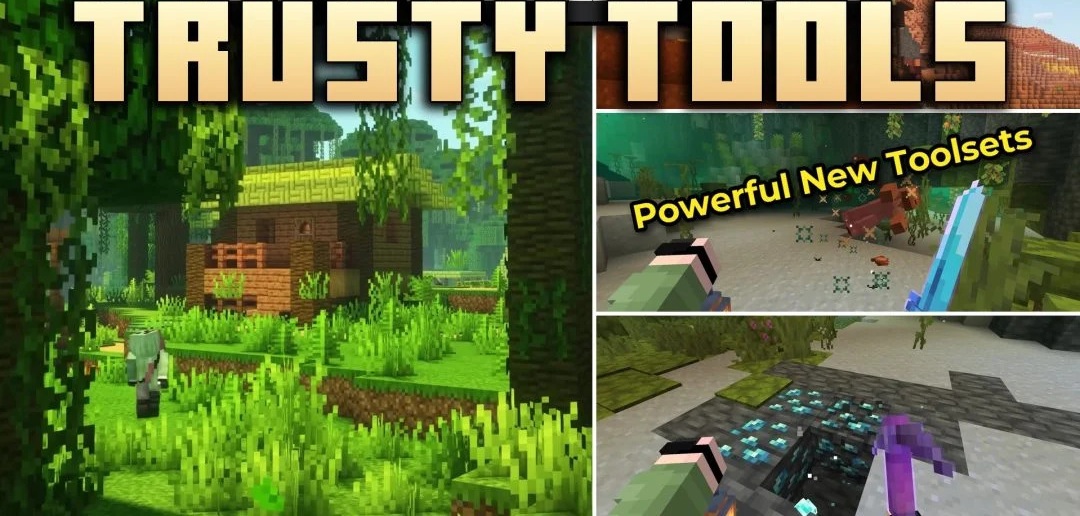
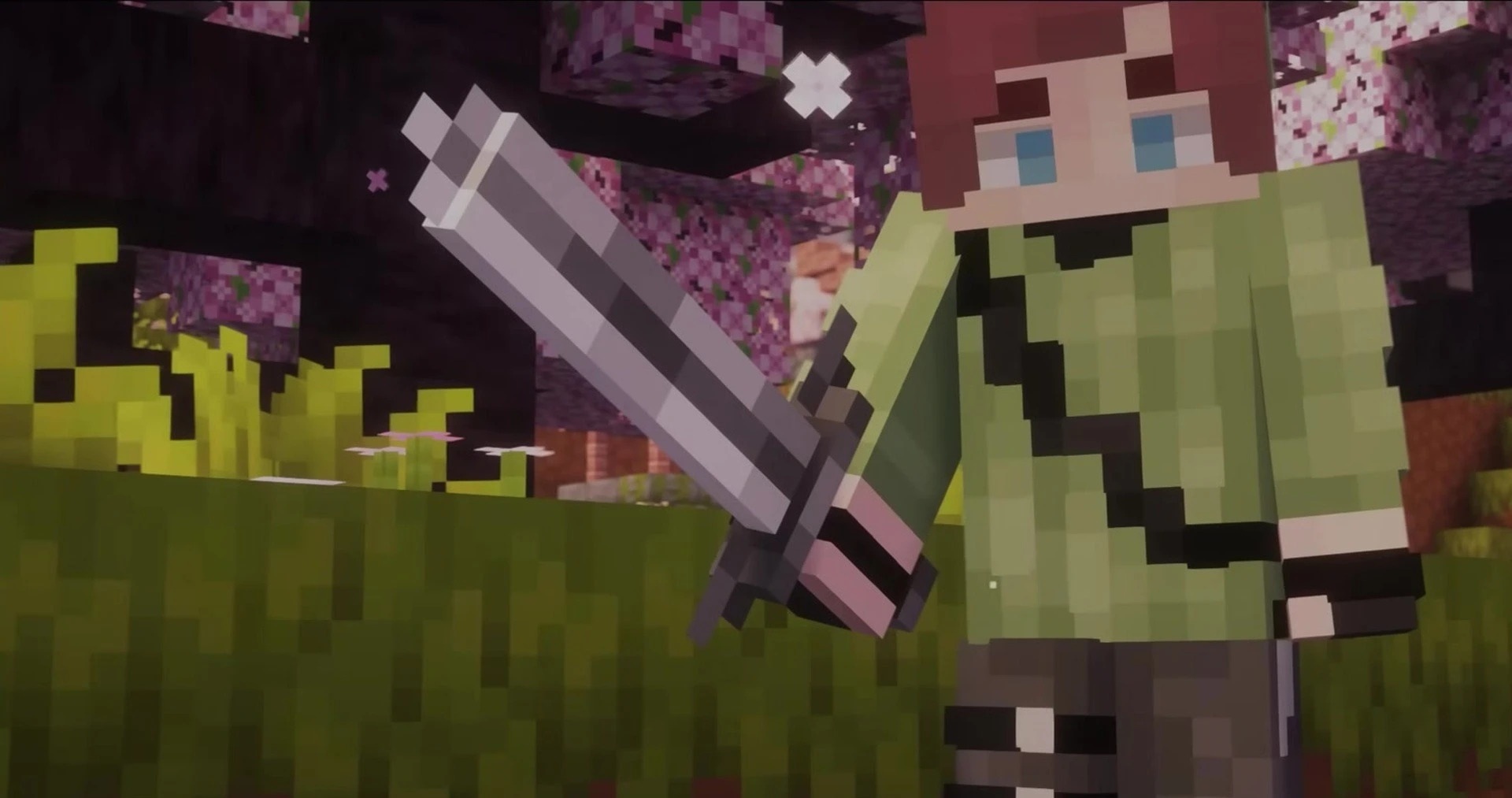
There's quite a difference between holding a chunky 3D tool and looking at the flat sprites Minecraft normally uses. Trusty Tools is built around that change. Swords, pickaxes, axes, shovels and hoes have been given thicker, more substantial models. The bow, crossbow, mace, shield and arrows have had attention too, along with several other handheld items.
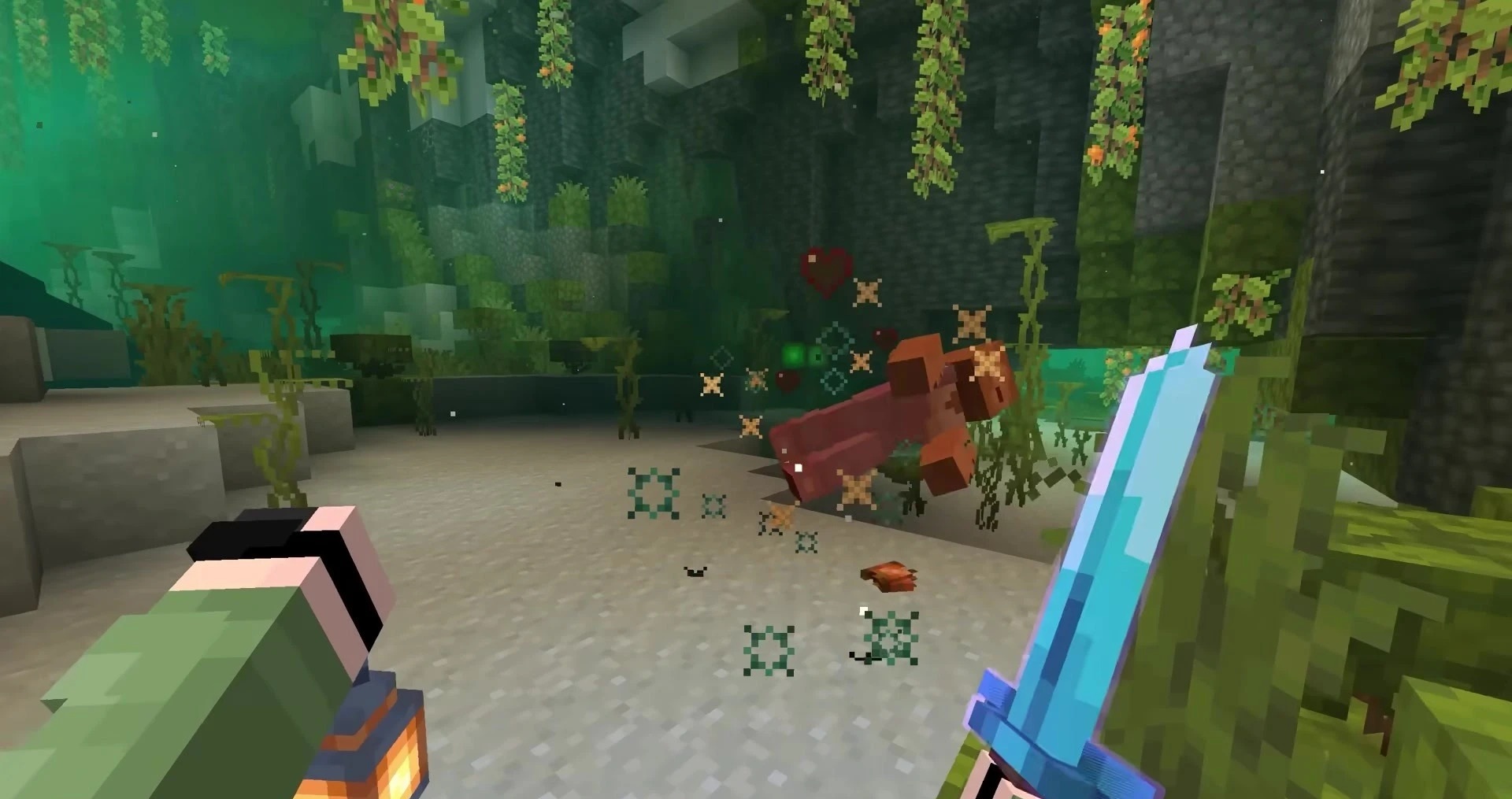
It isn't just the equipment you see in the world that's different. The inventory icons have been adapted to suit the new designs, so everything looks consistent when you open a menu. For all that extra depth, the tools still have their familiar shapes and vanilla colors.
How to install the texture pack:
First step: download and install Trusty Tools
Second step: copy the texture pack to the C:\Users\USER_NAME\AppData\Roaming\.minecraft\resourcepacks
Third step: in game settings choose needed resource pack.
Comments (0)