



Visual Effects+ for Minecraft 26.3
Visual Effects+ puts a few more signs of life into the natural parts of the world, using particles and atmospheric effects. Out in the desert you might find yourself in a sandstorm. Hang around until dusk in the right biome and you could spot a little cluster of glowing fireflies. There are butterflies as well.
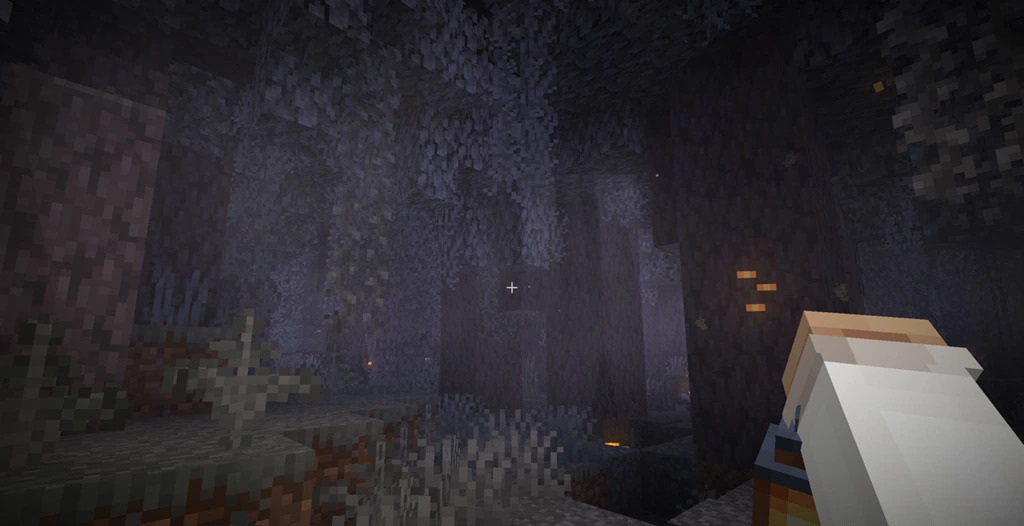
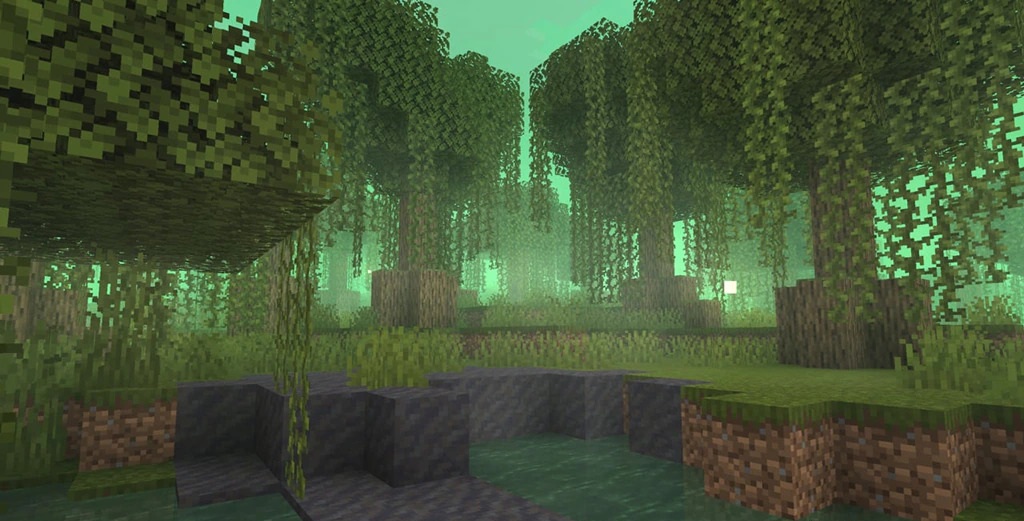
Even the color of the fog varies with the terrain, so the atmosphere changes a little as you walk from one biome into another. The pack includes several kinds of storms, and the artist's work isn't confined to the surface of the Overworld. Both lush caves and the End have effects of their own. If you're the sort of player who likes traveling long distances on foot, you'll start picking up on little details in places you already know.
How to install the texture pack:
First step: download and install Visual Effects+
Second step: copy the texture pack to the C:\Users\USER_NAME\AppData\Roaming\.minecraft\resourcepacks
Third step: in game settings choose needed resource pack.
Comments (0)