



Voxel Craft Textures for Minecraft 26.3
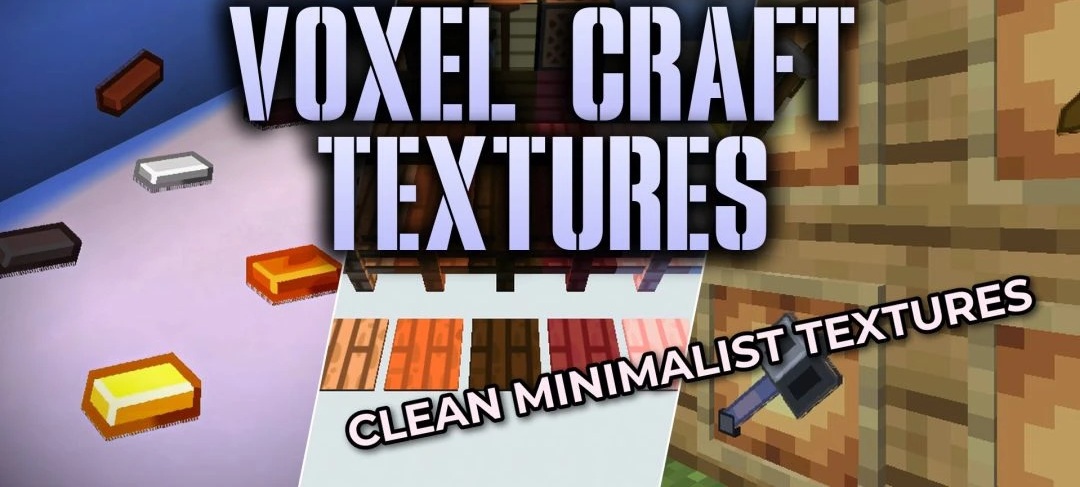
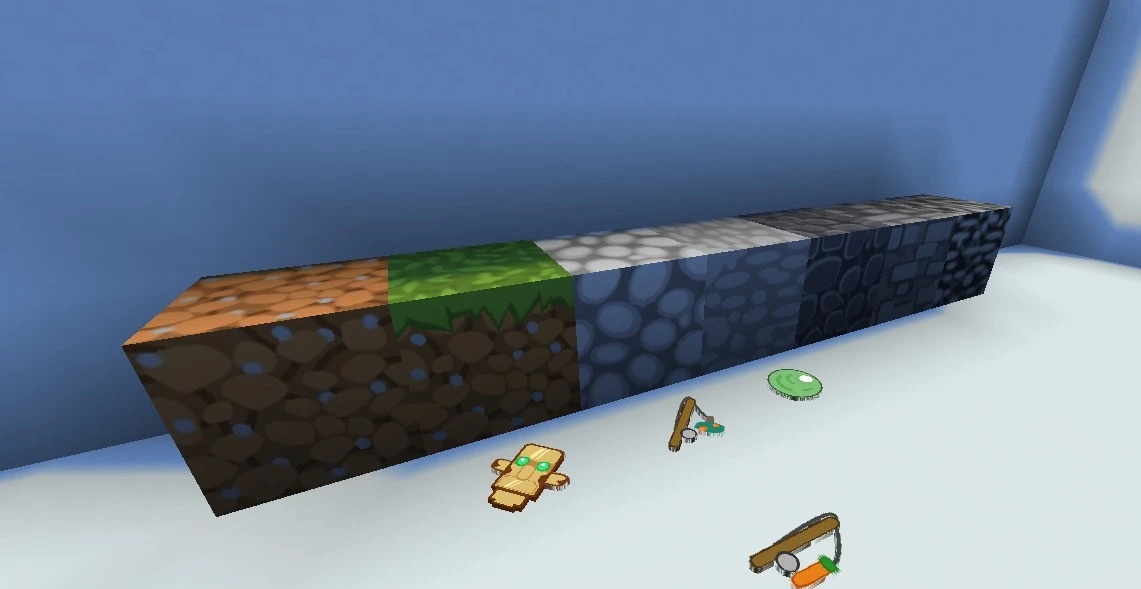
A resolution of 128x is combined with simple geometry and flat colors in Voxel Craft Textures. Instead of making every surface more complex with small details, the pack makes blocks cleaner and sharper while preserving a minimalist direction reminiscent of Bare Bones. Its custom design extends across almost the entire world: blocks, items, mobs, weapons, and tools are changed.
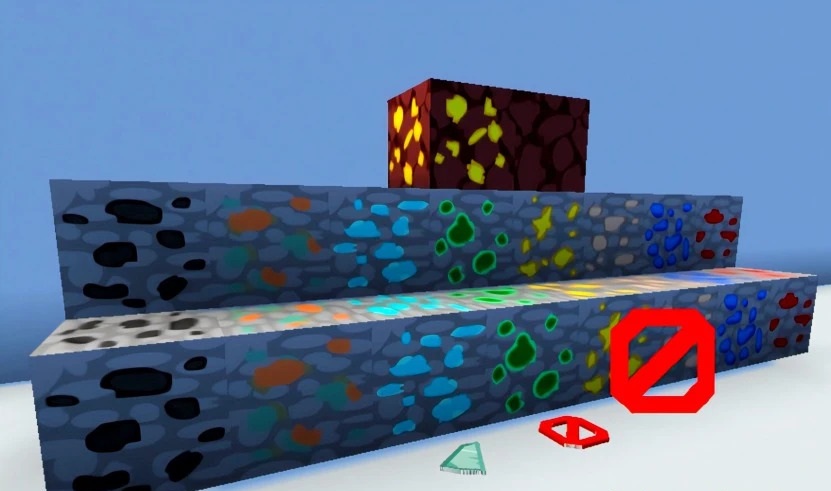
The increased resolution makes the edges of elements smoother, while equipment receives more pronounced shapes and is easier to distinguish from other inventory items. Despite its overall simplicity, the pack does not directly copy Bare Bones and uses its own details and surface designs.
How to install the texture pack:
First step: download and install Voxel Craft Textures
Second step: copy the texture pack to the C:\Users\USER_NAME\AppData\Roaming\.minecraft\resourcepacks
Third step: in game settings choose needed resource pack.
Comments (0)