



Voxel Craft Textures for Minecraft 26.3
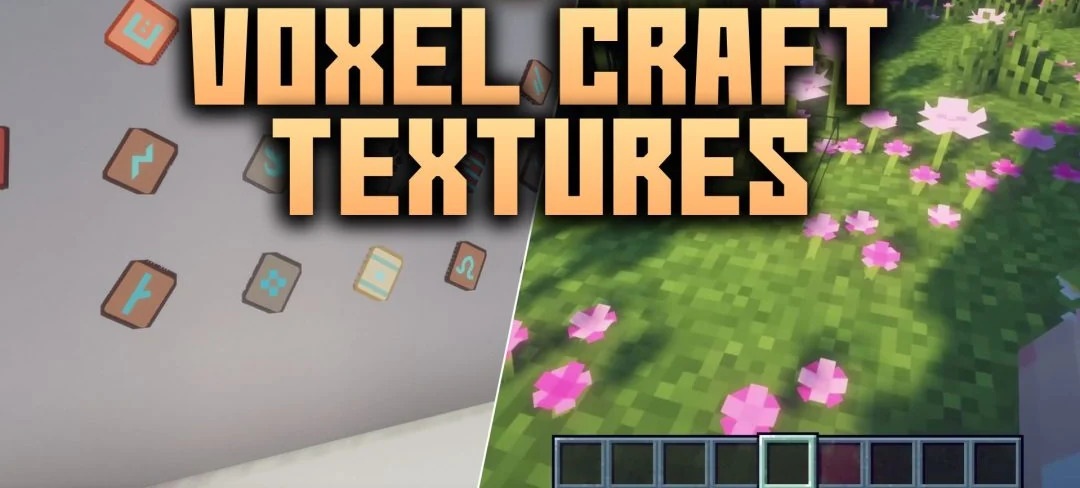
Standard Minecraft textures have a resolution of 16x, while Voxel Craft Textures increases this to 128x. The difference is particularly noticeable on blocks and items, where more fine detail is visible. The author, N00bGuy94, has created his own designs not only for building materials but also for mobs, so the changes can be seen almost everywhere.
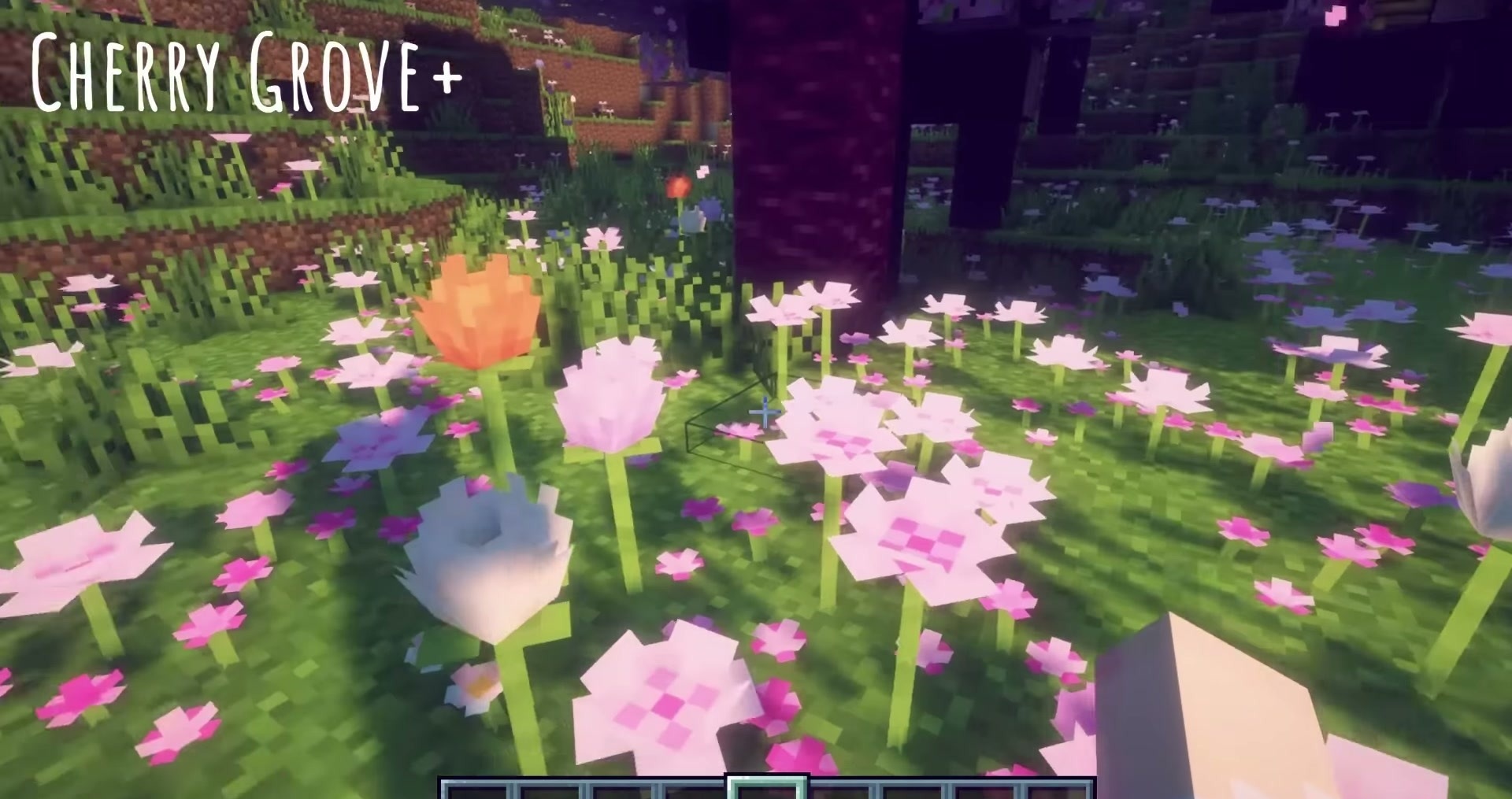
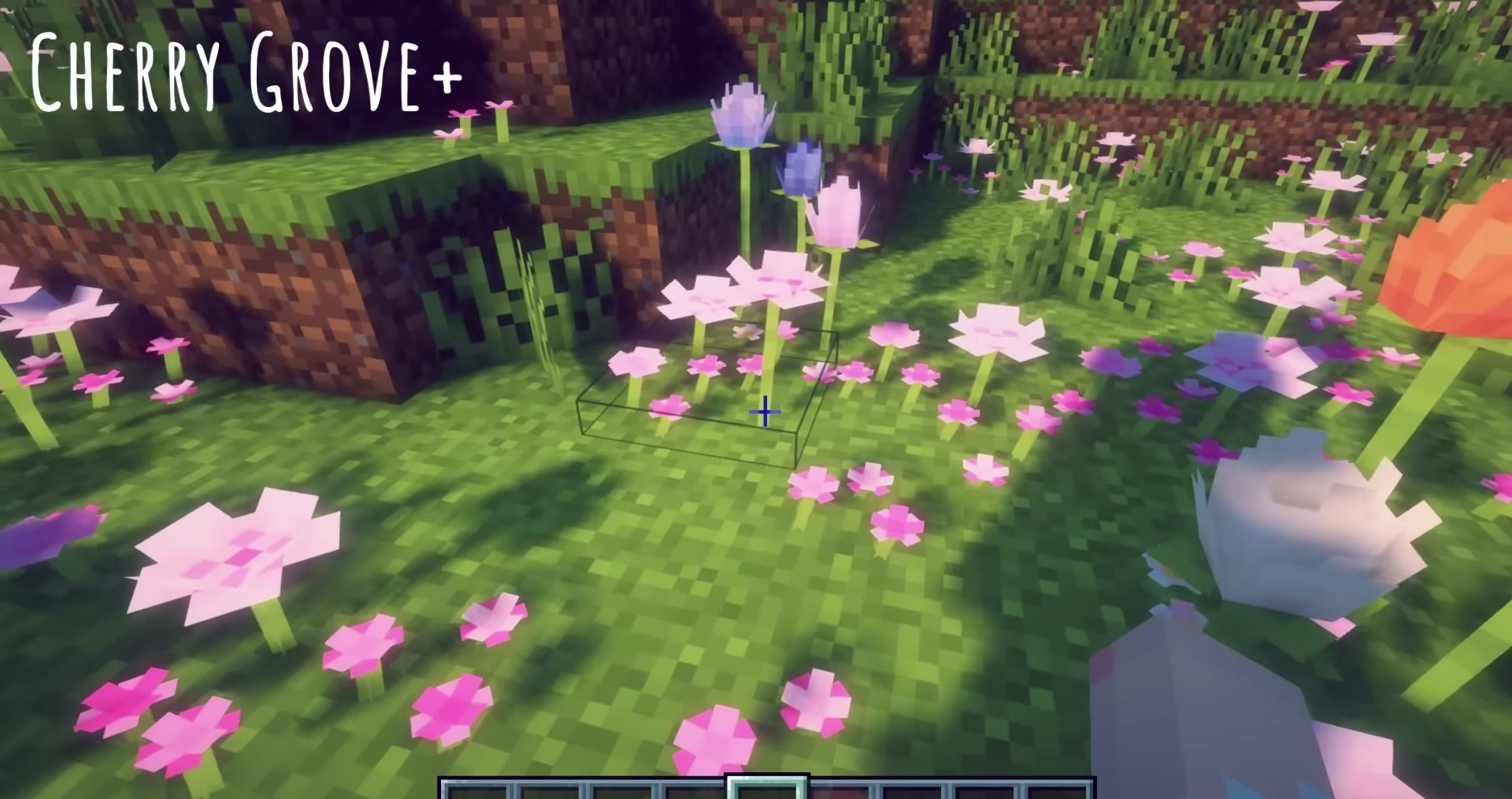
While exploring the world, you can examine the updated surfaces, and when you encounter creatures, you can check out their new textures. However, the resource pack does not affect the game mechanics. All items retain their functions, blocks are used in the usual recipes, and mob behaviour remains unchanged.
How to install the texture pack:
Step one: Download the texture pack using the link below.
Step two: Extract the downloaded archive and copy the Voxel Craft Textures folder to c:\Users\Пользователь\AppData\Roaming\.minecraft\resourcepacks\ (if this folder does not exist, create it yourself) (For Windows)
Step three: In the game, go to Settings, then Resource Packs. Click the icon for the new texture pack in the left-hand list.
Comments (0)