



Witch Girl for Minecraft 26.3
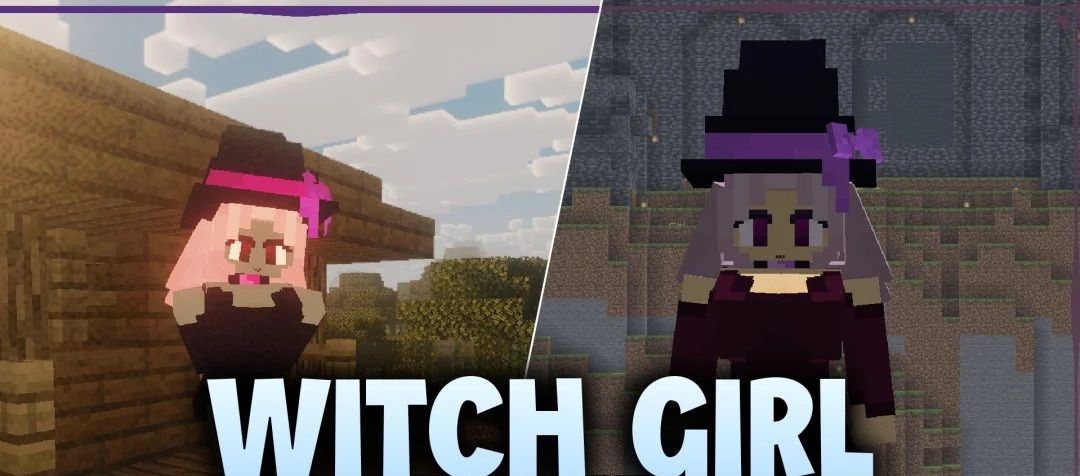
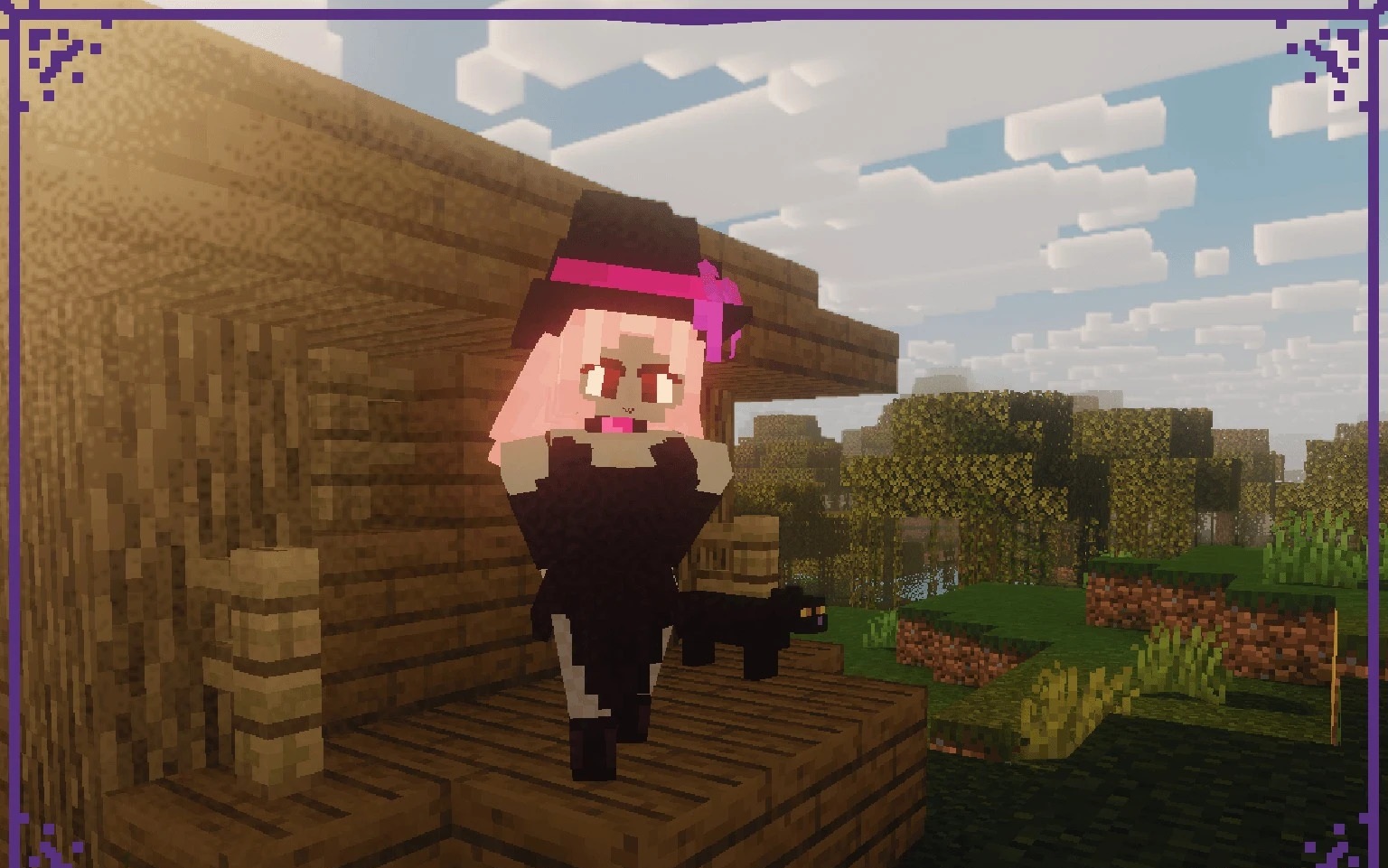
The witch has a recognisable appearance in the game: a long nose, a large hat and the familiar villager model. Witch Girl replaces her with a completely different character — a girl with her own 3D model and redesigned textures. Her body proportions and individual details of her appearance have changed, while the design is dominated by dark shades in keeping with the witchcraft theme.
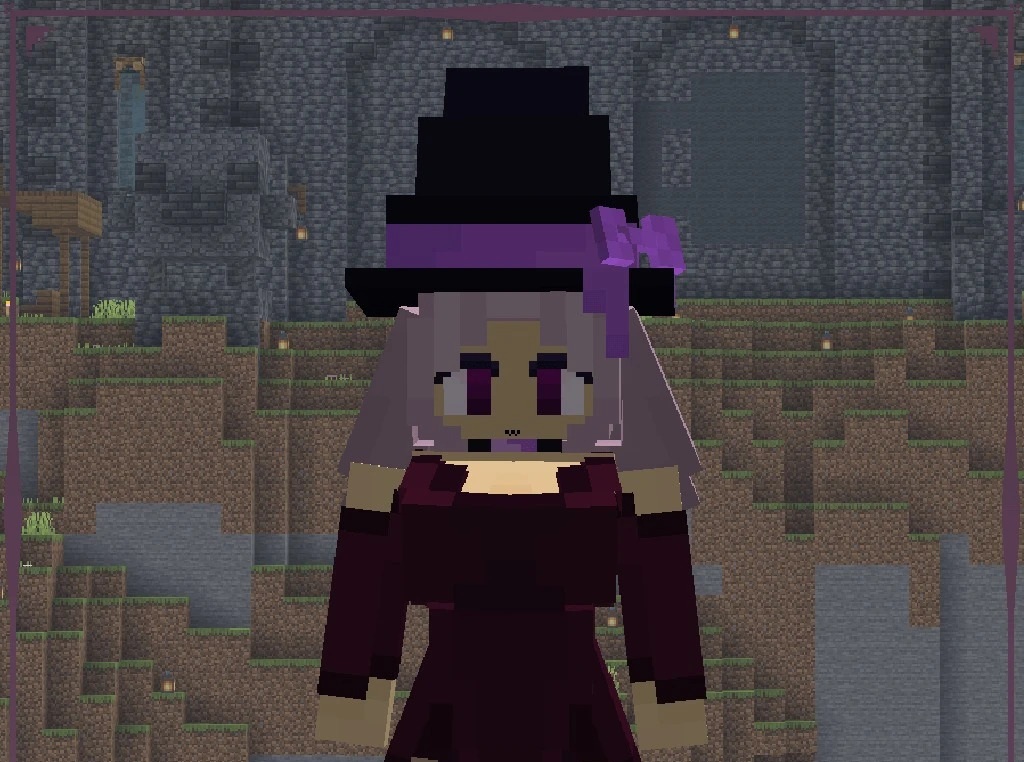
Despite her new form, the character retains Minecraft’s blocky style and does not look overly realistic. You can encounter this witch in the usual places, including while travelling and during village raids. The pack itself is small and contains two entity textures.
How to install the texture pack:
Step 1: Download the texture pack using the link below.
Step 2: Extract the downloaded archive and copy the folder Witch Girl to c:\Users\Пользователь\AppData\Roaming\.minecraft\resourcepacks\ (if this folder does not exist, create it yourself) (For Windows)
Step 3: In the game, go to Settings, then Resource Packs. In the list on the left, click the icon for the newly added texture pack.
Comments (0)