



Wolfhound Classic Medieval for Minecraft 26.3
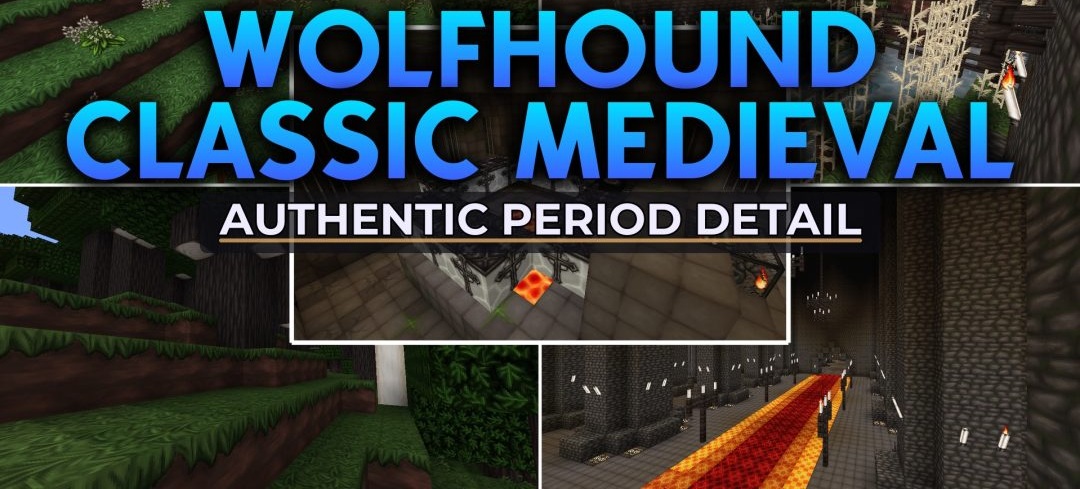
Wolfhound Classic Medieval draws its inspiration from Europe in the twelfth to fourteenth centuries. It favors the weight and worn character of medieval architecture over bright, fairy-tale colors. Stone looks heavier, the palette is darker and more restrained, and decorative patterns recall old illuminated manuscripts.
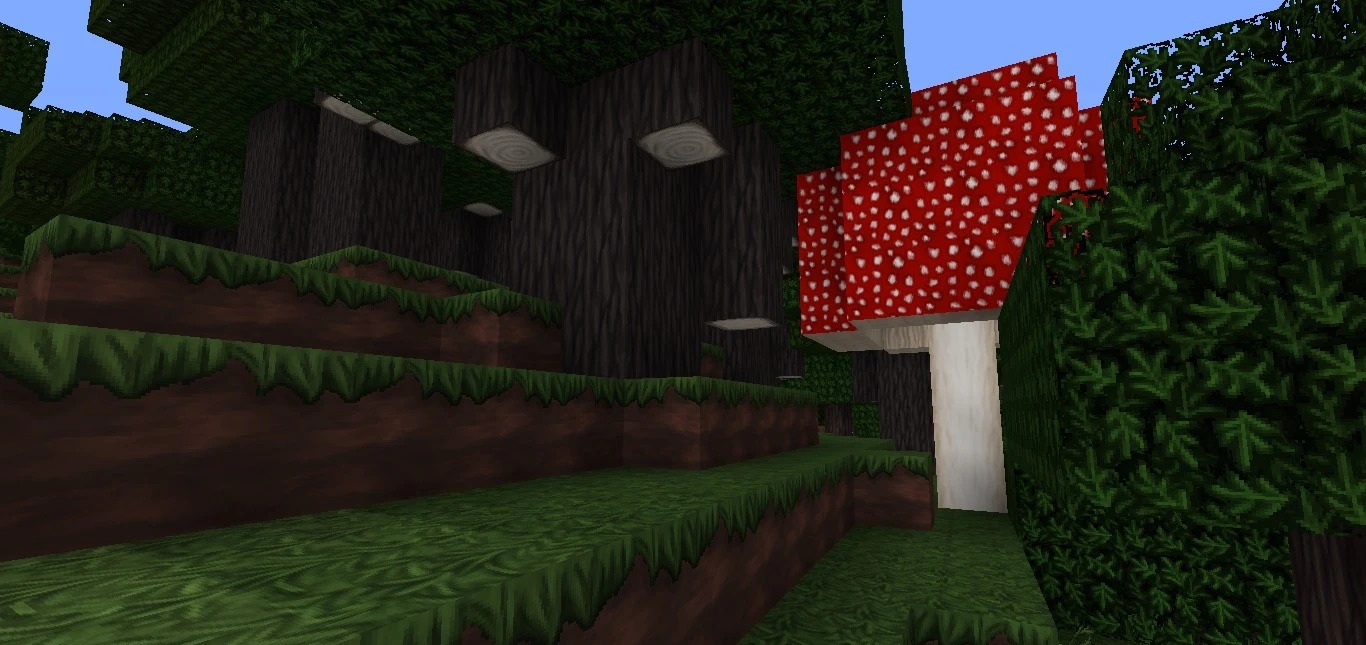
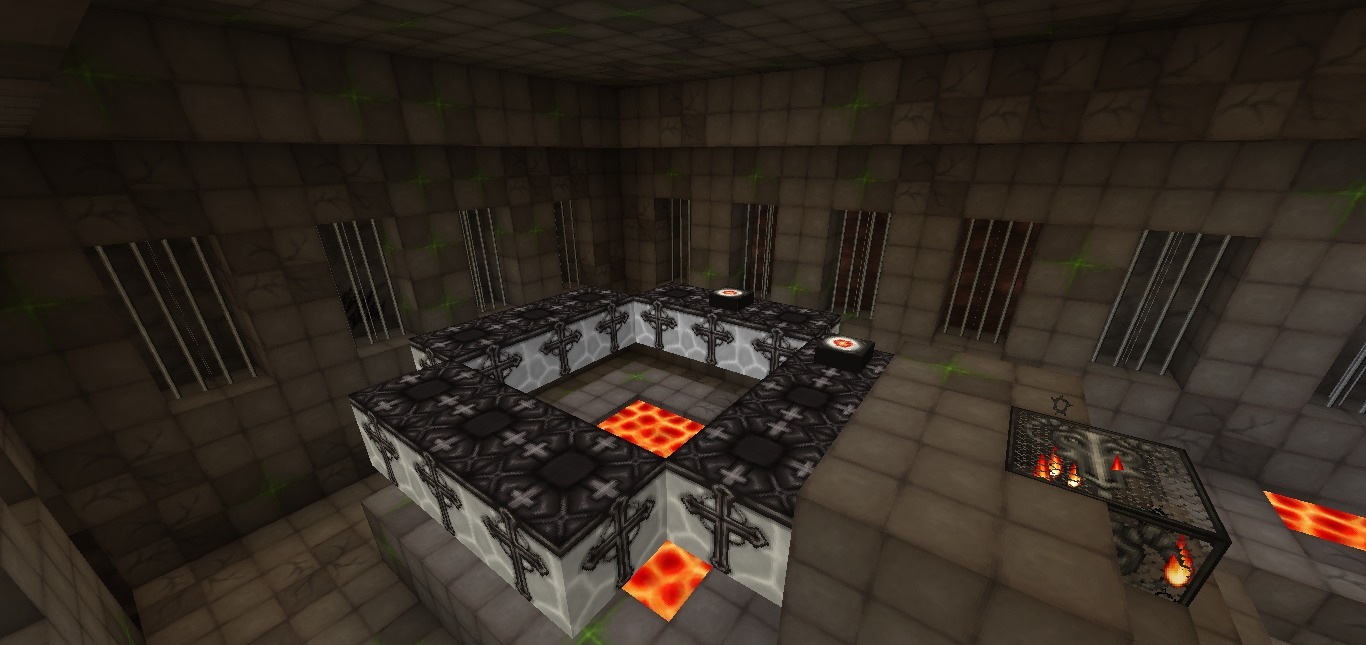
Castles, fortresses and buildings with thick walls are a natural fit for these textures. Carved stone lends detail to their architecture without requiring every wall to be built from a complicated arrangement of extra blocks. The style reaches beyond buildings, too: forests, flowers and other plants have been adjusted to match. Even the End portal has a gloomier appearance than its vanilla counterpart.
How to install the texture pack:
First step: download and install Wolfhound Classic Medieval
Second step: copy the texture pack to the C:\Users\USER_NAME\AppData\Roaming\.minecraft\resourcepacks
Third step: in game settings choose needed resource pack.
Comments (0)