



Bedrock Preview UI for Minecraft Pocket Edition 1.18
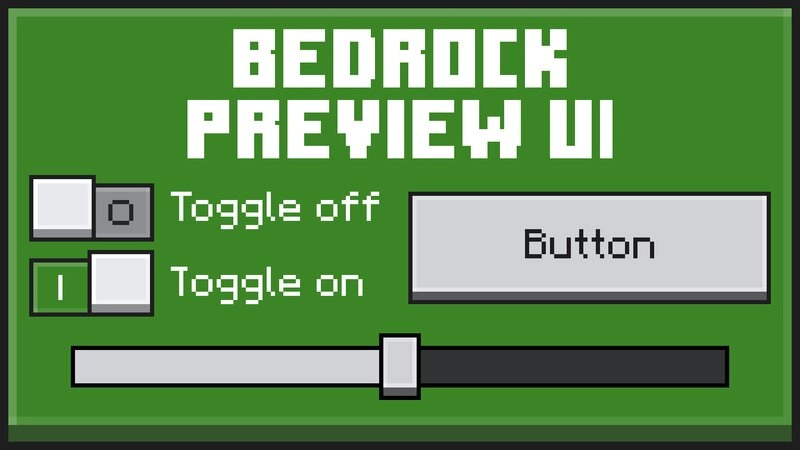 Bedrock Preview UI for Minecraft is a special add-on that invites you to embark on an exciting adventure and try to get a new user interface to use.
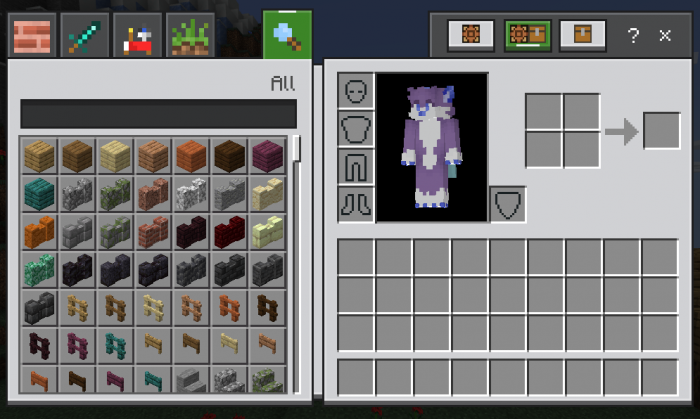
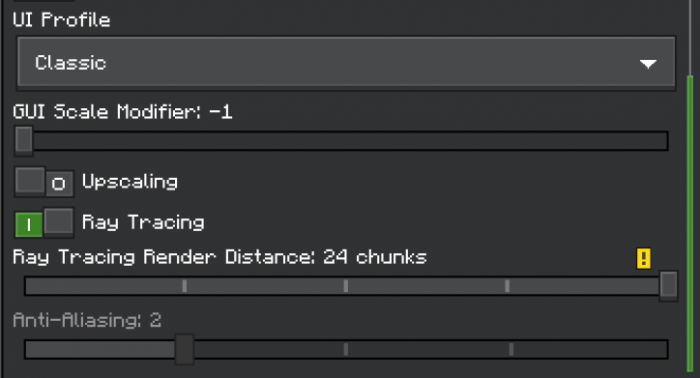
All you need to do is make the most of your capabilities and explore all the available features, which will help you not only achieve good results but also bring a fresh atmosphere to your adventure. Take your time; you’re sure to enjoy this version of the game, and you’ll be delighted to explore the available options and put them to use. All that remains for us is to wish you a pleasant time and hope you enjoy every moment of the updated game.
How to install the texture pack:
Step 1: Download the texture pack using the link below.
Step 2: Extract the downloaded archive and copy the Bedrock Preview UI folder to games\com.mojang\resource_packs (if this folder does not exist, create it yourself)
Step 3: In the game, go to Settings; next to ‘Texture Packs’ there will be a ‘Manage’ button. Click on it. The copied texture pack will appear in the list on the left; click on it so that it moves to the top of the list on the right.
Comments (0)