



Inventory HUD for Minecraft Pocket Edition 1.20
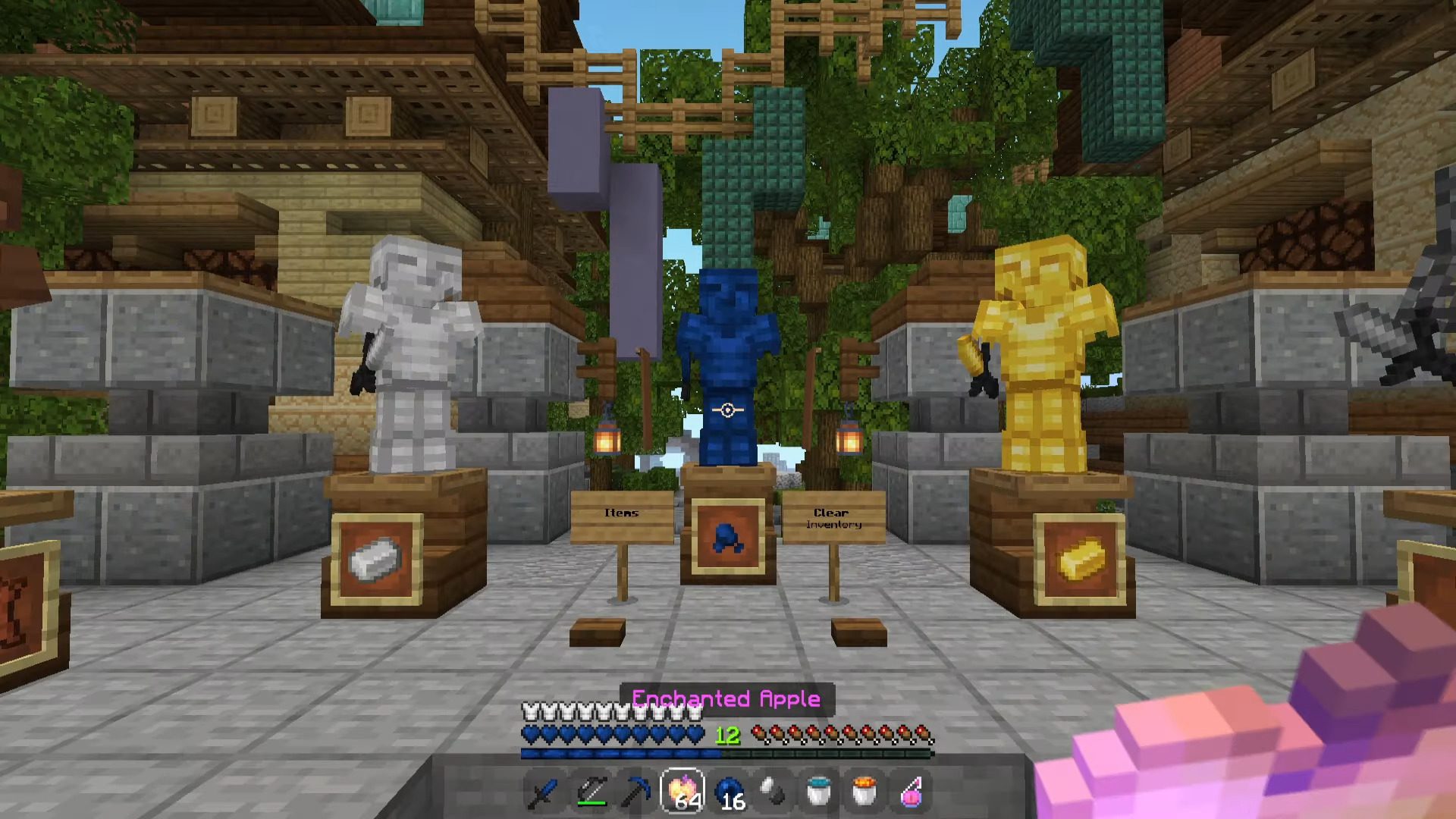
 Inventory HUD for Minecraft is a versatile enhancement that allows you to display part of your inventory on the main screen rather than inside the inventory window. Put simply, you’ll now be able to see how many resources and which items you have in your inventory.
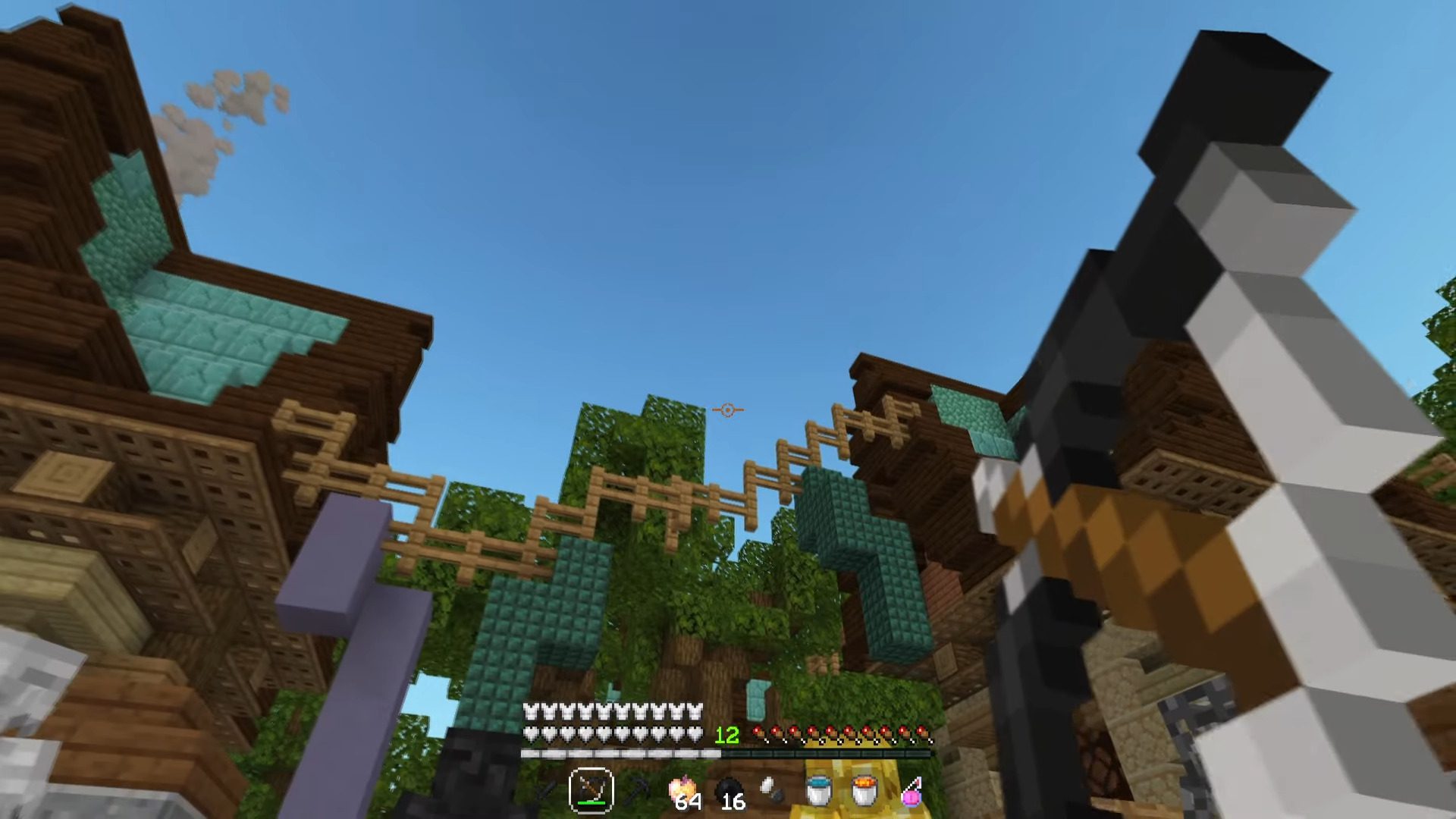
You won’t be able to interact with them in any way; you can only see how much stuff you have, and nothing more. So you can start testing the features now and then decide whether to use them or stick with the standard option. All that remains is to wish you a great time and all the best on your adventure!
How to install a texture pack:
Step 1: Download the texture pack using the link below.
Step 2: Extract the downloaded archive and copy the Inventory HUD folder to games\com.mojang\resource_packs (if this folder does not exist, create it yourself)
Step 3: In the game, go to Settings; next to ‘Texture Packs’ you’ll see a ‘Manage’ button – click on it. The copied texture pack will appear in the list on the left; click on it so that it becomes the first item in the list on the right.
Comments (0)