



Pixel Graphics for Minecraft Pocket Edition 1.20
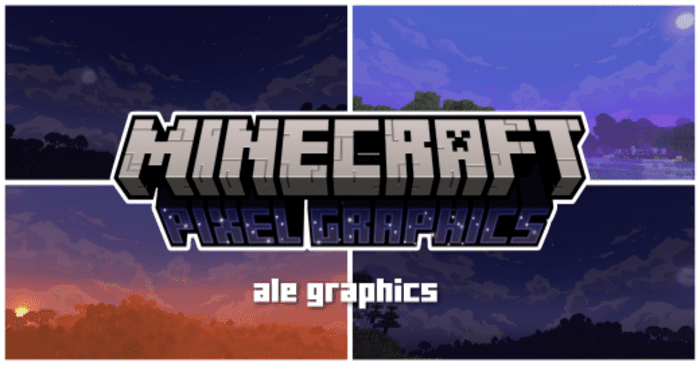 Among the many enhancements available, some truly interesting options occasionally stand out. For example, today we’d like to recommend the Pixel Graphics add-on for Minecraft, which offers an elegant and carefully crafted visual style for the game world.
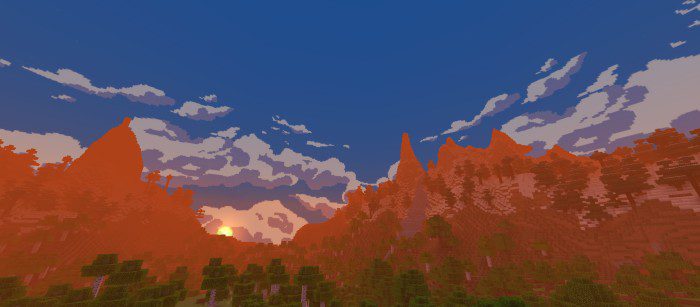
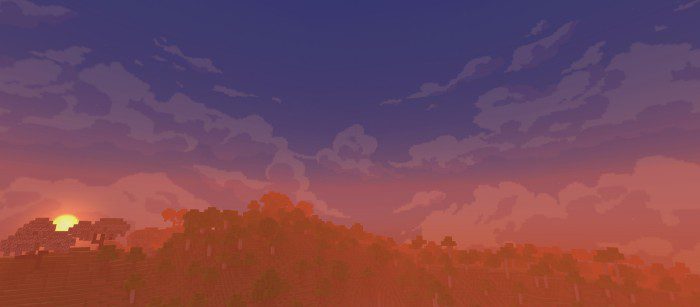
Keep in mind that the new design is not a simple one: it is as pixelated as possible and takes the distinctive features of this style into account. The author has worked to create a pixel-based design that matches large-scale enhancements in quality. You’ll be able to enjoy the new design to the fullest and discover many new and unique locations. We hope you enjoy the game!
How to install the texture pack:
Step 1: Download the texture pack using the link below.
Step 2: Extract the downloaded archive and copy the Pixel Graphics folder to games\com.mojang\resource_packs (if this folder does not exist, create it yourself)
Step 3: In the game, go to Settings and click the Manage button next to Texture Packs. The copied texture pack will appear in the list on the left; click on it so that it moves to the top of the list on the right.
Comments (0)