



Alternative and Old Dyes for Minecraft Pocket Edition 1.21
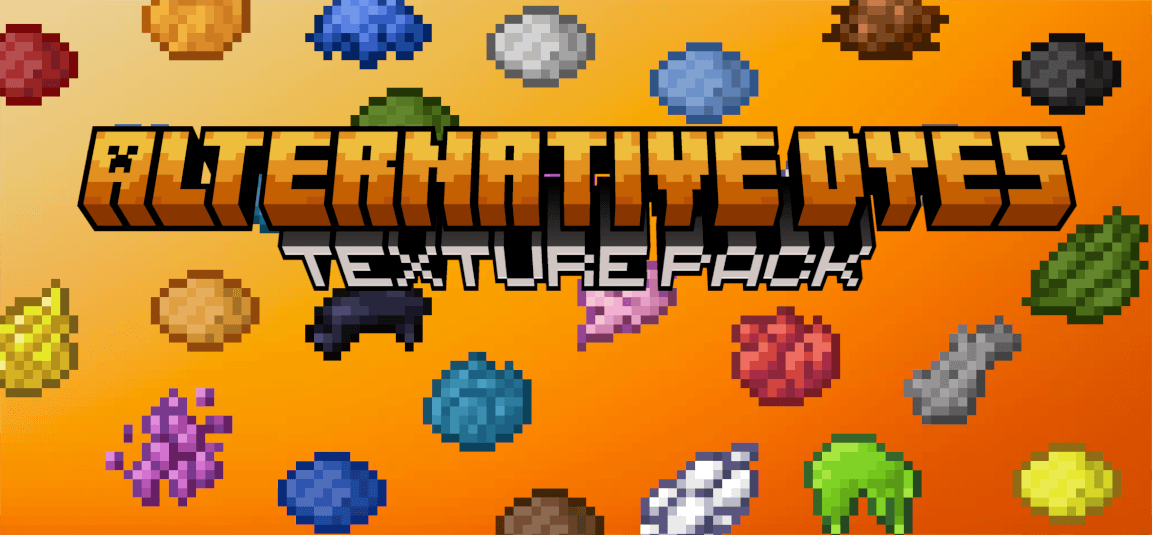
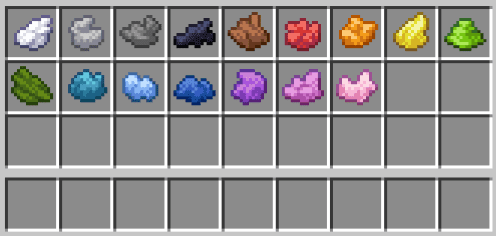
Alternative and Old Dyes for Minecraft is an excellent opportunity to go on an adventure and refresh the appearance of dyes. Yes, you heard correctly: after installing this enhancement, you will be able to see that all dyes in the game have received a unique texture and appearance.
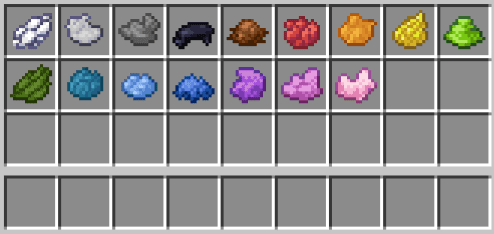
This will make it easier to navigate and use this element in adventures. Just don’t rush—find the dyes in the game and evaluate how much better they have become. Even such a small change is enough to bring new impressions to your adventures.
Installing Alternative and Old Dyes:
The first step is to run the downloaded file and import the addon/texture into MCPE.
Second step: open Minecraft Pocket Edition and go to the settings of the world.
Third step: install the imported resource sets and add-ons for the world.
Step four: select the imported resource packages/add-on in each section and restart the mobile client.
Comments (0)