



Anvil Guide for Minecraft Pocket Edition 1.21
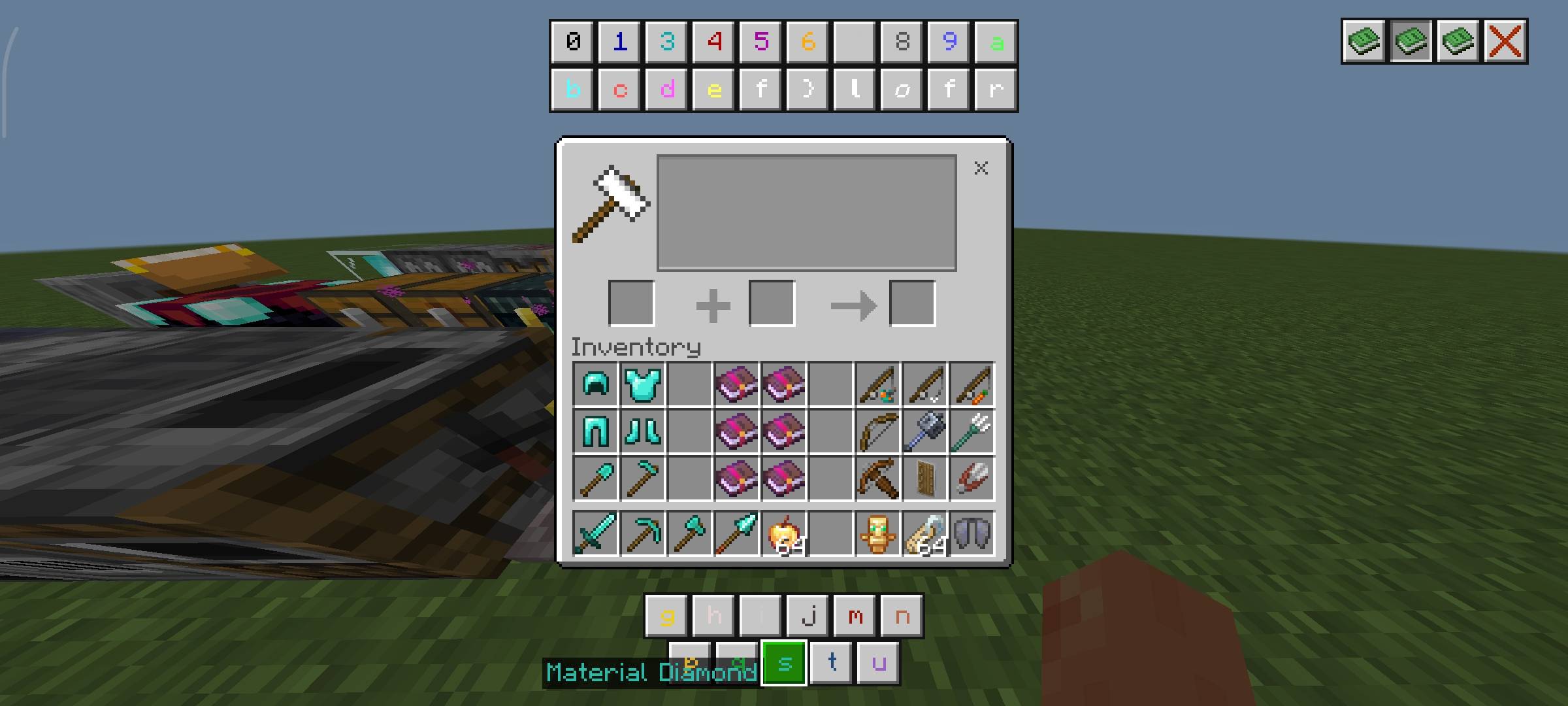
More useful possibilities are connected with the anvil in Minecraft PE than it may seem at first glance, and Anvil Guide helps reveal them without confusion. This texture pack adds special information panels directly into the interface, thanks to which using the anvil becomes easier and more convenient.
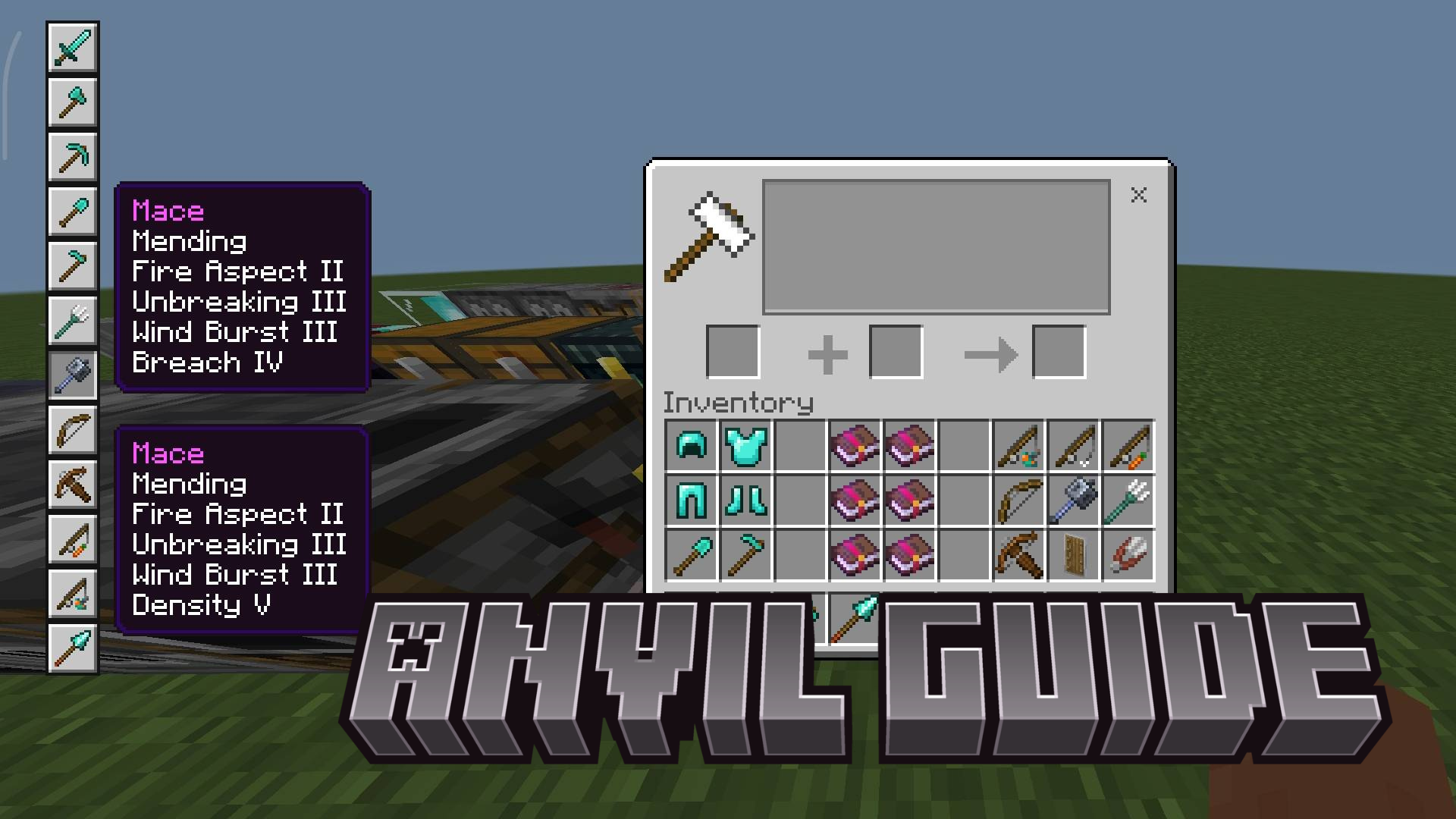
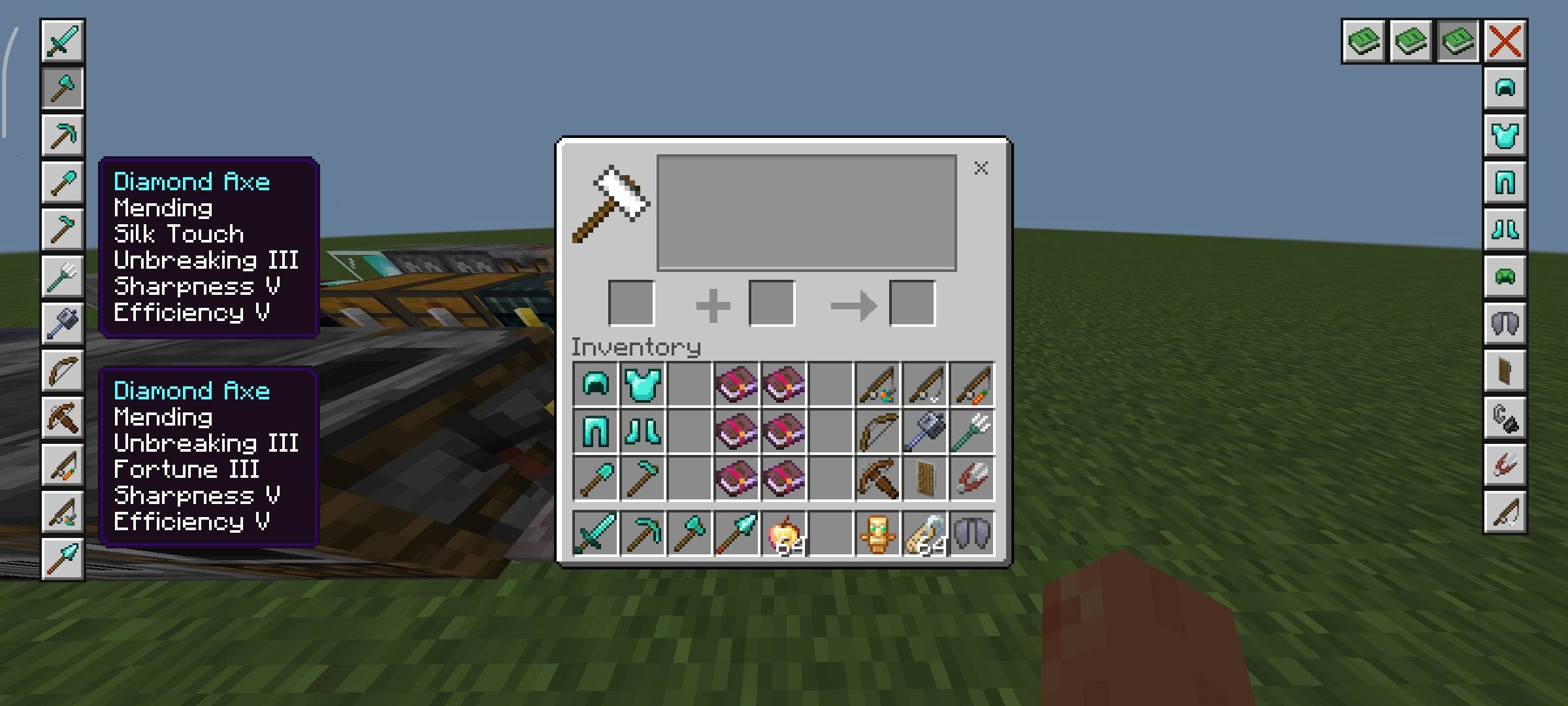
Here you can quickly look at the best enchantment combinations, understand the color codes for renaming items, and learn about unusual names capable of causing special effects for creatures. Special attention should be given to the four buttons on the right side of the screen: they speed up access to the necessary items and make working with the interface noticeably more practical.
Installing Anvil Guide:
The first step is to run the downloaded file and import the addon/texture into MCPE.
Second step: open Minecraft Pocket Edition and go to the settings of the world.
Third step: install the imported resource sets and add-ons for the world.
Step four: select the imported resource packages/add-on in each section and restart the mobile client.
Comments (0)