



Aurora Skies for Minecraft Pocket Edition 1.21
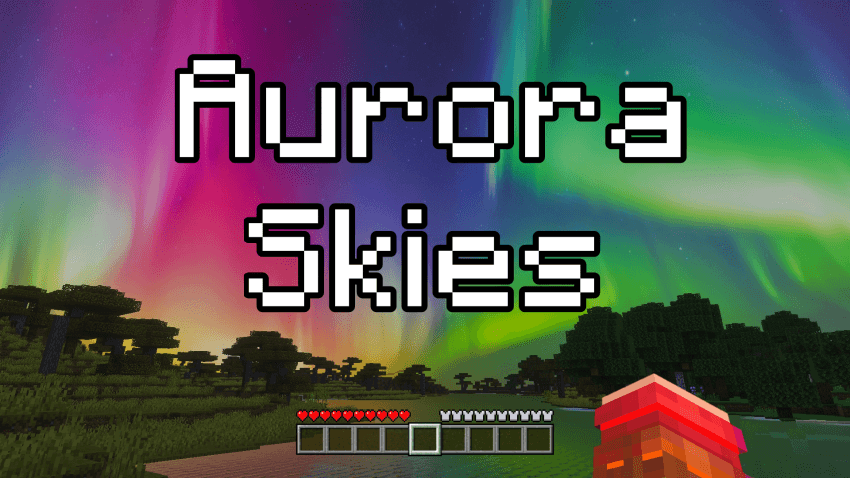
Among minor changes, real gems can sometimes be found. For example, Aurora Skies add-on for Minecraft adds only a new visual design for the sky. Although this may not seem very significant at first glance, the fact is that you will now be able to observe the aurora borealis in the sky. It will cover almost the entire sky and will surely delight you with its views.
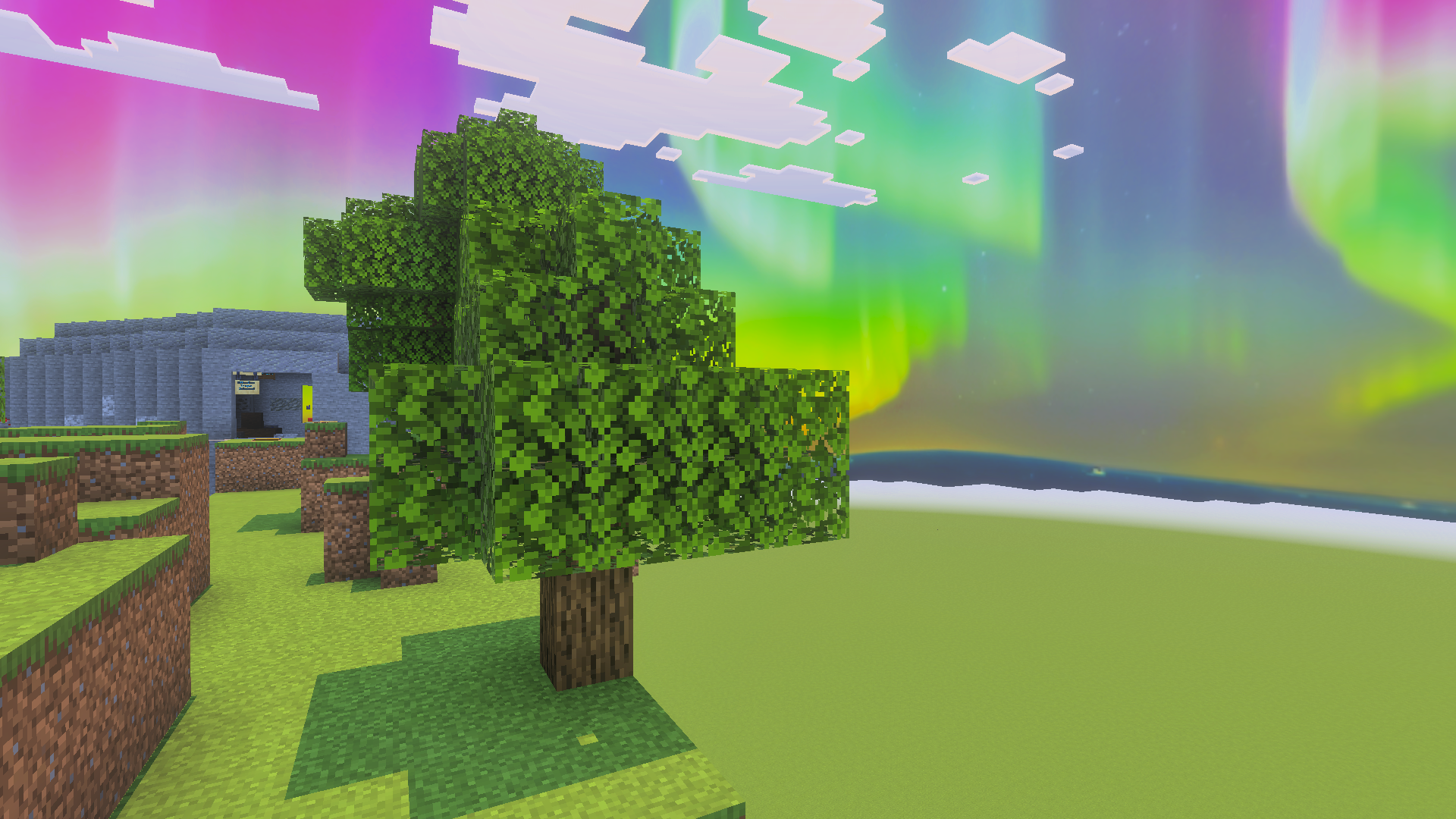
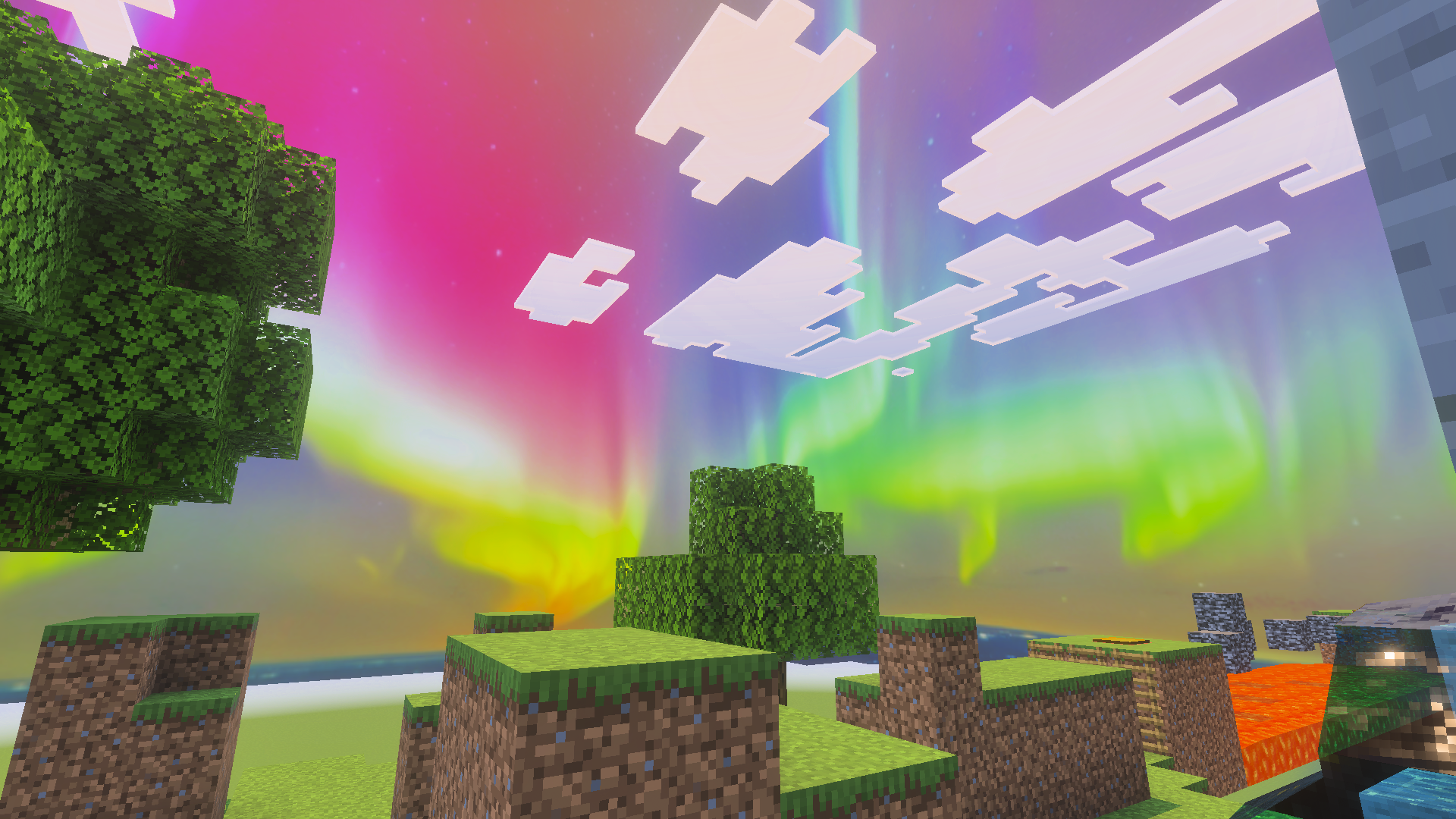
At the same time,the aurora itself is made with high quality, features a bright color palette, and adds atmosphere to nighttime adventures in the world of Minecraft. Set off on a journey and personally evaluate how impressive the night sky looks now.
Installing Aurora Skies:
The first step is to run the downloaded file and import the addon/texture into MCPE.
Second step: open Minecraft Pocket Edition and go to the settings of the world.
Third step: install the imported resource sets and add-ons for the world.
Step four: select the imported resource packages/add-on in each section and restart the mobile client.
Comments (0)