



Bare Bones for Minecraft Pocket Edition 1.21
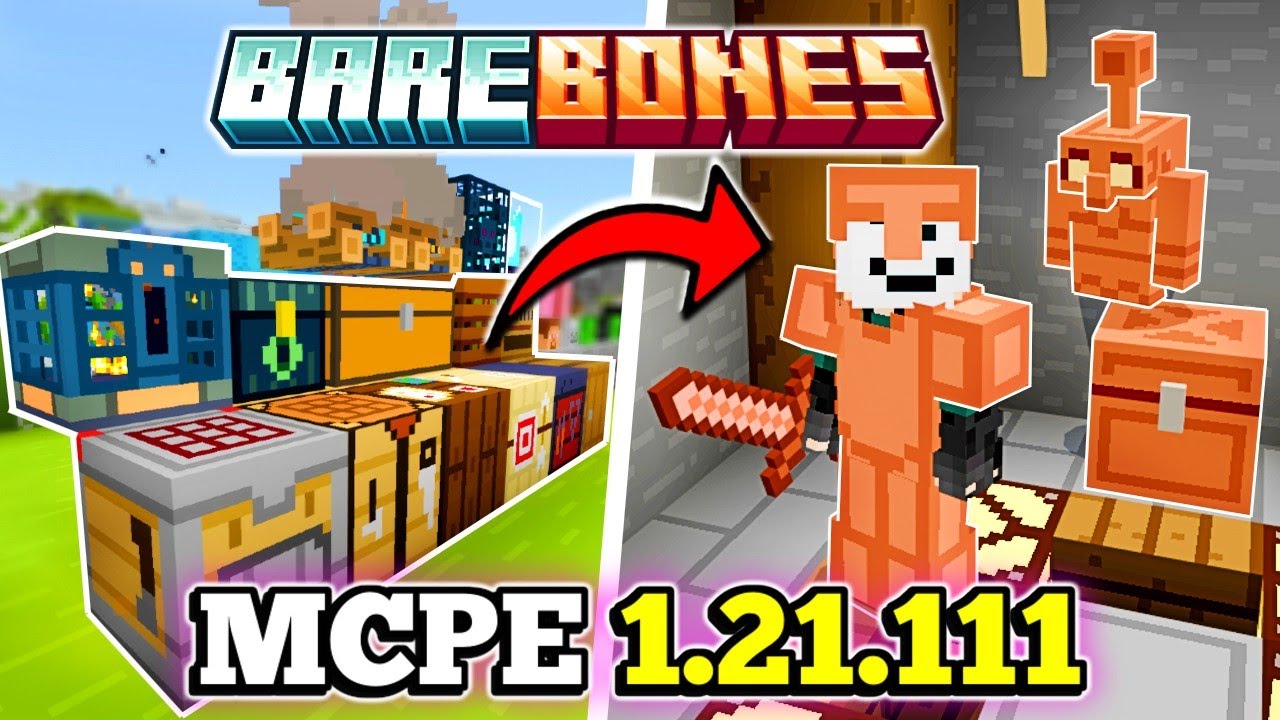
To make the environment more attractive and interesting without changing the overall look of standard textures, it is enough to use Bare Bones add-on for Minecraft. The key feature of this enhancement is the transformation of all standard textures, which will now look much better and are sure to please you.
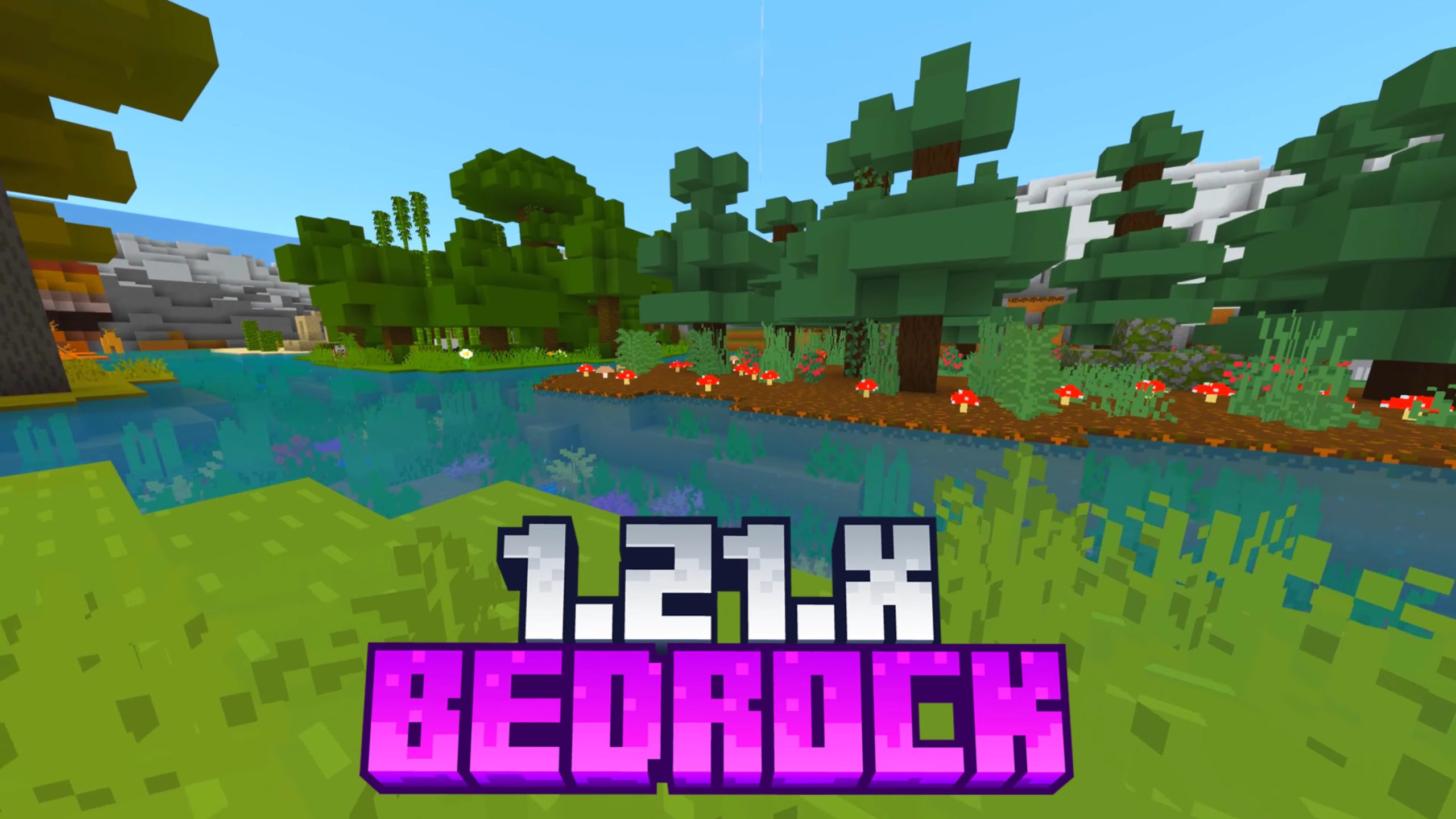
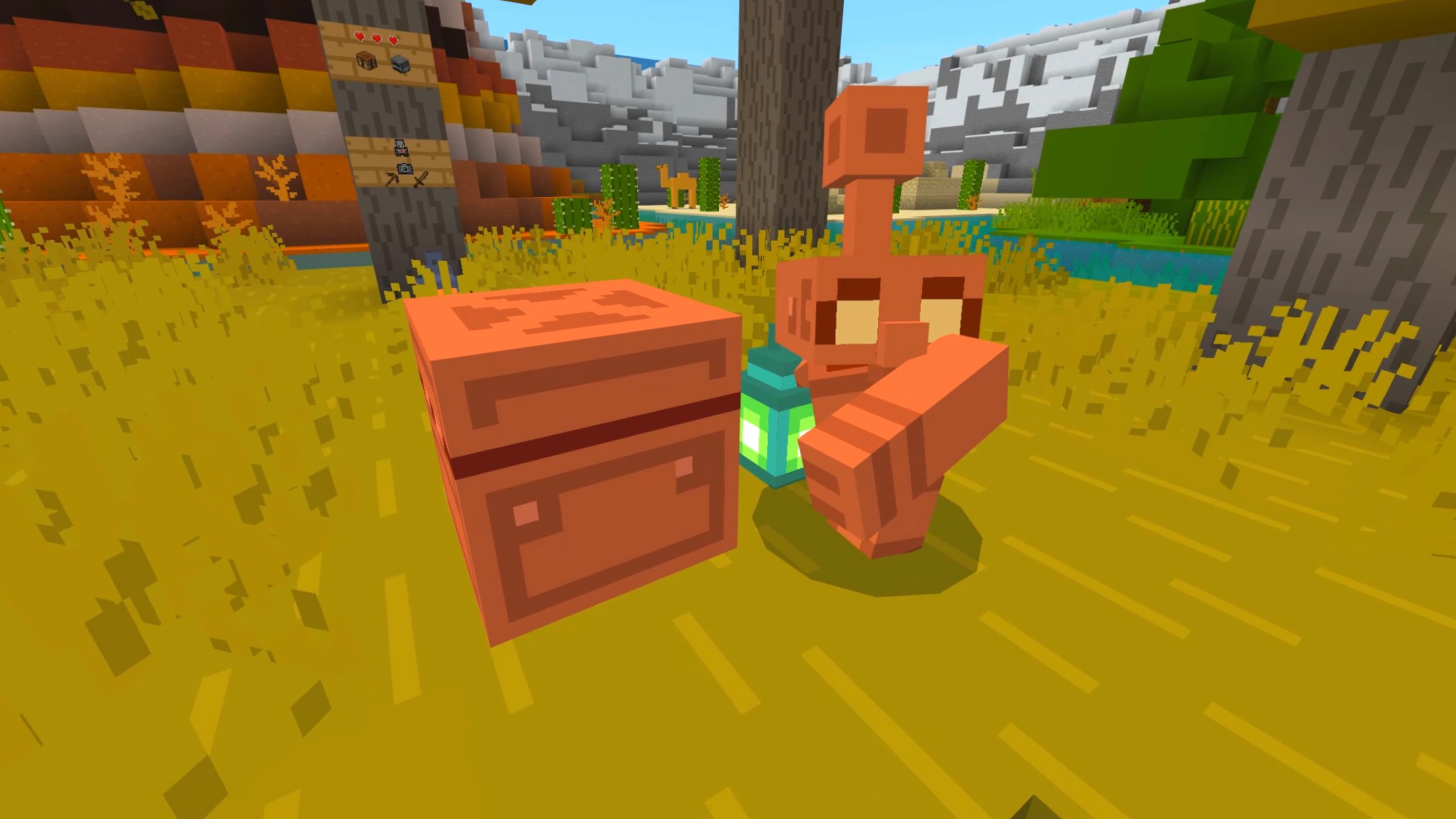
Thanks to this improvement, you can expect bright and visually appealing textures that provide plenty of pleasant impressions. A rich color palette, preserved vanilla style, and many other small changes—all of this will allow you to set off on an adventure with enjoyment.
Installing Bare Bones:
The first step is to run the downloaded file and import the addon/texture into MCPE.
Second step: open Minecraft Pocket Edition and go to the settings of the world.
Third step: install the imported resource sets and add-ons for the world.
Step four: select the imported resource packages/add-on in each section and restart the mobile client.
Comments (0)