



Better 3D Beds for Minecraft Pocket Edition 1.21
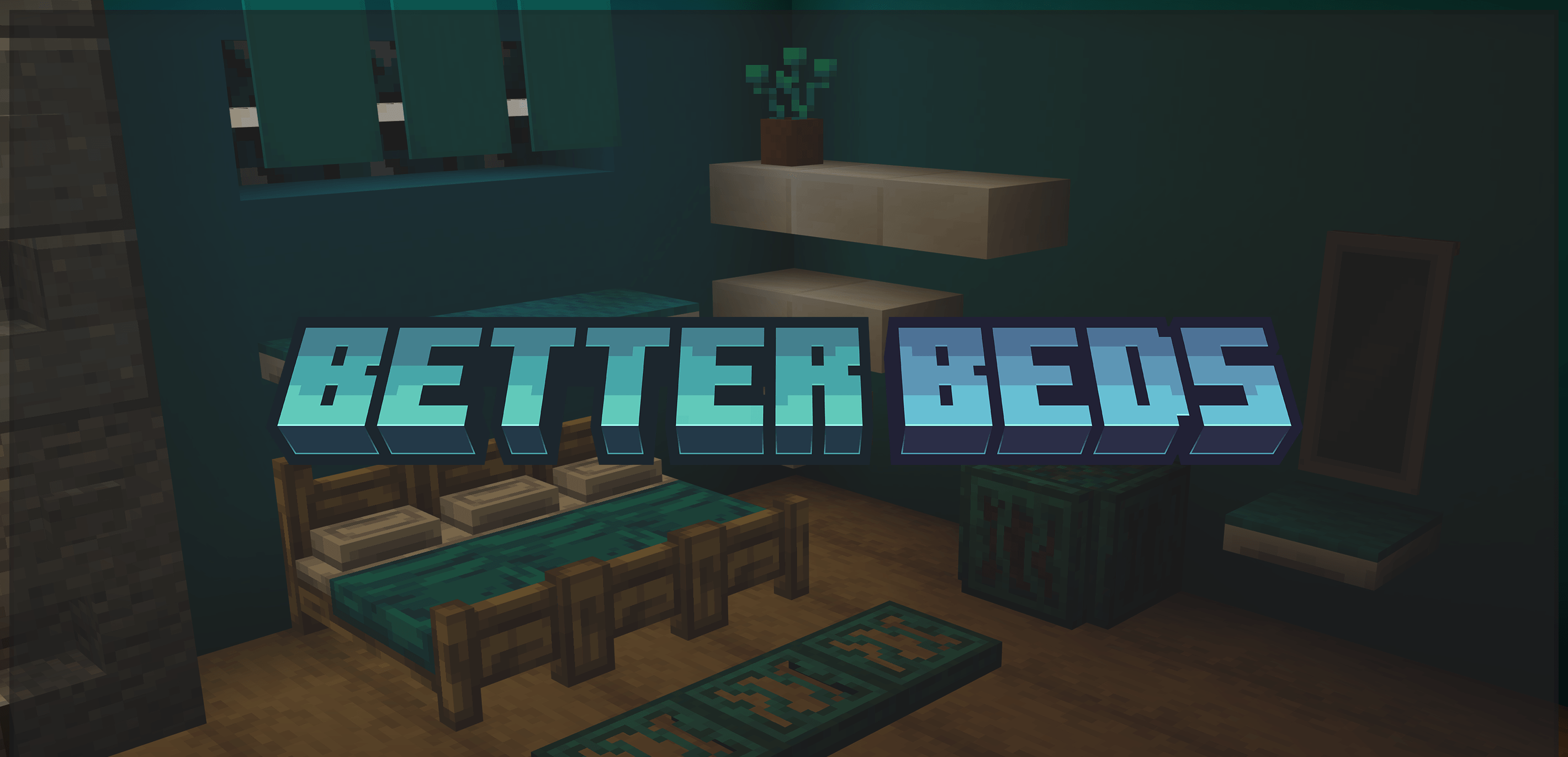
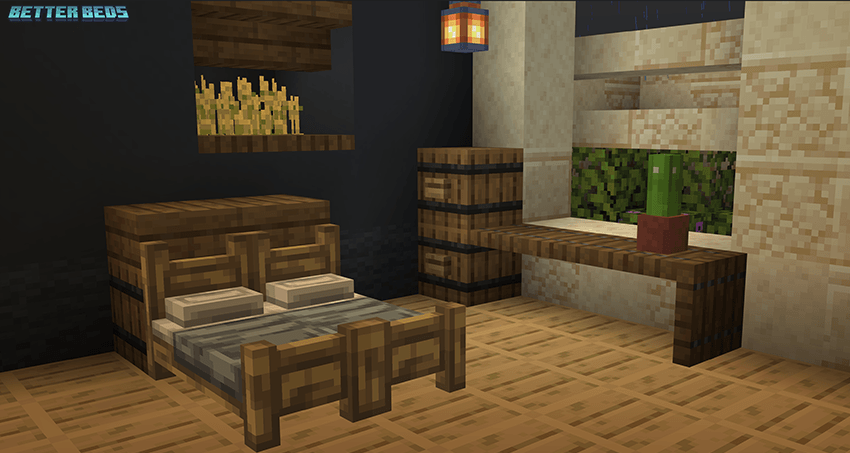
Better 3D Beds for Minecraft is a great opportunity to go on an exciting adventure that will bring you much more positive emotions from gameplay. This time, you will have the chance to radically change the appearance of beds, which will now receive a new design with additional details and other interesting solutions.

Now the beds will look many times better, and they will surely please you with their appearance. With such beds, the interior will look much better, and the improvements will fit organically into the overall design of the environment.
Installing Better 3D Beds:
The first step is to run the downloaded file and import the addon/texture into MCPE.
Second step: open Minecraft Pocket Edition and go to the settings of the world.
Third step: install the imported resource sets and add-ons for the world.
Step four: select the imported resource packages/add-on in each section and restart the mobile client.
Comments (0)