



Better Technical for Minecraft Pocket Edition 1.21
Better Technical for Minecraft is a great opportunity to add a few improvements to the game. The author has tried to increase the overall comfort of gameplay, and now you can appreciate how much the noise from operating mechanisms has been reduced. Although it may seem like a small detail, it significantly improves comfort, so you shouldn’t rush to conclusions and can confidently head out on an adventure.
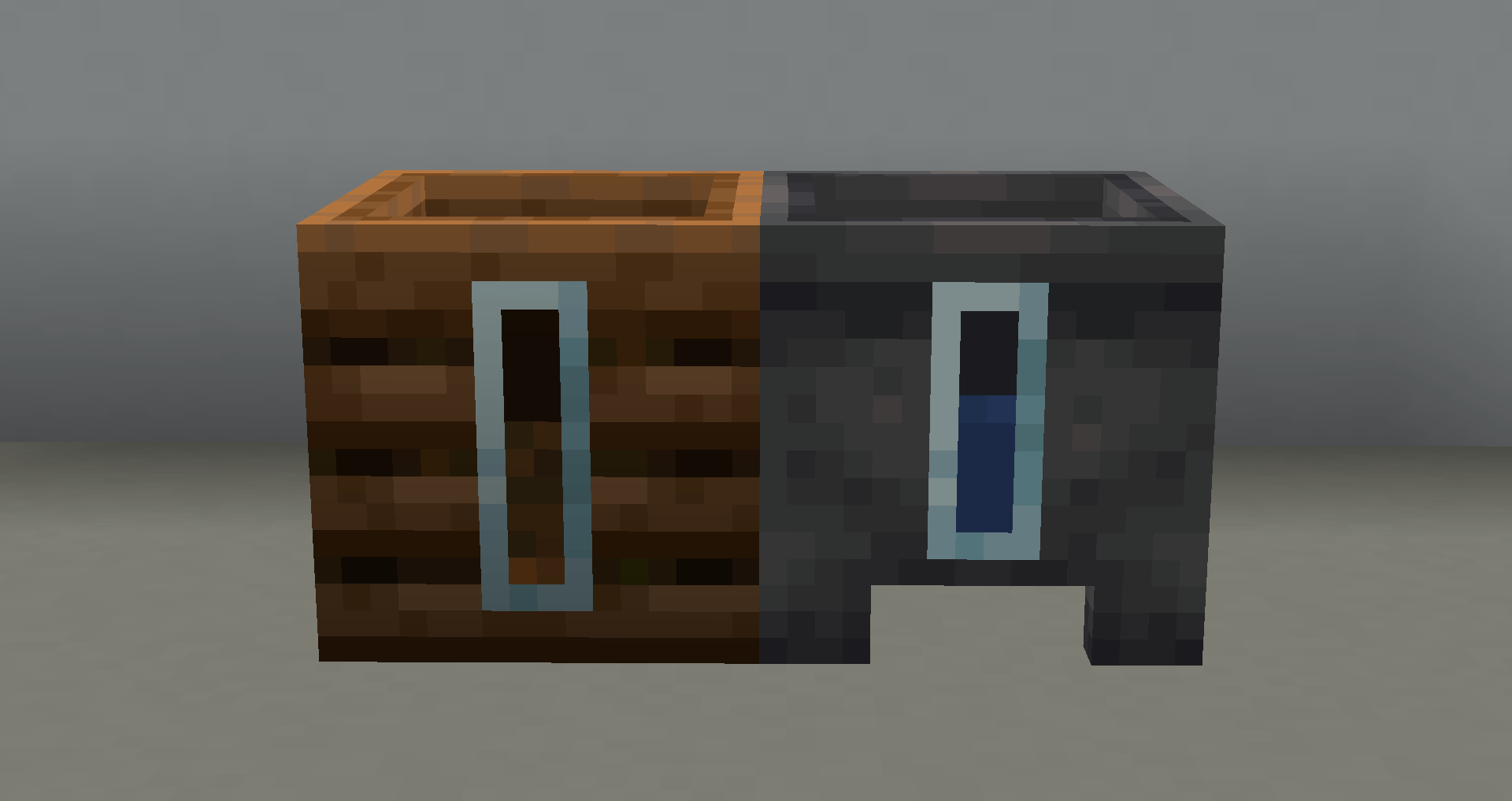
By the way, so that these changes do not seem too minor or insufficient, the author also offers improved visibility as a bonus, which certainly will not be unnecessary. Now adventures will become more visually pleasant and will not disappoint you.
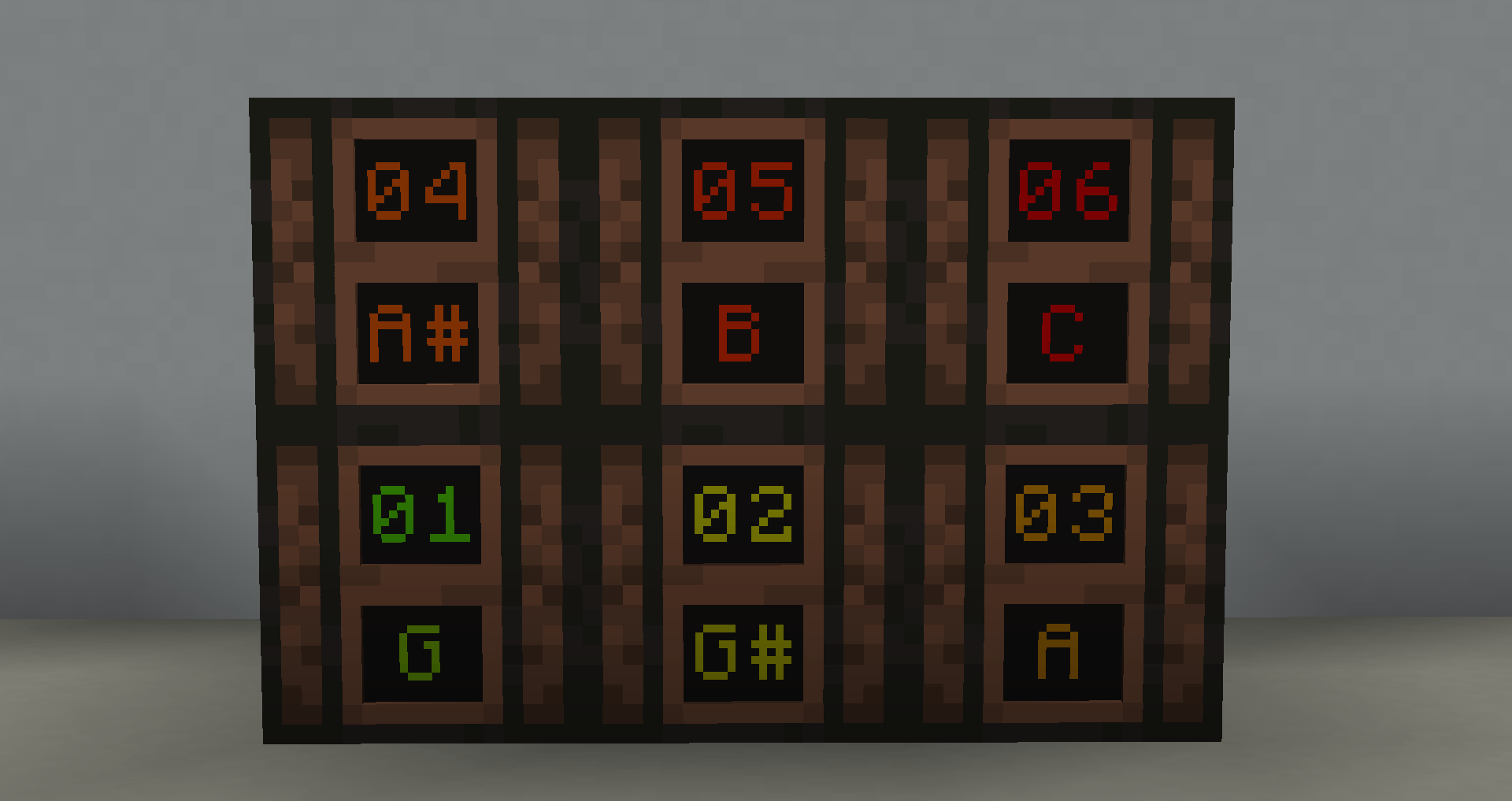
Installing Better Technical:
The first step is to run the downloaded file and import the addon/texture into MCPE.
Second step: open Minecraft Pocket Edition and go to the settings of the world.
Third step: install the imported resource sets and add-ons for the world.
Step four: select the imported resource packages/add-on in each section and restart the mobile client.
Comments (0)