



Boss Health Indicator for Minecraft Pocket Edition 1.21
To get new impressions from the game, it is enough to make changes to the usual gameplay. Even if they are not large-scale, they will at least please with specific elements. For example, Boss Health Indicator add-on for Minecraft adds a separate boss health bar to the game.
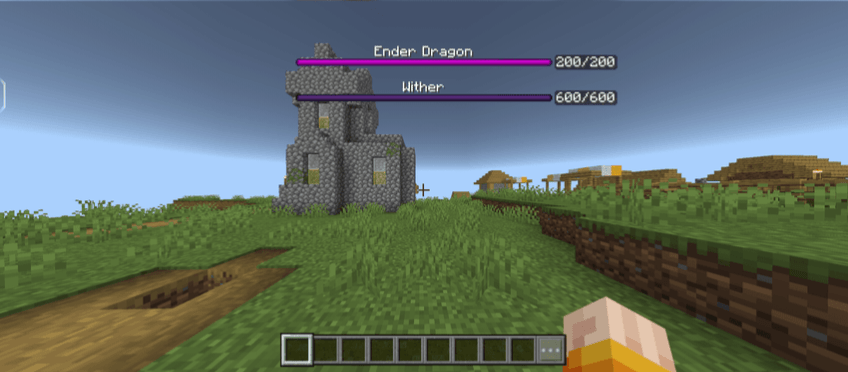
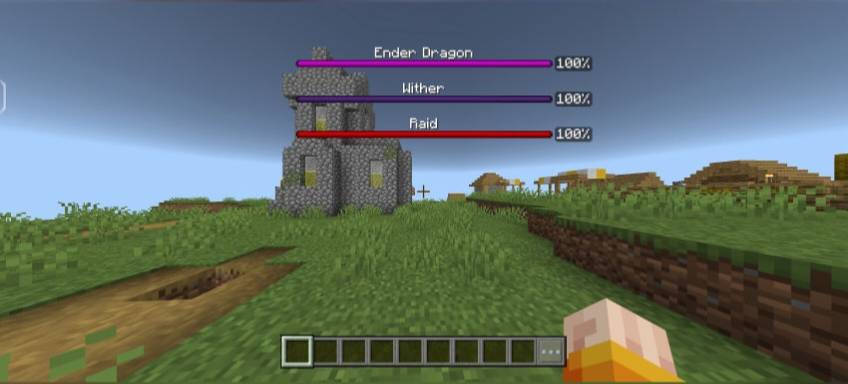
Now it will be displayed at the top of the screen, making it easier to perceive, and it can also be modified by adding percentage (or numeric) display. This is extremely convenient, effective, and will surely bring new impressions to the gameplay.
Installing Boss Health Indicator:
The first step is to run the downloaded file and import the addon/texture into MCPE.
Second step: open Minecraft Pocket Edition and go to the settings of the world.
Third step: install the imported resource sets and add-ons for the world.
Step four: select the imported resource packages/add-on in each section and restart the mobile client.
Comments (0)