



Brewing Potion Guide for Minecraft Pocket Edition 1.21
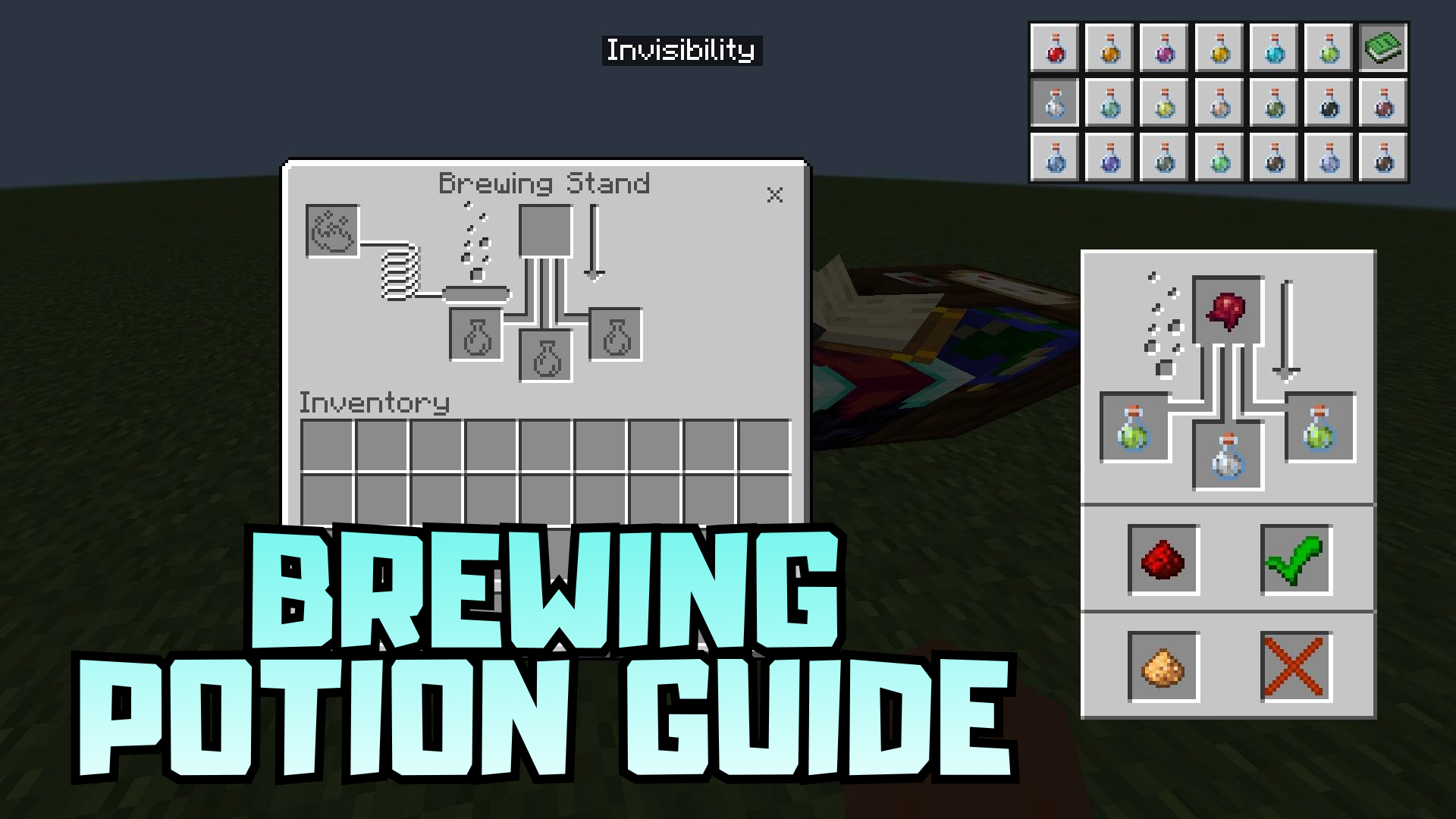
When it comes to brewing potions, many players constantly get confused by the recipes, and here Brewing Potion Guide turns out to be a really useful solution. This texture pack adds a recipe table directly into the brewing stand interface, so the necessary information is always in front of your eyes. In the upper-right corner, a button with a recipe book appears, allowing you to quickly open hints without unnecessary searching and switching.
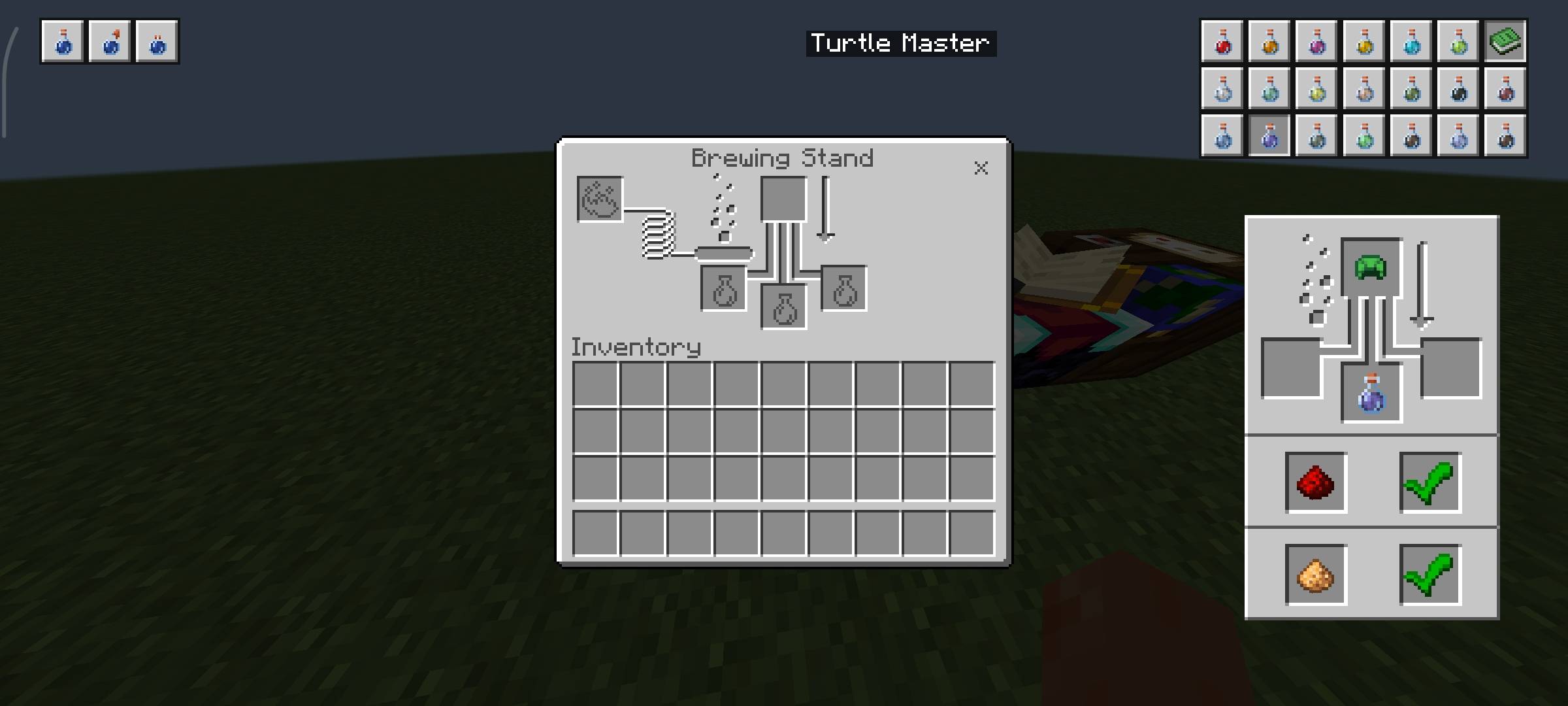
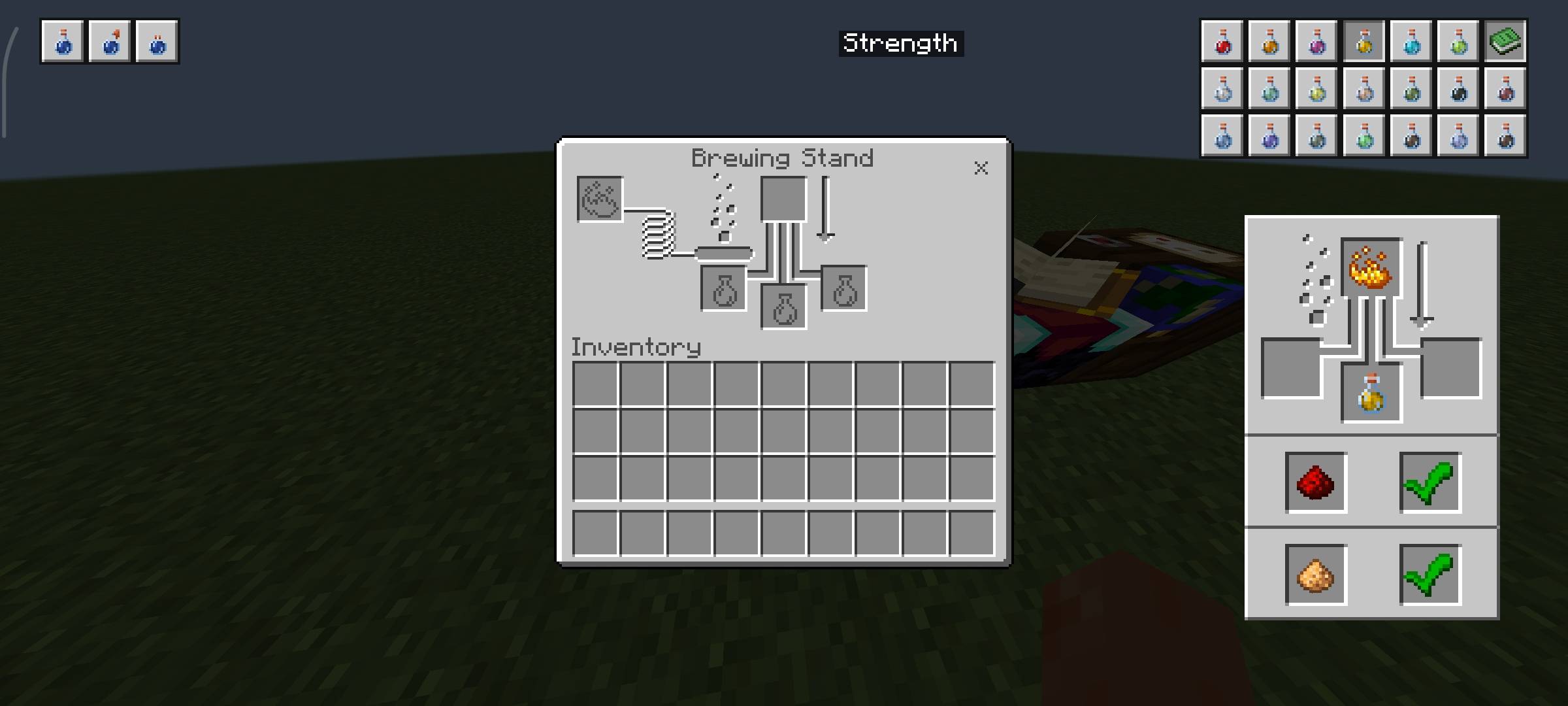
The placement of base potions is also implemented conveniently: options for awkward, splash, and long-lasting potions are gathered in a clear area of the interface. Because of this, the process becomes noticeably more comfortable, especially for beginners and those who rarely work with alchemy.
Installing Brewing Potion Guide:
The first step is to run the downloaded file and import the addon/texture into MCPE.
Second step: open Minecraft Pocket Edition and go to the settings of the world.
Third step: install the imported resource sets and add-ons for the world.
Step four: select the imported resource packages/add-on in each section and restart the mobile client.
Comments (0)