



Cape Eyltra Icons for Minecraft Pocket Edition 1.21
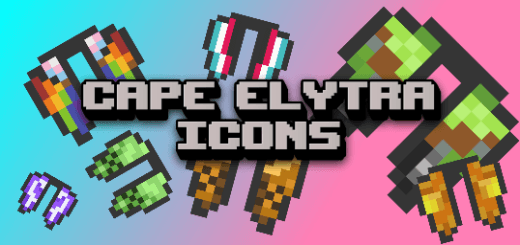
If you enjoy various visual enhancements, we recommend paying attention to Cape Eyltra Icons add-on for Minecraft. The author of this enhancement introduces a number of changes directly related to elytra. The point is that the item associated with elytra has always remained unchanged, while the wings themselves changed according to the equipped cape.
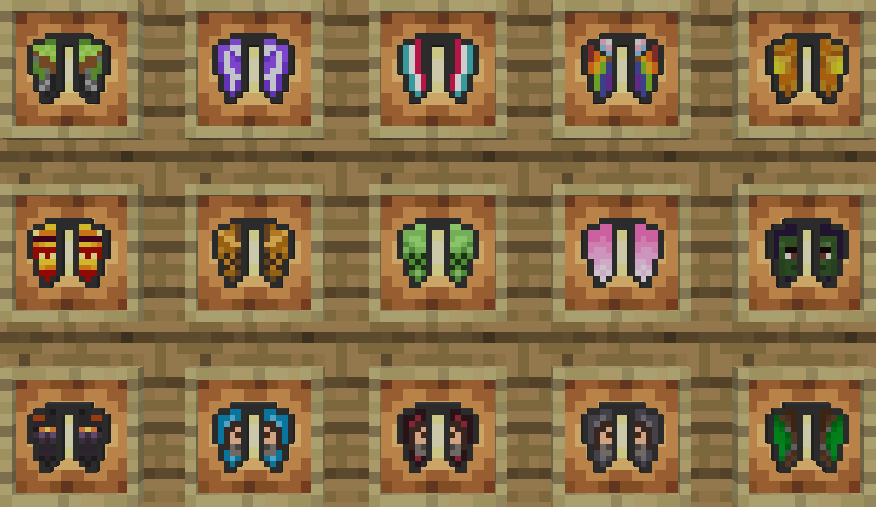
This improvement transforms everything and creates a harmonious color match, which looks good, fits naturally into the adventure, and is simply pleasing to the eye. Now using elytra and capes will be a pleasure.

Installing Cape Eyltra Icons:
The first step is to run the downloaded file and import the addon/texture into MCPE.
Second step: open Minecraft Pocket Edition and go to the settings of the world.
Third step: install the imported resource sets and add-ons for the world.
Step four: select the imported resource packages/add-on in each section and restart the mobile client.
Comments (0)