



Cartography Guide for Minecraft Pocket Edition 1.21
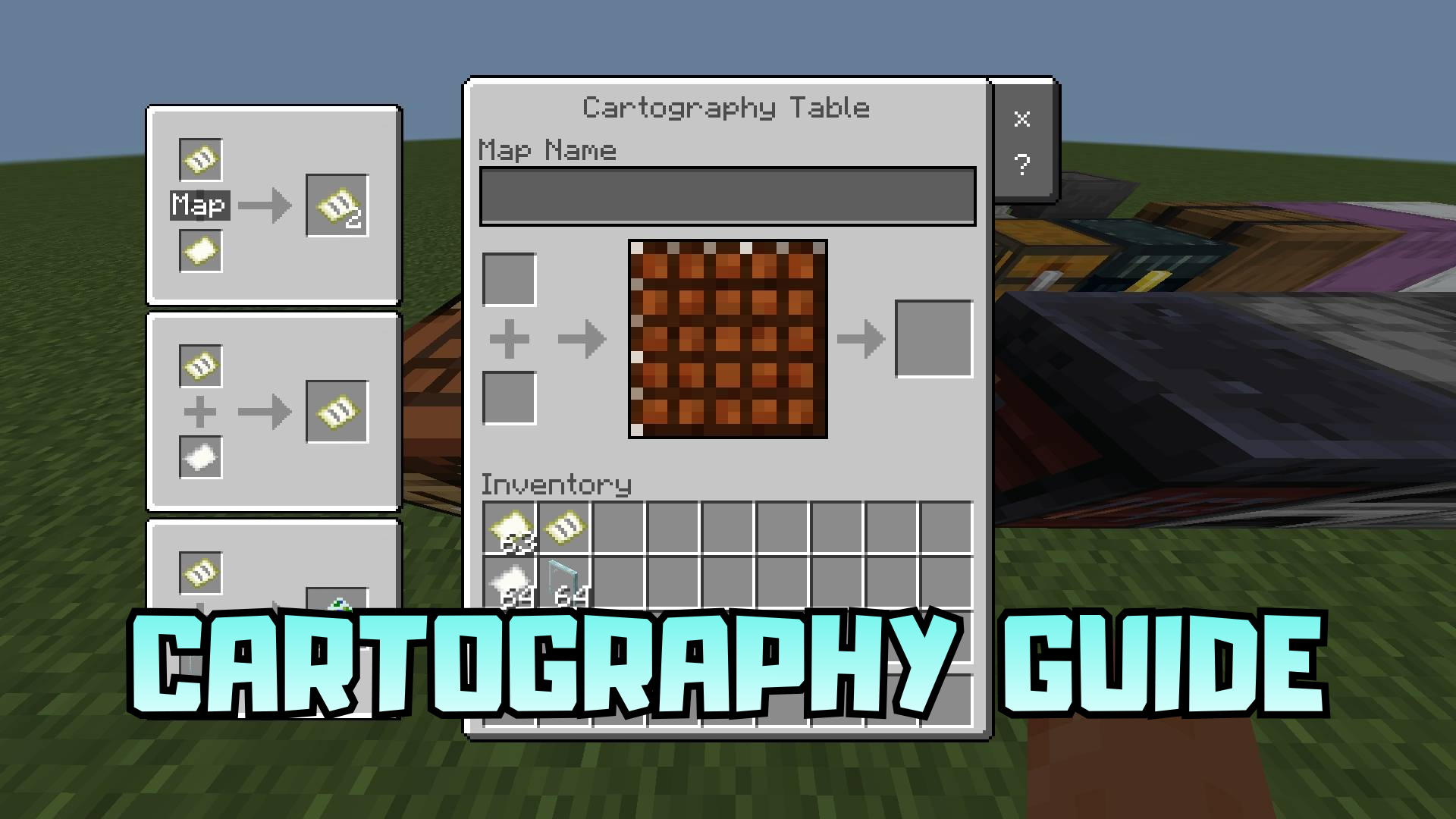
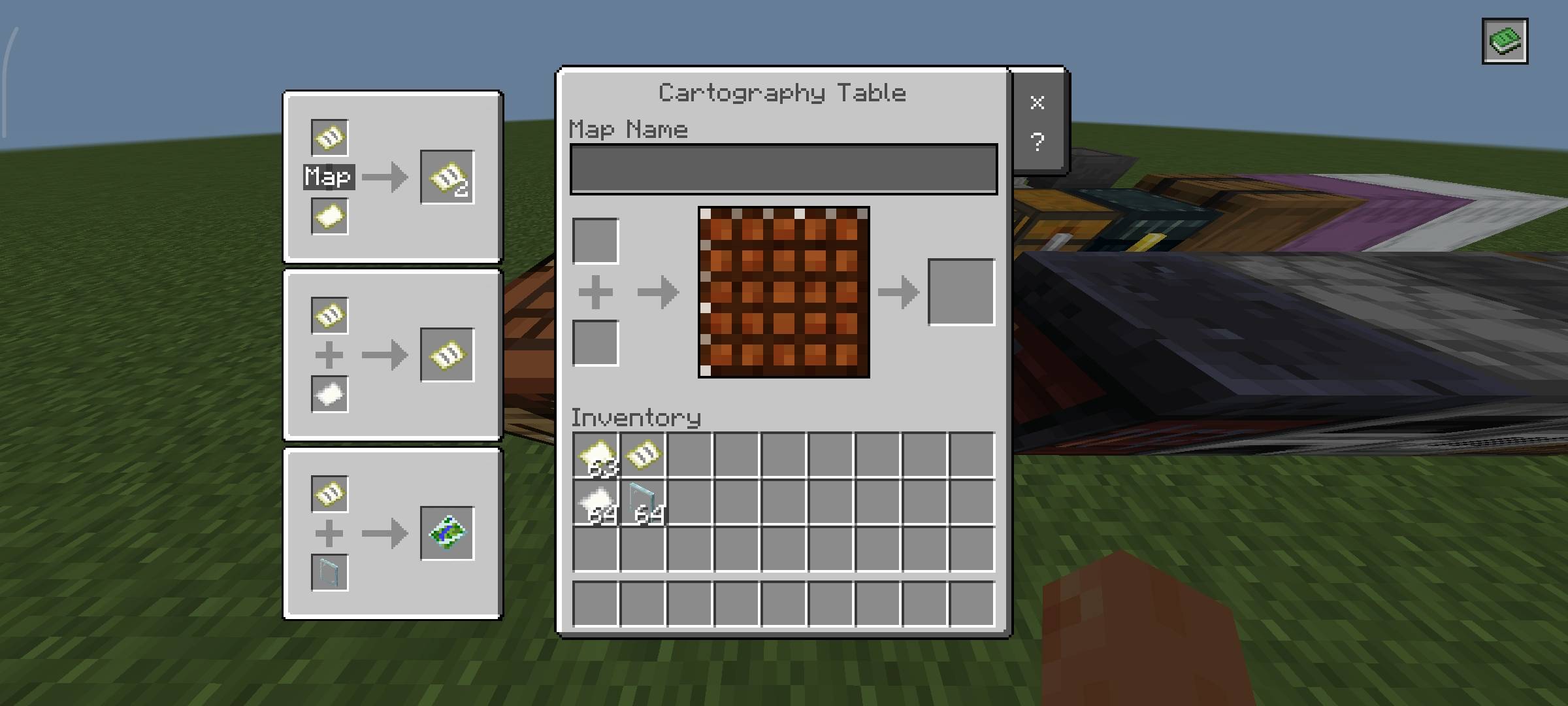
Working with maps often remains overlooked, although in survival it is one of the most useful systems, and Cartography Guide does an excellent job of reminding players of that. The pack adds recipes and hints directly into the cartography table interface, making it much easier to understand how to create and modify maps. For quick access, a separate button is placed in the upper-right corner, opening the guide directly during use.
This is convenient when you do not want to memorize recipes or constantly act by guesswork. An additional advantage is the ability to see the names of ingredients when hovering over the icons, which makes the interface even clearer.
Installing Cartography Guide:
The first step is to run the downloaded file and import the addon/texture into MCPE.
Second step: open Minecraft Pocket Edition and go to the settings of the world.
Third step: install the imported resource sets and add-ons for the world.
Step four: select the imported resource packages/add-on in each section and restart the mobile client.
Comments (0)