



Chimedragon’s Elytra for Minecraft Pocket Edition 1.21
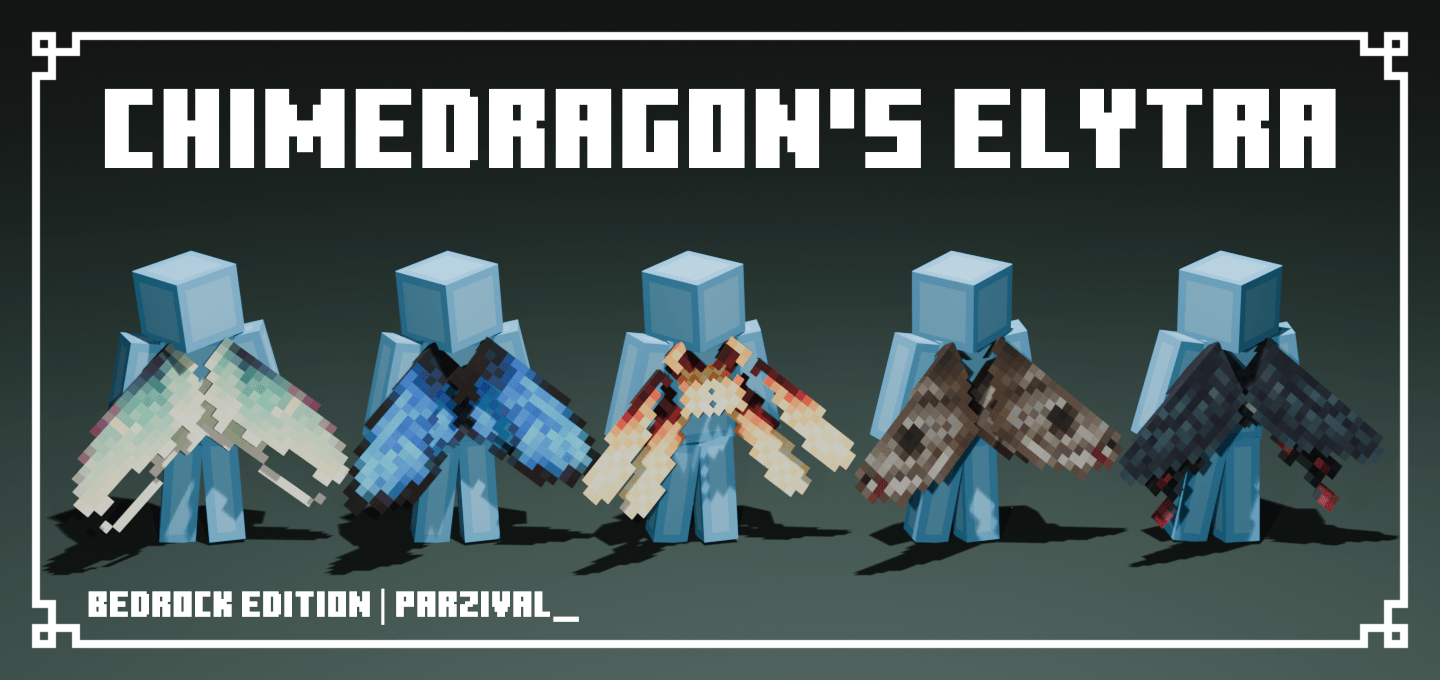
Not every texture pack has to radically change the game to be memorable, and Chimedragon’s Elytra proves this perfectly. Its main idea is focused on redesigning the elytra: the familiar wings receive a brighter and more graceful appearance inspired by butterflies, dragonflies, and ladybugs. Because of this, flying in Minecraft PE begins to be perceived not just as a convenient way of movement, but as part of the character’s visual style.
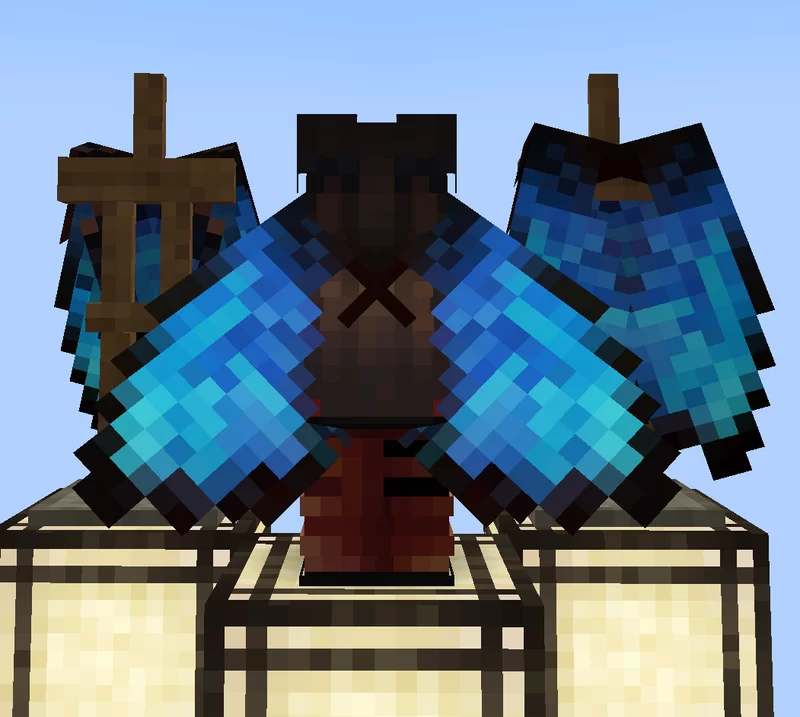
The pack immediately catches the eye, but does not look too flashy — on the contrary, it adds lightness and makes the hero’s appearance more unusual. The textures look especially impressive in the air, when the wings open against the background of the sky, forests, or mountains.
Installing Chimedragon’s Elytra:
The first step is to run the downloaded file and import the addon/texture into MCPE.
Second step: open Minecraft Pocket Edition and go to the settings of the world.
Third step: install the imported resource sets and add-ons for the world.
Step four: select the imported resource packages/add-on in each section and restart the mobile client.
Comments (0)