



Clear Pixels for Minecraft Pocket Edition 1.21
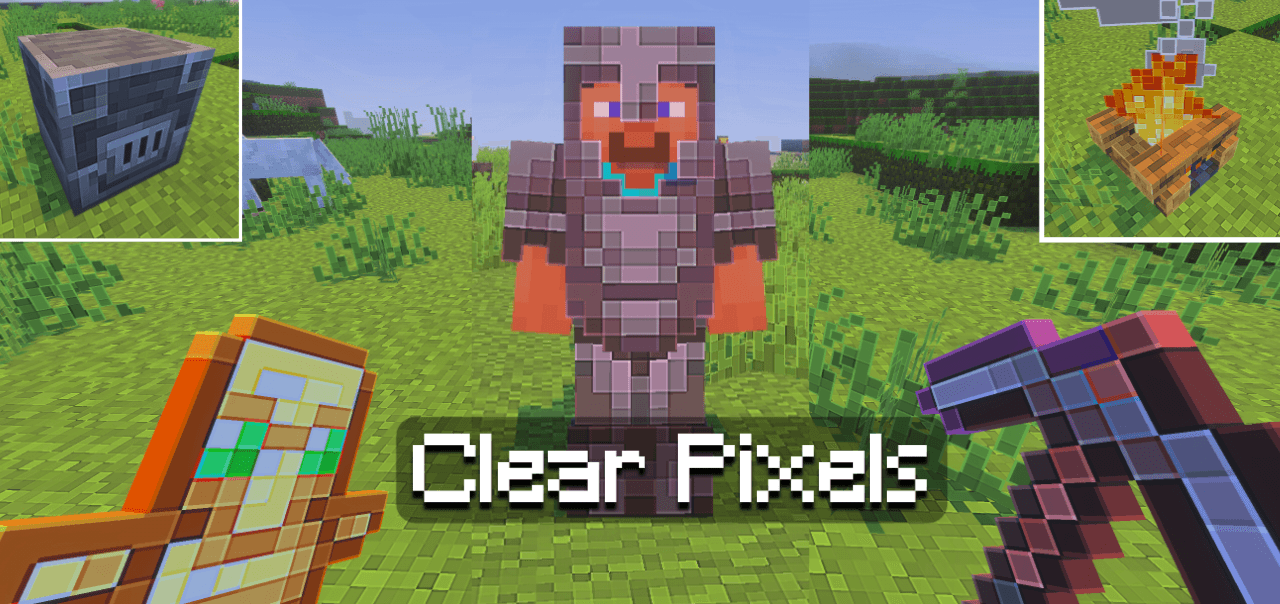
Clear Pixels for Minecraft is a great opportunity to embark on a completely new adventure that has been visually transformed and will delight fans of original design. Thanks to the new changes, textures now receive a cleaner and sharper look due to reduced pixelation and increased resolution.
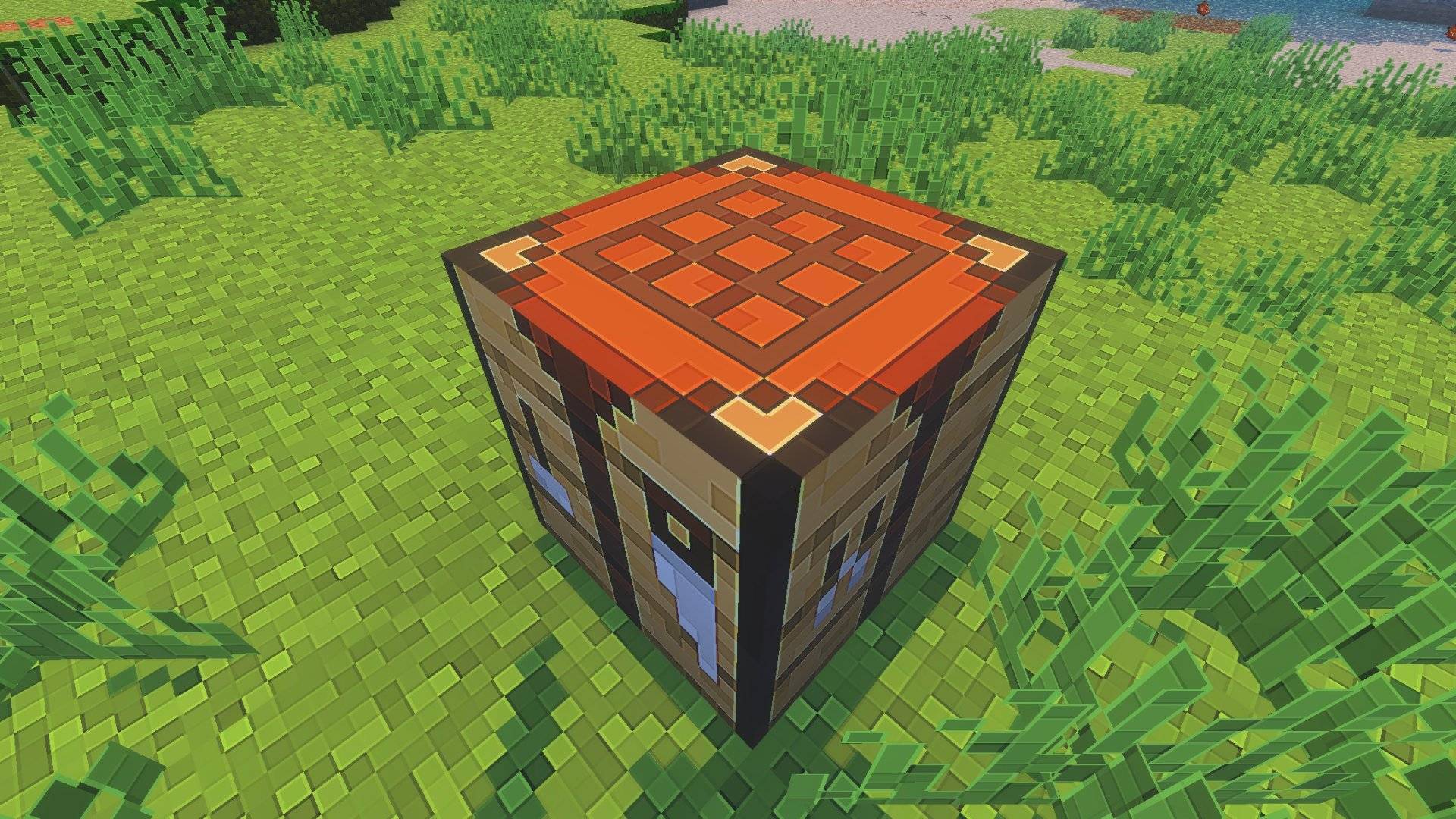
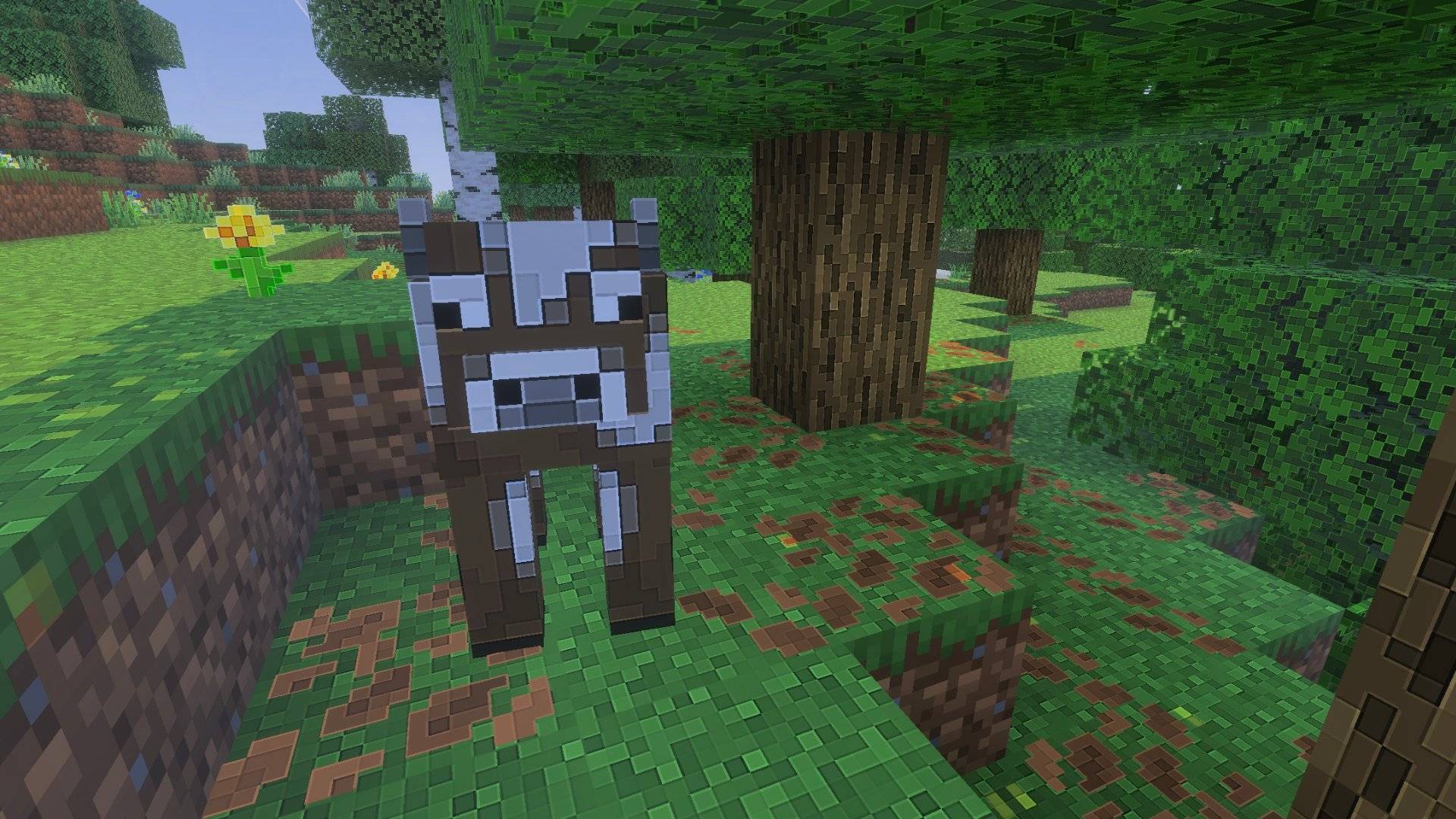
This significantly improves the level of detail, making the game more appealing and interesting. Therefore, you can safely head out on an adventure and evaluate the appearance of literally everything around you.
Installing Clear Pixels:
The first step is to run the downloaded file and import the addon/texture into MCPE.
Second step: open Minecraft Pocket Edition and go to the settings of the world.
Third step: install the imported resource sets and add-ons for the world.
Step four: select the imported resource packages/add-on in each section and restart the mobile client.
Comments (0)