



Custom Painting for Minecraft Pocket Edition 1.21
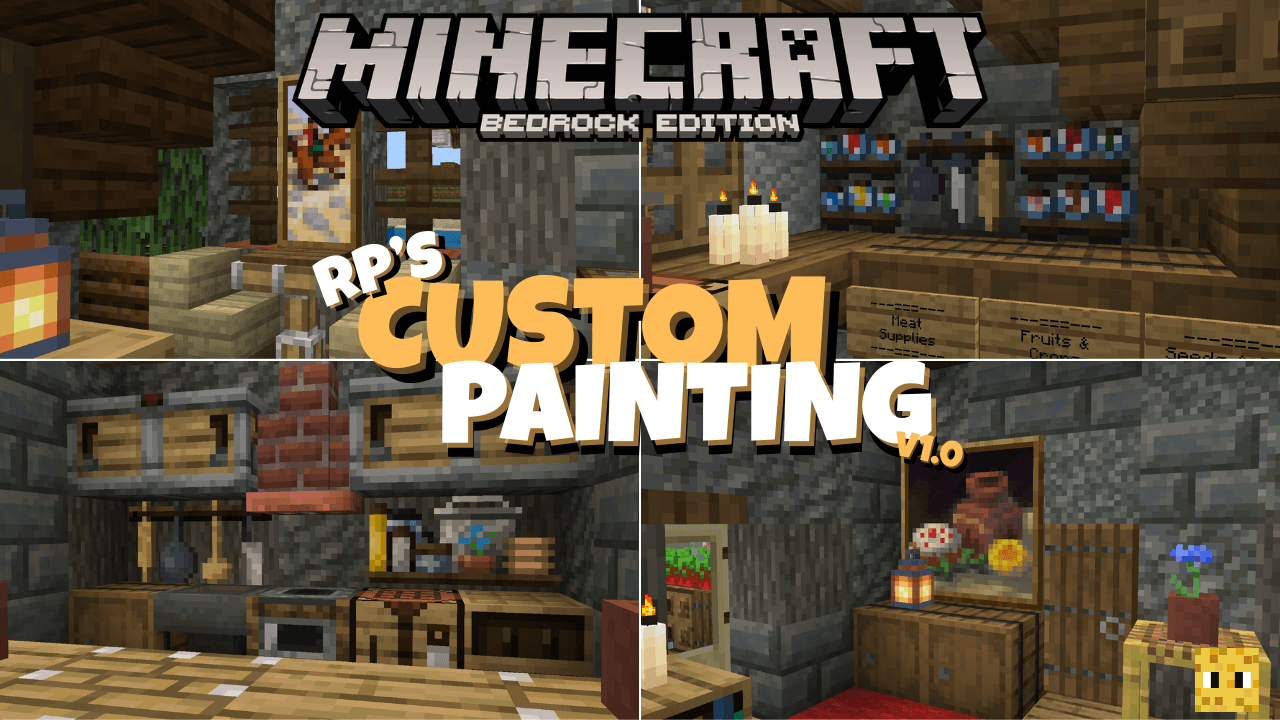
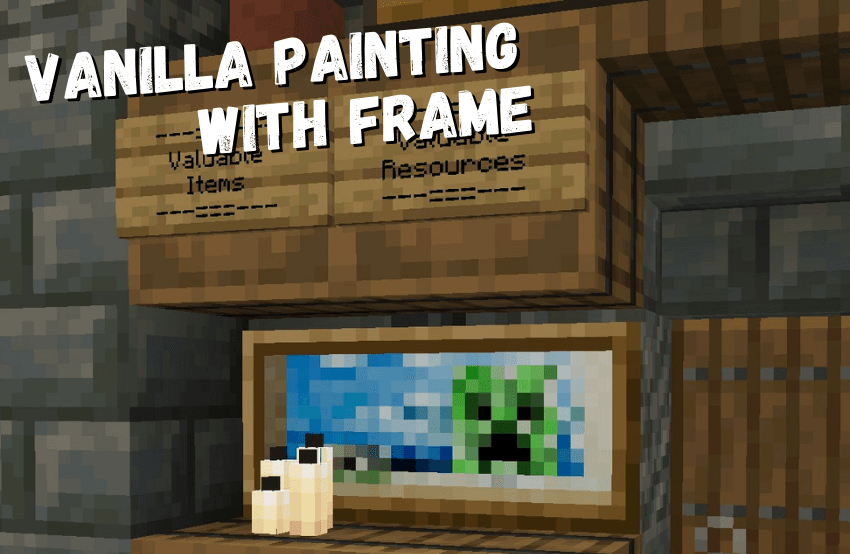
Custom Painting for Minecraft is a special visual add-on that allows you to radically change the range of available paintings. Now you will have the opportunity to significantly transform your interior. The author has added a large number of new design options that will definitely come in handy and that you will like.

In addition to the fact that the paintings have become slightly larger, they have also become more diverse, so all that remains is to boldly use everything and gradually achieve excellent results in your adventure. Try not to rush and carefully explore all the available options for decorating your design.
Installing Custom Painting:
The first step is to run the downloaded file and import the addon/texture into MCPE.
Second step: open Minecraft Pocket Edition and go to the settings of the world.
Third step: install the imported resource sets and add-ons for the world.
Step four: select the imported resource packages/add-on in each section and restart the mobile client.
Comments (0)