



Déesse Storage Management for Minecraft Pocket Edition 1.21
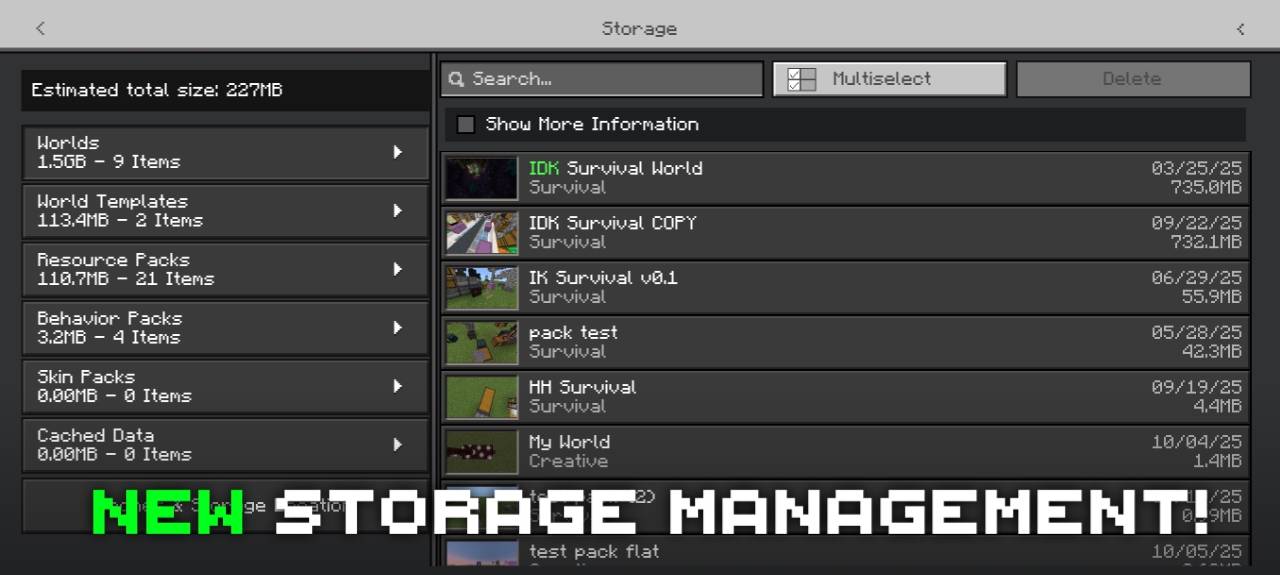
Déesse Storage Management for Minecraft is an interesting add-on that allows you to change the appearance of the screen for managing downloaded resources and worlds.
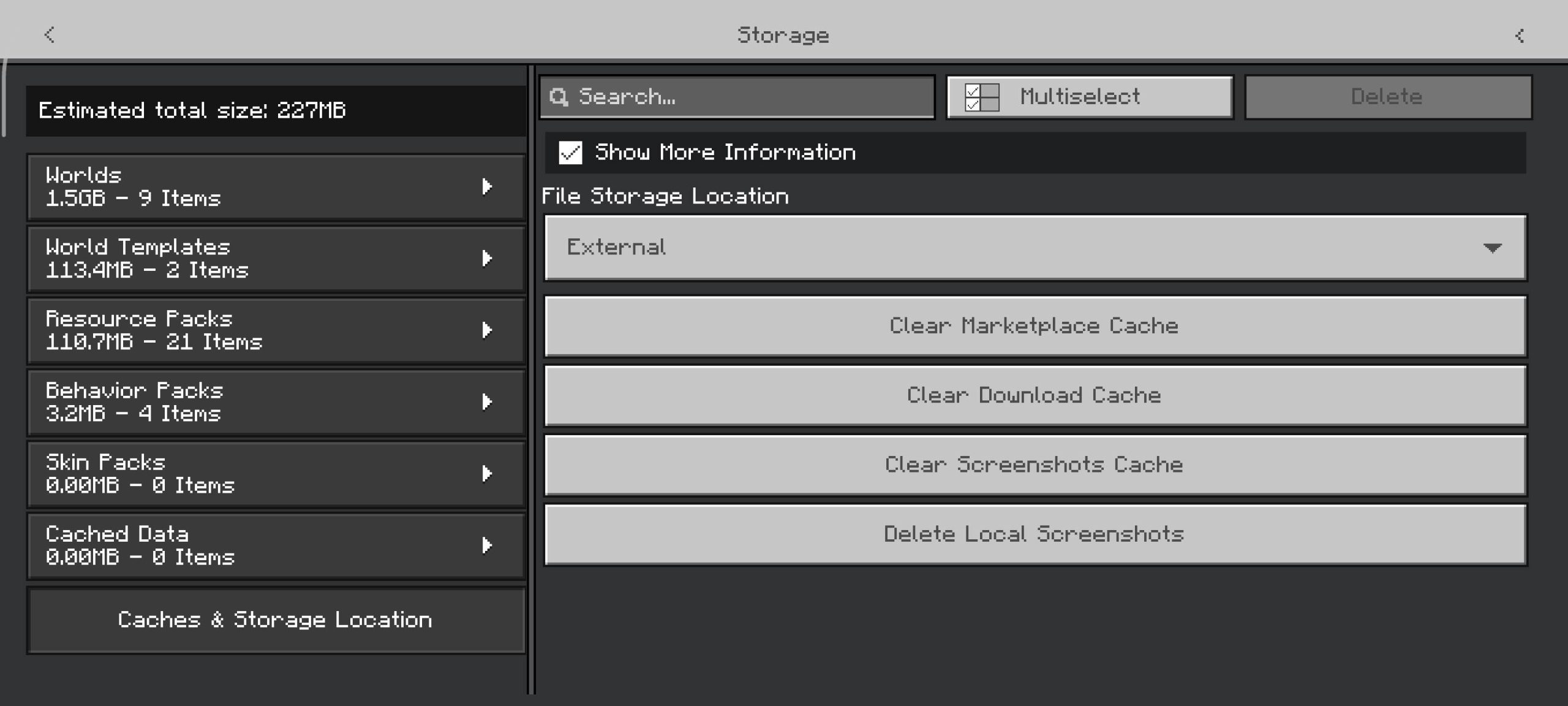
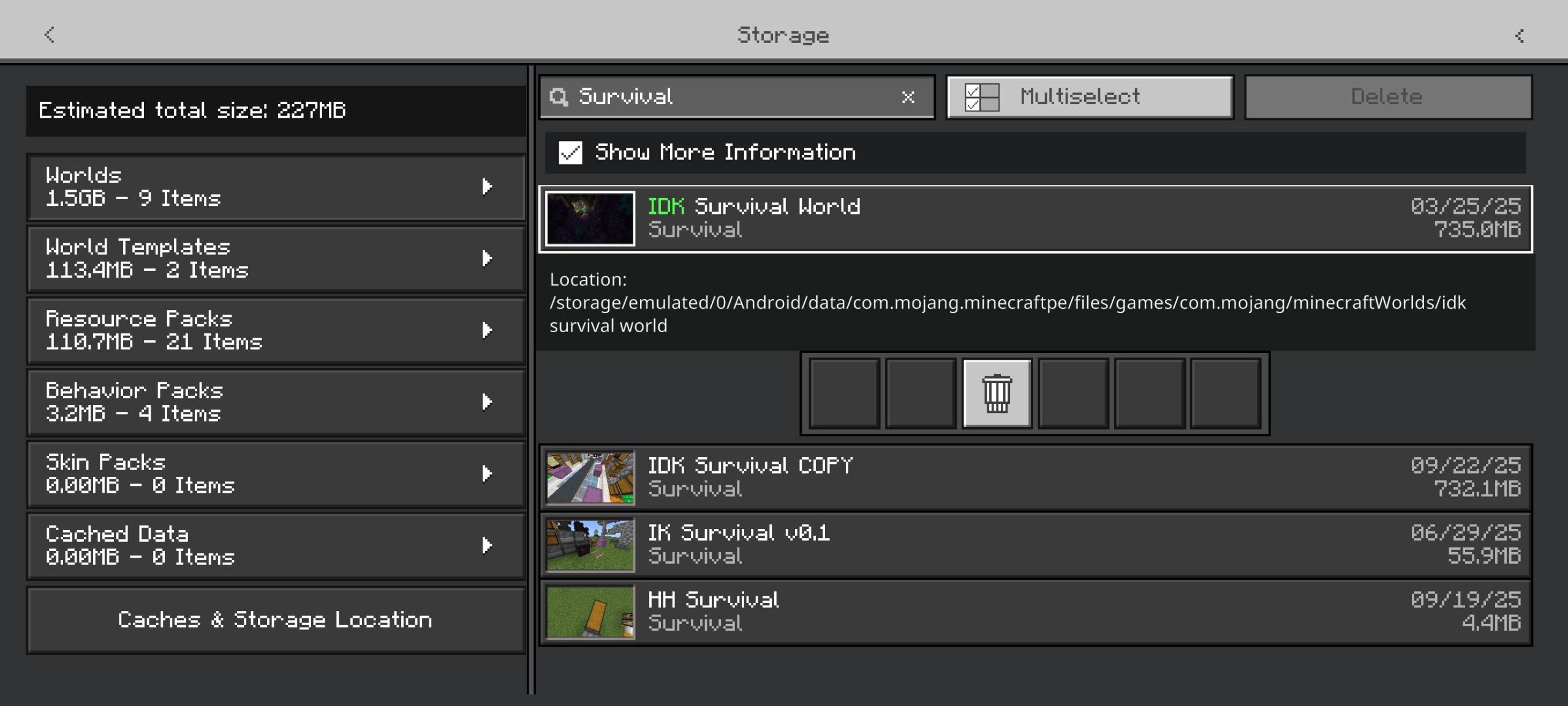
Now at your disposal will be a window that allows you to conveniently manage all downloaded resources and obtain basic information: name, date, version, and size. All this speeds up resource management and ensures comfortable use, saving time and simply putting order in your database of downloaded resources.
Installing Déesse Storage Management:
The first step is to run the downloaded file and import the addon/texture into MCPE.
Second step: open Minecraft Pocket Edition and go to the settings of the world.
Third step: install the imported resource sets and add-ons for the world.
Step four: select the imported resource packages/add-on in each section and restart the mobile client.
Comments (0)