



Enchanting Table Guide for Minecraft Pocket Edition 1.21
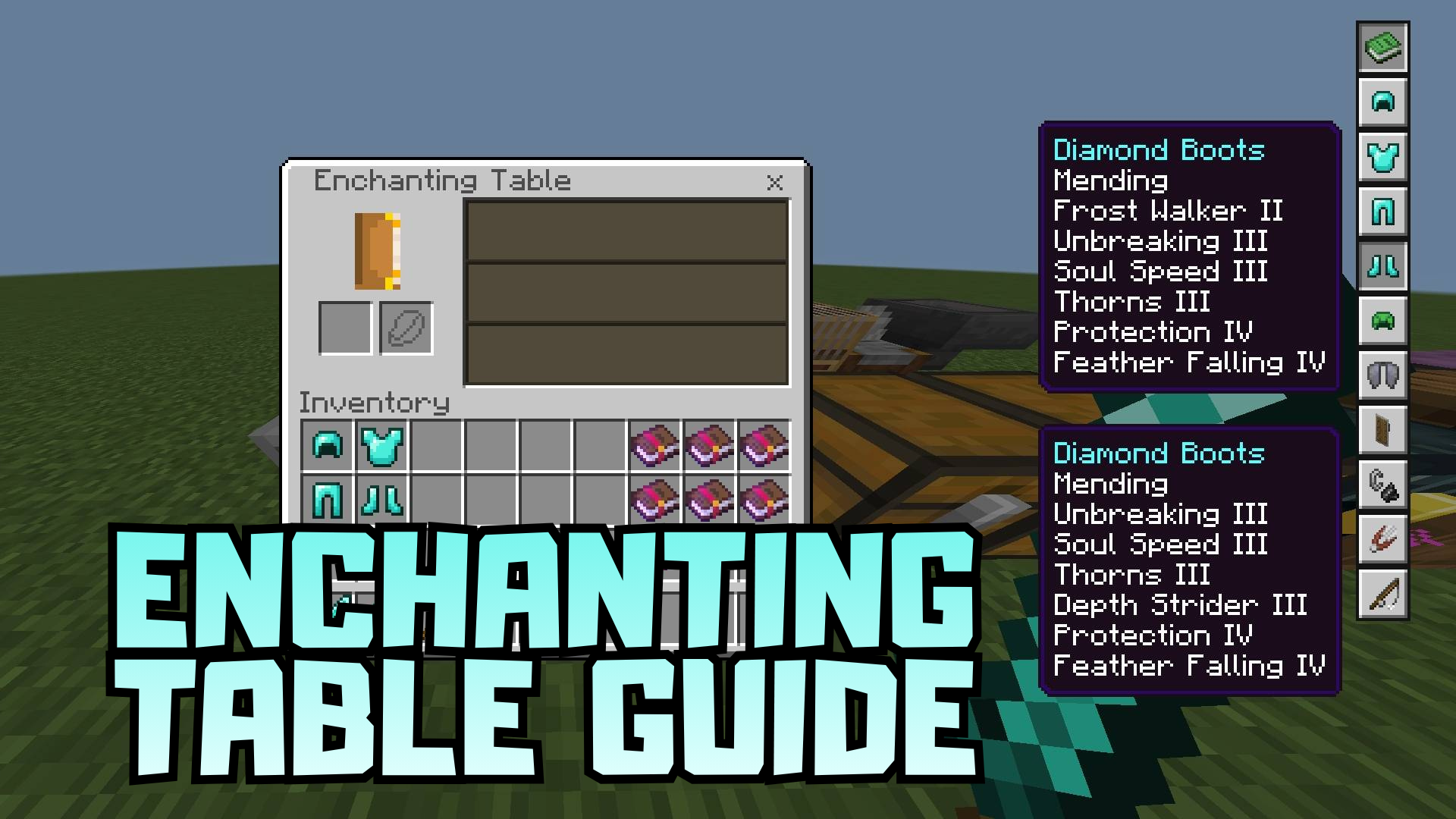
Sometimes a successful texture pack does not just decorate the game, but makes one of its systems much easier to understand. That is exactly how Enchanting Table Guide works. It adds a list of the best enchantments directly into the enchanting table, turning the familiar interface into a convenient mini-guide. In the upper-right corner, a compact button appears, through which you can instantly open hints and view optimal options without long thinking.
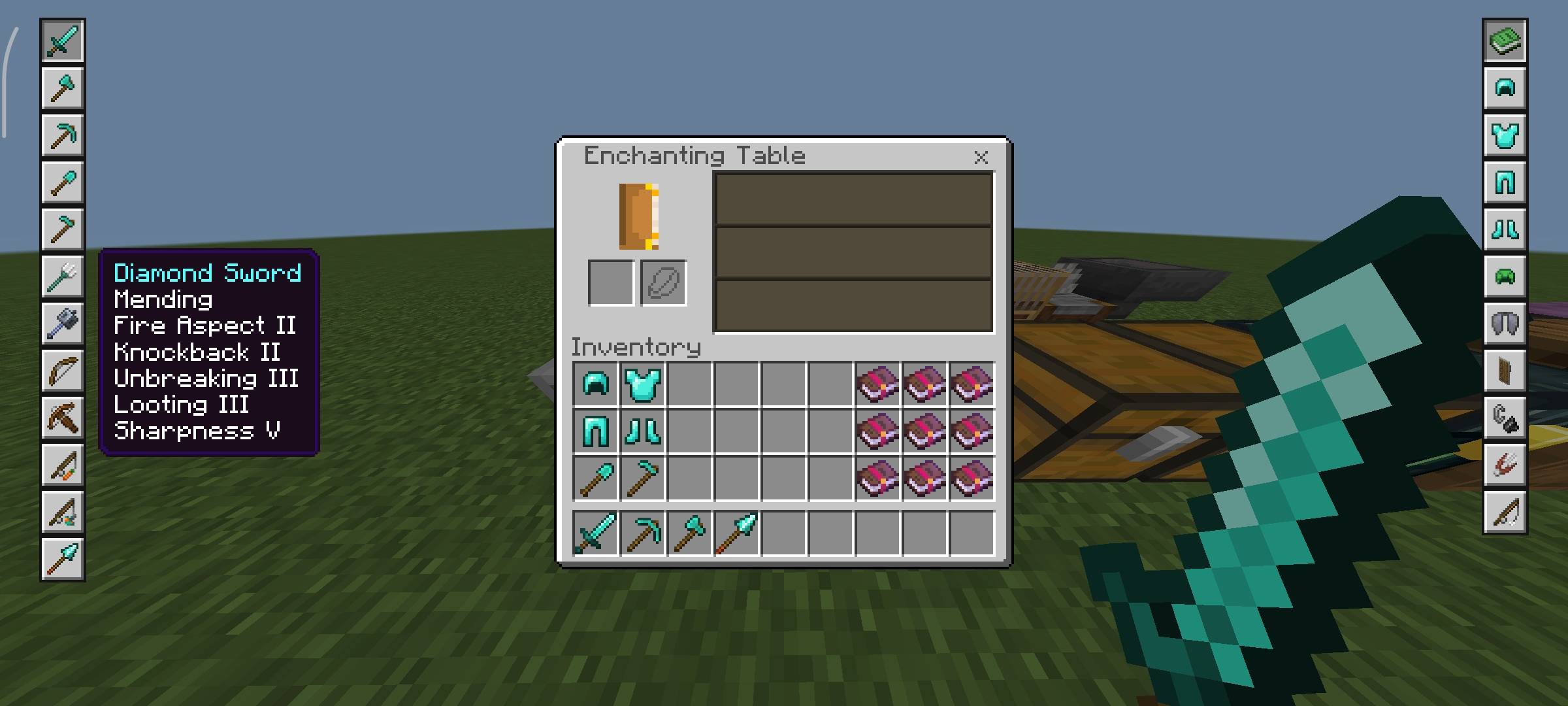
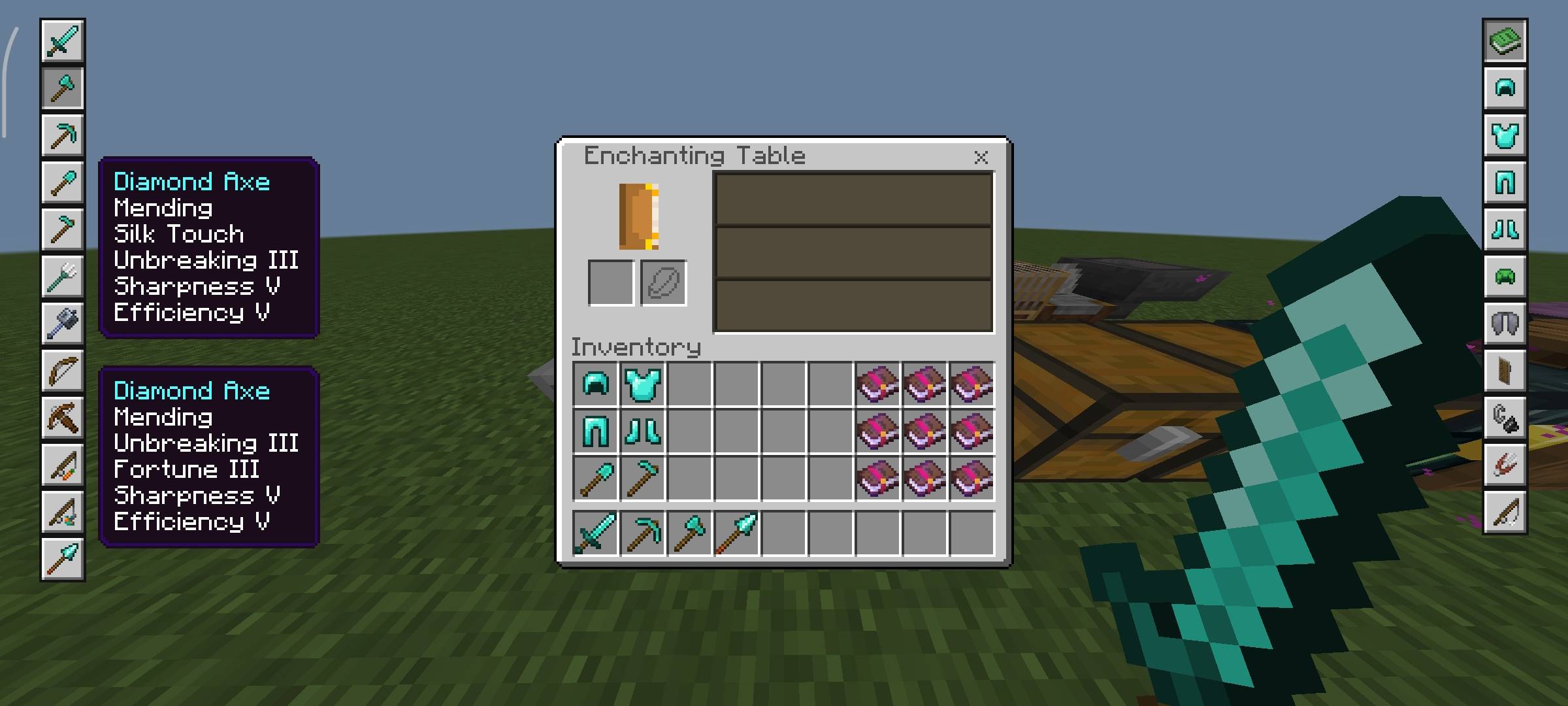
What is useful is that the pack shows good combinations for equipment and armor, which means it helps avoid wasting resources blindly. For beginners, this is an excellent way to understand the enchanting mechanic faster, and for experienced players, it is simply a time saver.
Installing Enchanting Table Guide:
The first step is to run the downloaded file and import the addon/texture into MCPE.
Second step: open Minecraft Pocket Edition and go to the settings of the world.
Third step: install the imported resource sets and add-ons for the world.
Step four: select the imported resource packages/add-on in each section and restart the mobile client.
Comments (0)