



Faithful 32x for Minecraft Pocket Edition 1.21
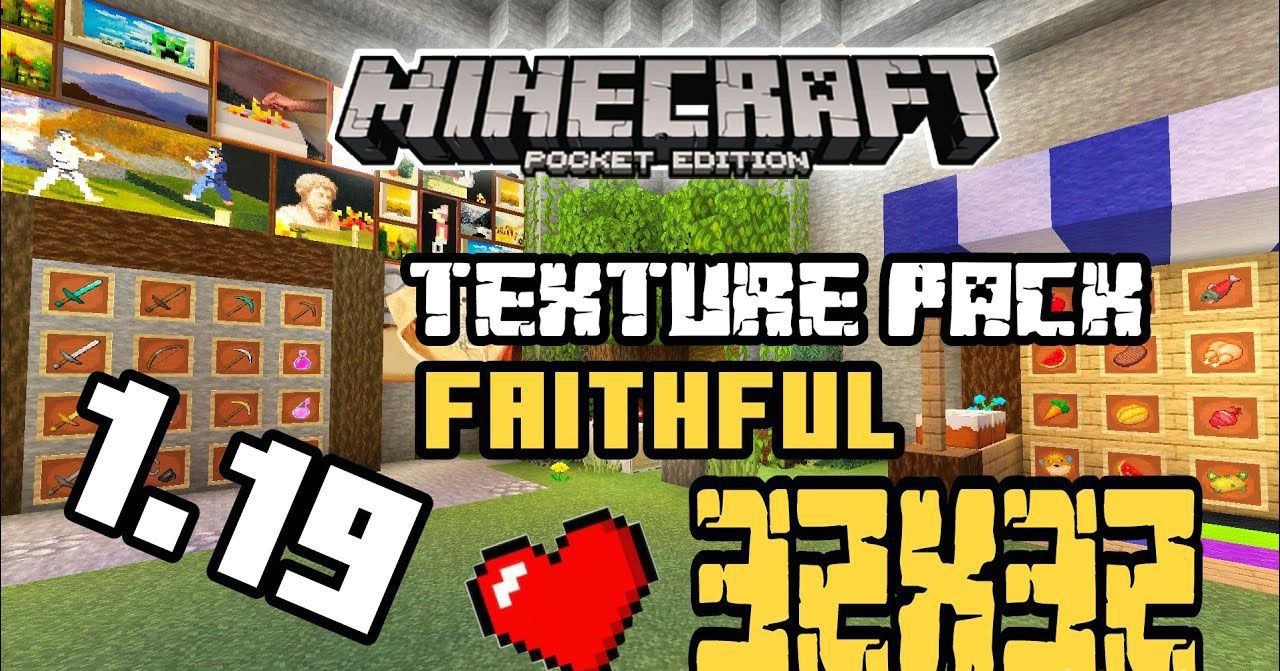
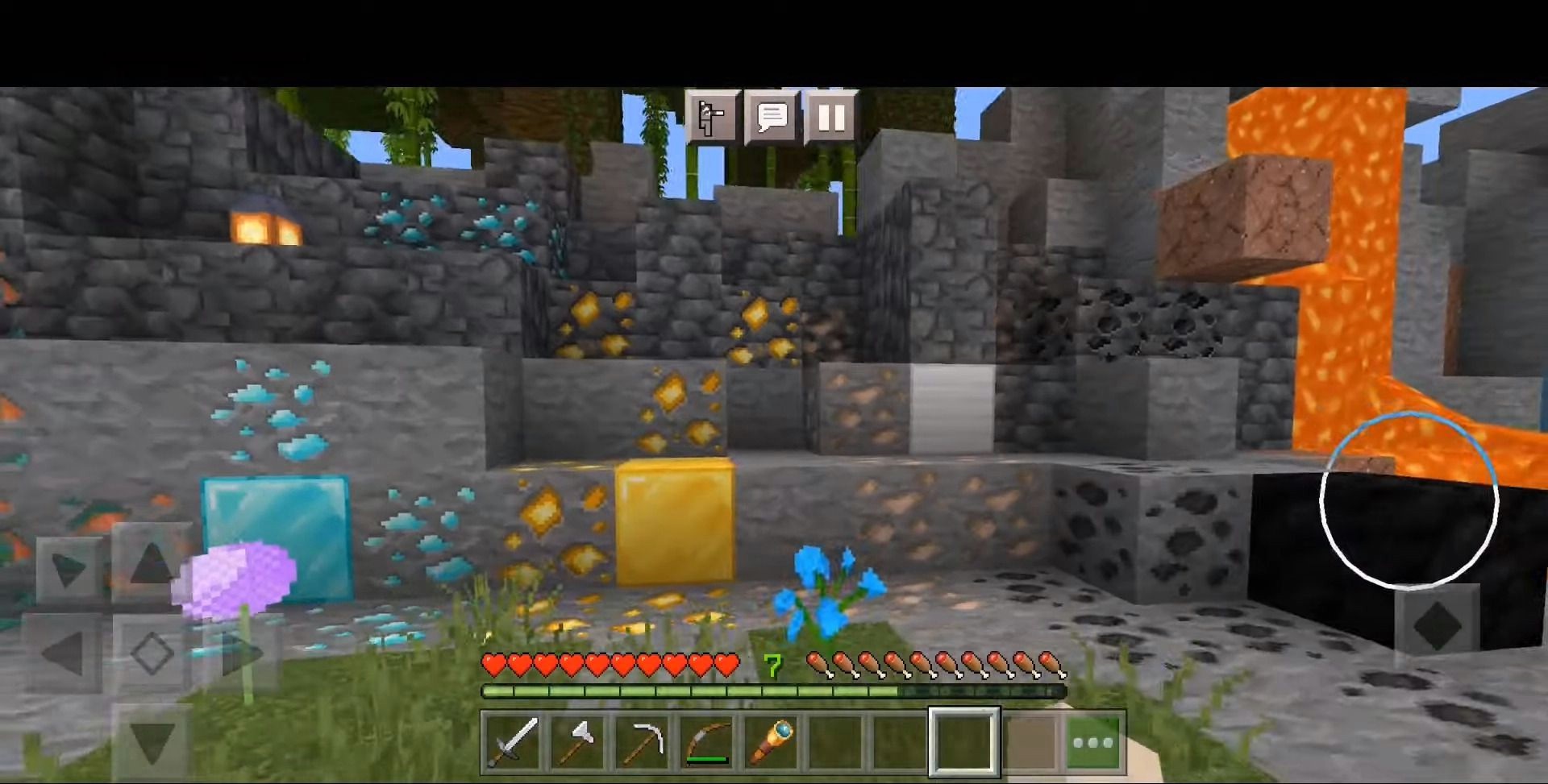
Faithful 32x for Minecraft is a great opportunity to embark on an exciting adventure. Now you will have at your disposal a large collection of updated high-resolution textures, which will definitely not disappoint you and will let you achieve excellent results without difficulty.
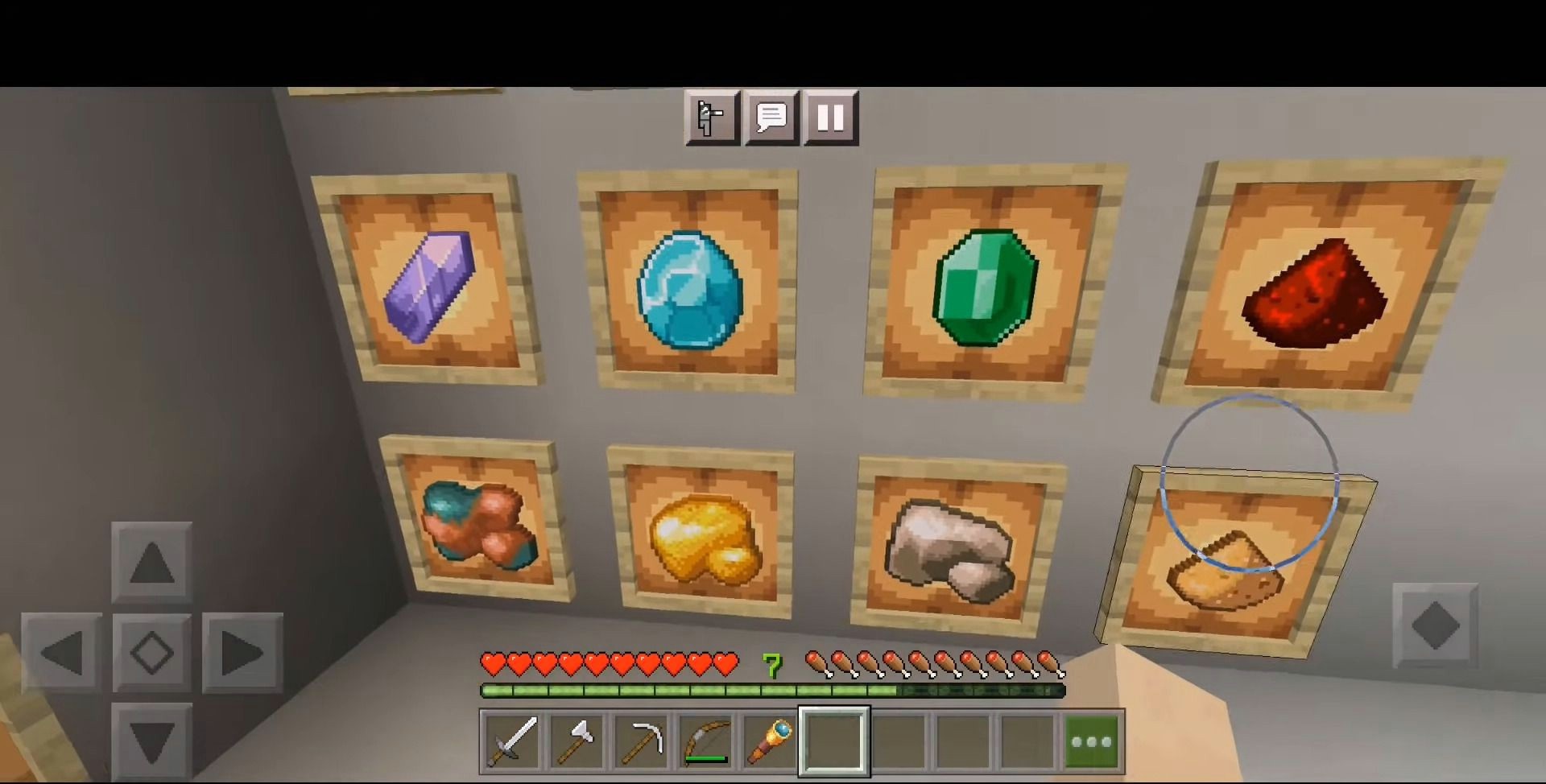
There’s no need to rush—we are sure that you will reach a favorable outcome and be able to appreciate all the available improvements. With this texture pack, you will surely gain many impressions and will be able to re-explore almost the entire game. So we wish you a great mood and good luck on your journey.
Installing Faithful 32x:
The first step is to run the downloaded file and import the addon/texture into MCPE.
Second step: open Minecraft Pocket Edition and go to the settings of the world.
Third step: install the imported resource sets and add-ons for the world.
Step four: select the imported resource packages/add-on in each section and restart the mobile client.
Comments (0)