



Frost Blue for Minecraft Pocket Edition 1.21
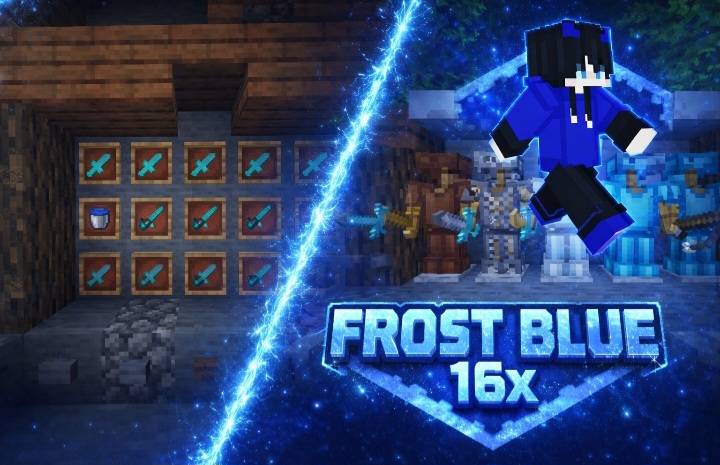
Not everyone likes overloaded and overly colorful texture packs, and in this regard Frost Blue looks very successful. Its style is built on smooth, easy-to-read lines and a pronounced blue palette that gives the entire game a cooler and neater mood. The textures look simplified, but this is not a drawback, rather a deliberate decision: the details are made so that the picture is easier to perceive and the shapes of objects are clearer.
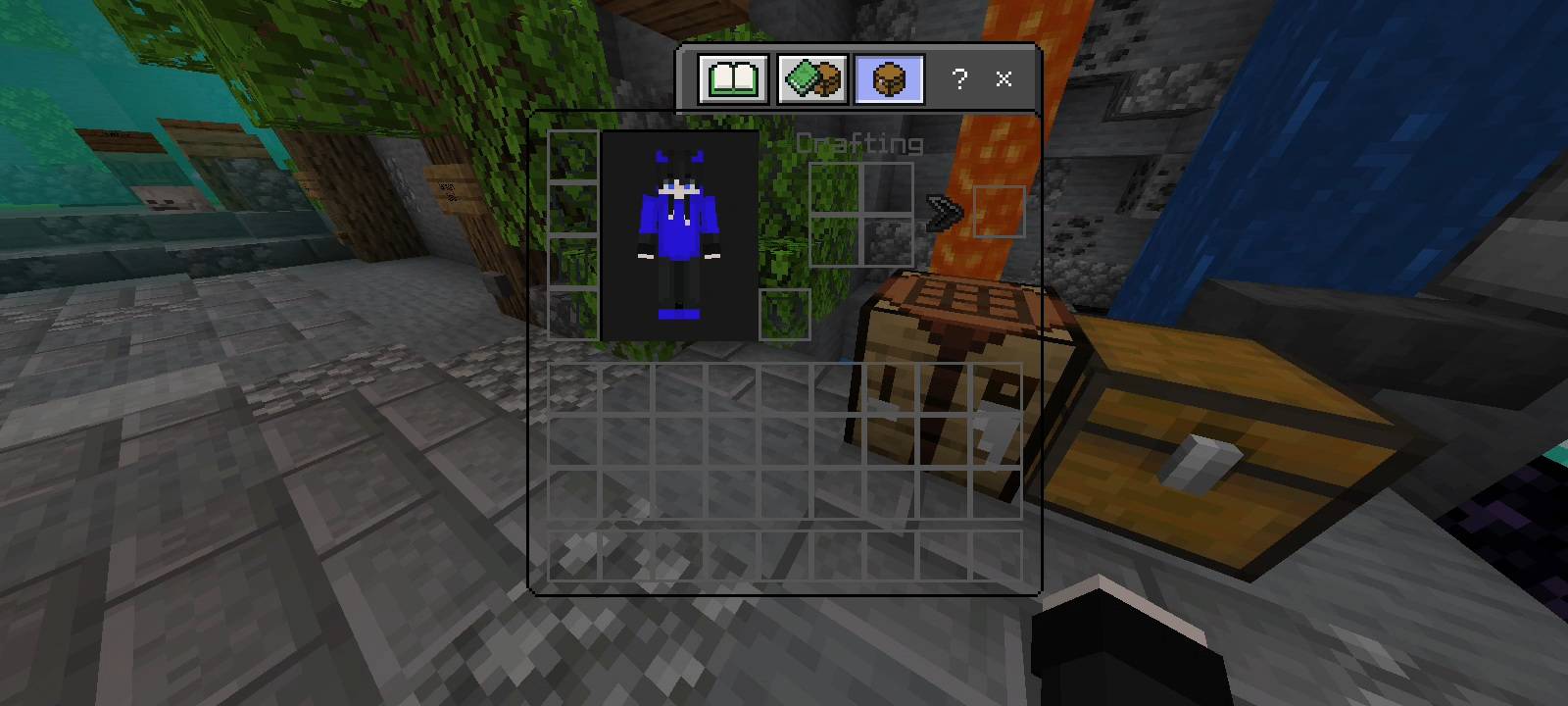
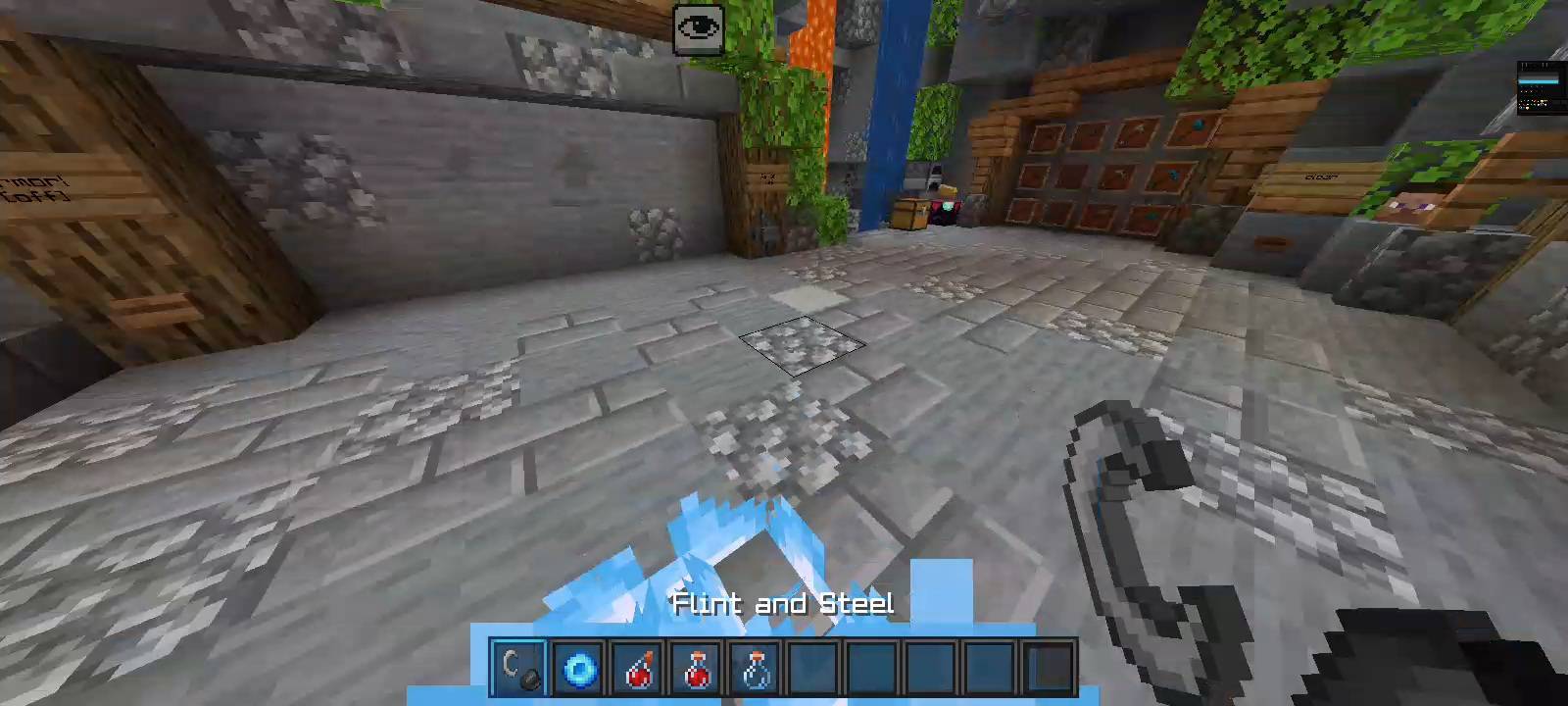
Because of this presentation, the game world remains understandable even in dynamic situations, when it is important to navigate through space quickly. The pack looks stylish, restrained, and at the same time noticeable enough to immediately feel the difference.
Installing Frost Blue:
The first step is to run the downloaded file and import the addon/texture into MCPE.
Second step: open Minecraft Pocket Edition and go to the settings of the world.
Third step: install the imported resource sets and add-ons for the world.
Step four: select the imported resource packages/add-on in each section and restart the mobile client.
Comments (0)