



Glow Trims for Minecraft Pocket Edition 1.21
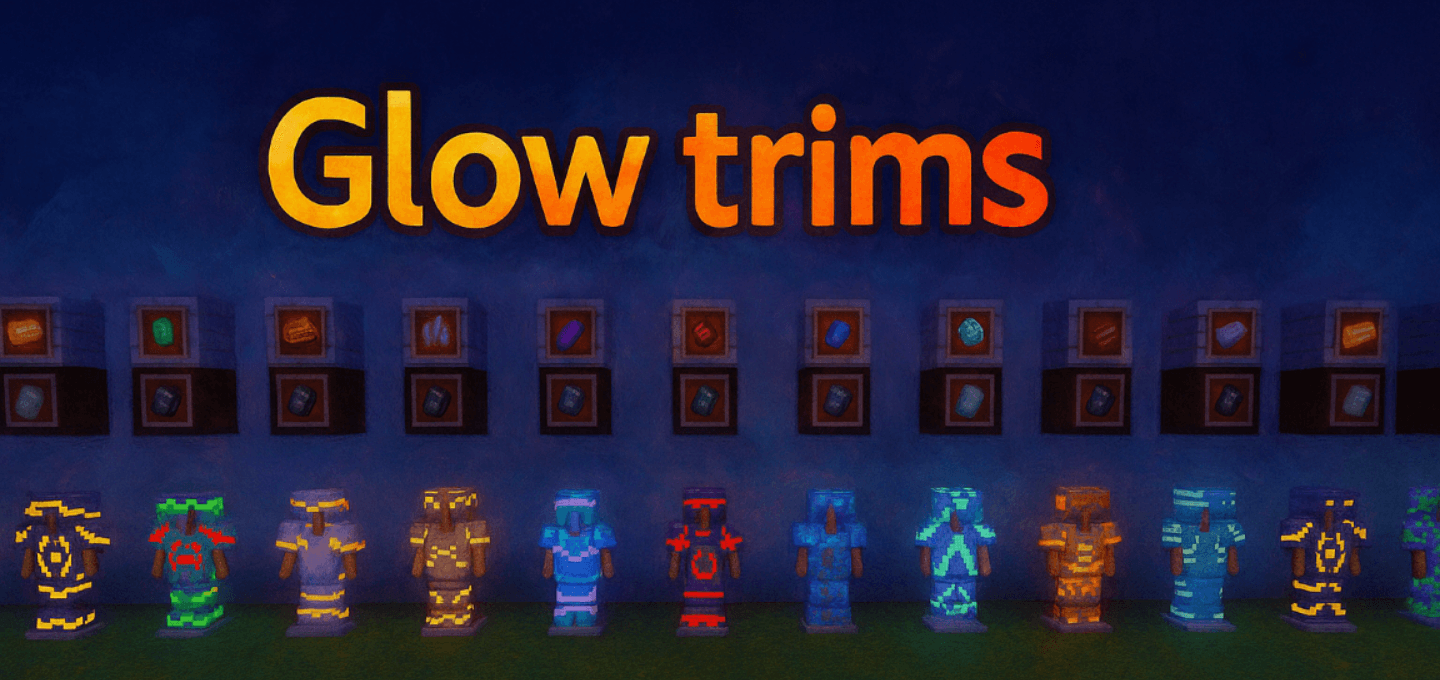
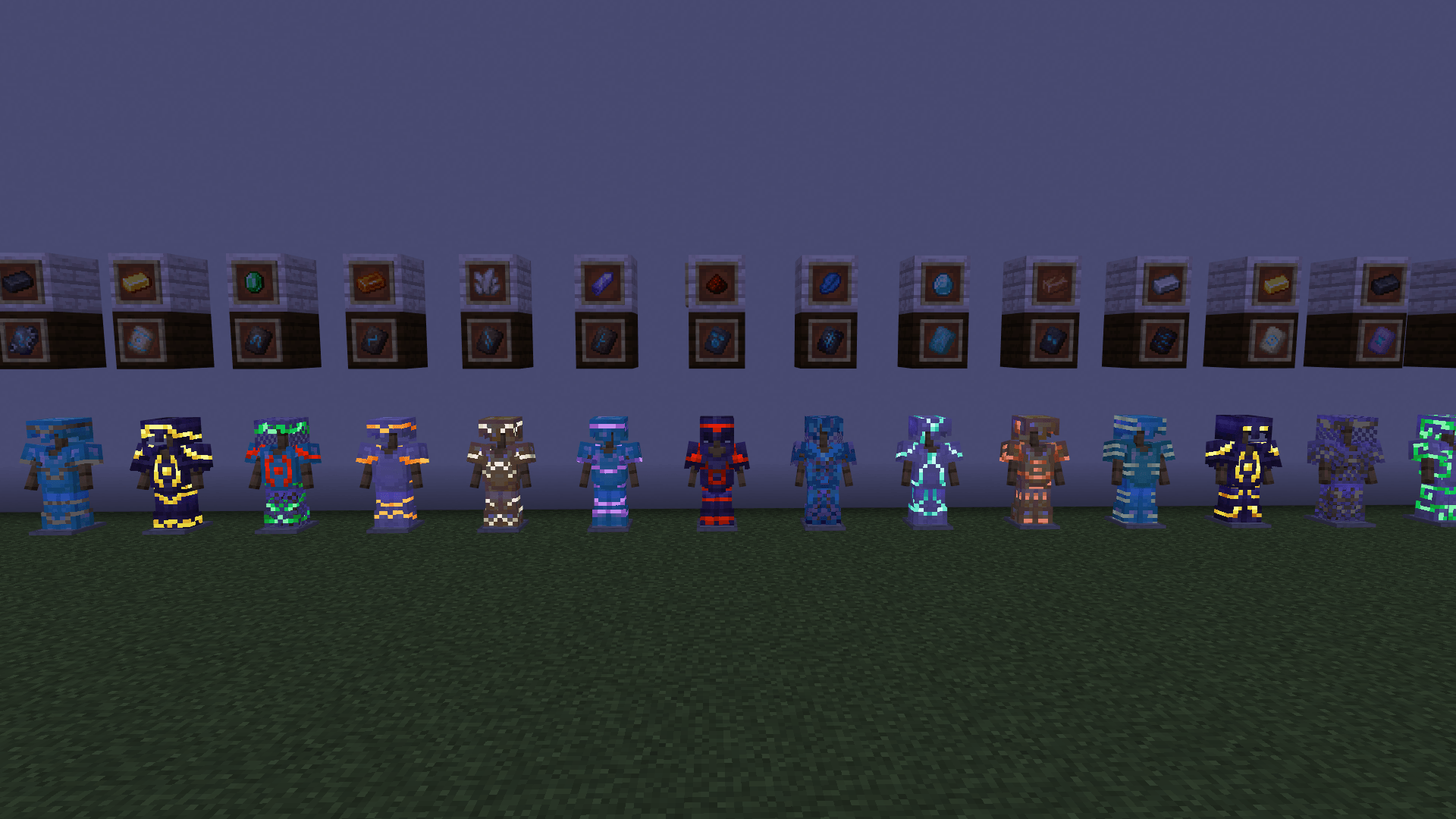
Not all decorative texture packs are capable of being useful in actual gameplay, but Glow Trims successfully combines style and practicality. Its main feature is glowing patterns on armor that remain visible even in complete darkness. The effect applies to all types of armor, so any design begins to look brighter and more expressive.
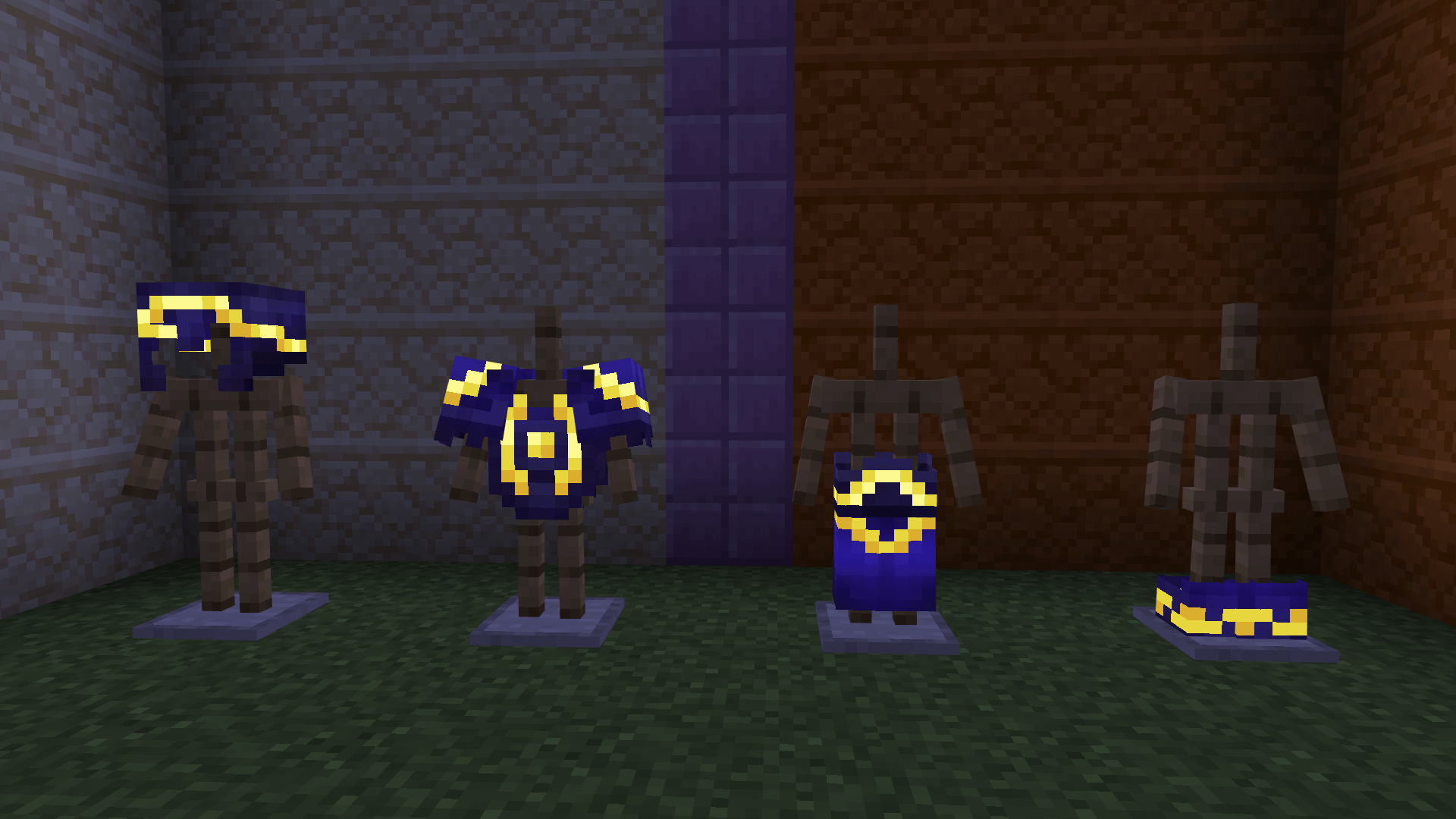
Visually, this is especially impressive in caves, at night, or in poorly lit buildings, where ordinary decorative elements get lost. At the same time, the texture pack does not change the armor mechanics themselves and does not interfere with balance, but simply makes the equipment look more impressive.
Installing Glow Trims:
The first step is to run the downloaded file and import the addon/texture into MCPE.
Second step: open Minecraft Pocket Edition and go to the settings of the world.
Third step: install the imported resource sets and add-ons for the world.
Step four: select the imported resource packages/add-on in each section and restart the mobile client.
Comments (0)