



Glowing Visuals Pro for Minecraft Pocket Edition 1.21
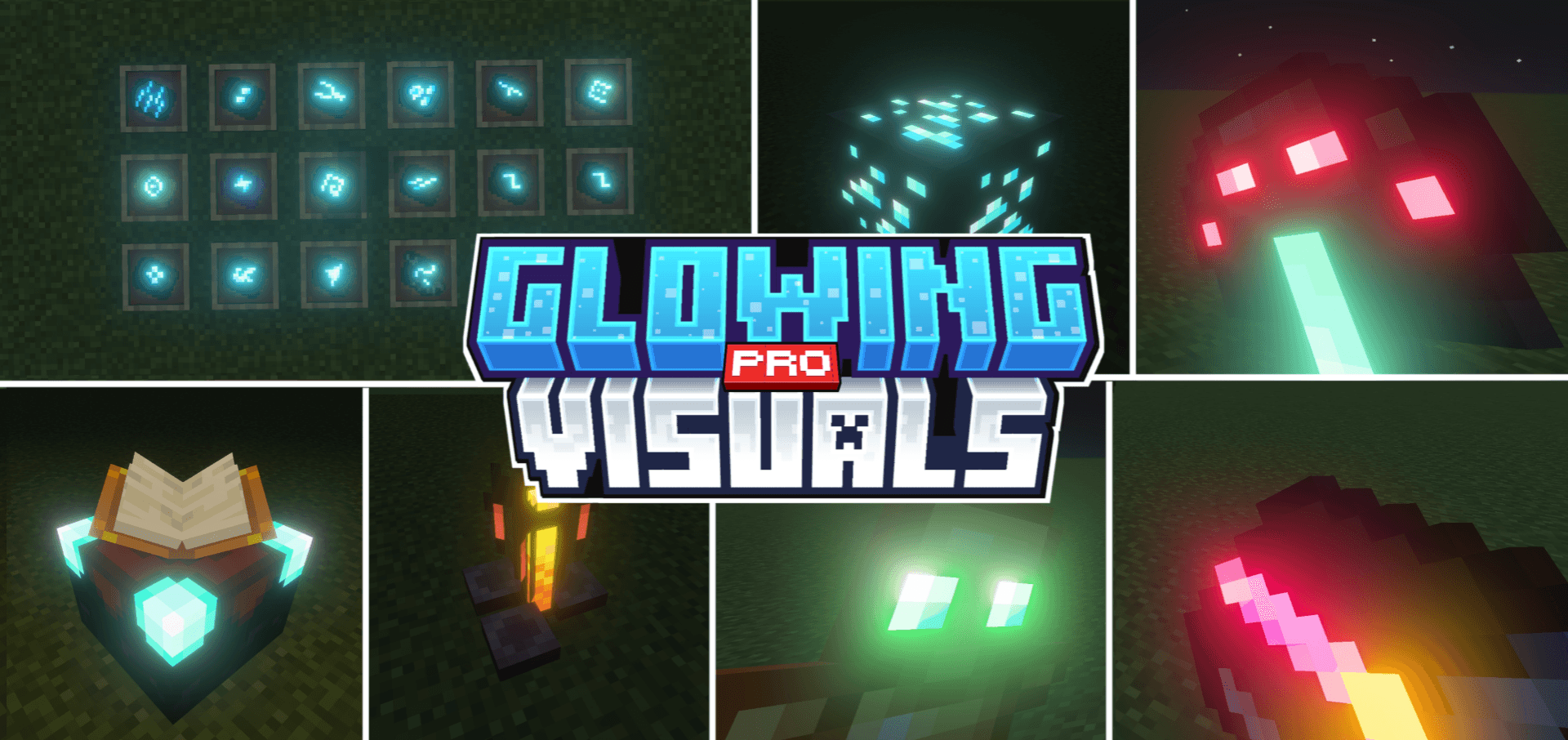
Glowing effects generally look good and offer far more interesting impressions than the basic visuals. That is why it is always worth taking the opportunity to add this effect to your adventures. For example, you can use Glowing Visuals Pro add-on for Minecraft, which introduces a number of interesting changes.
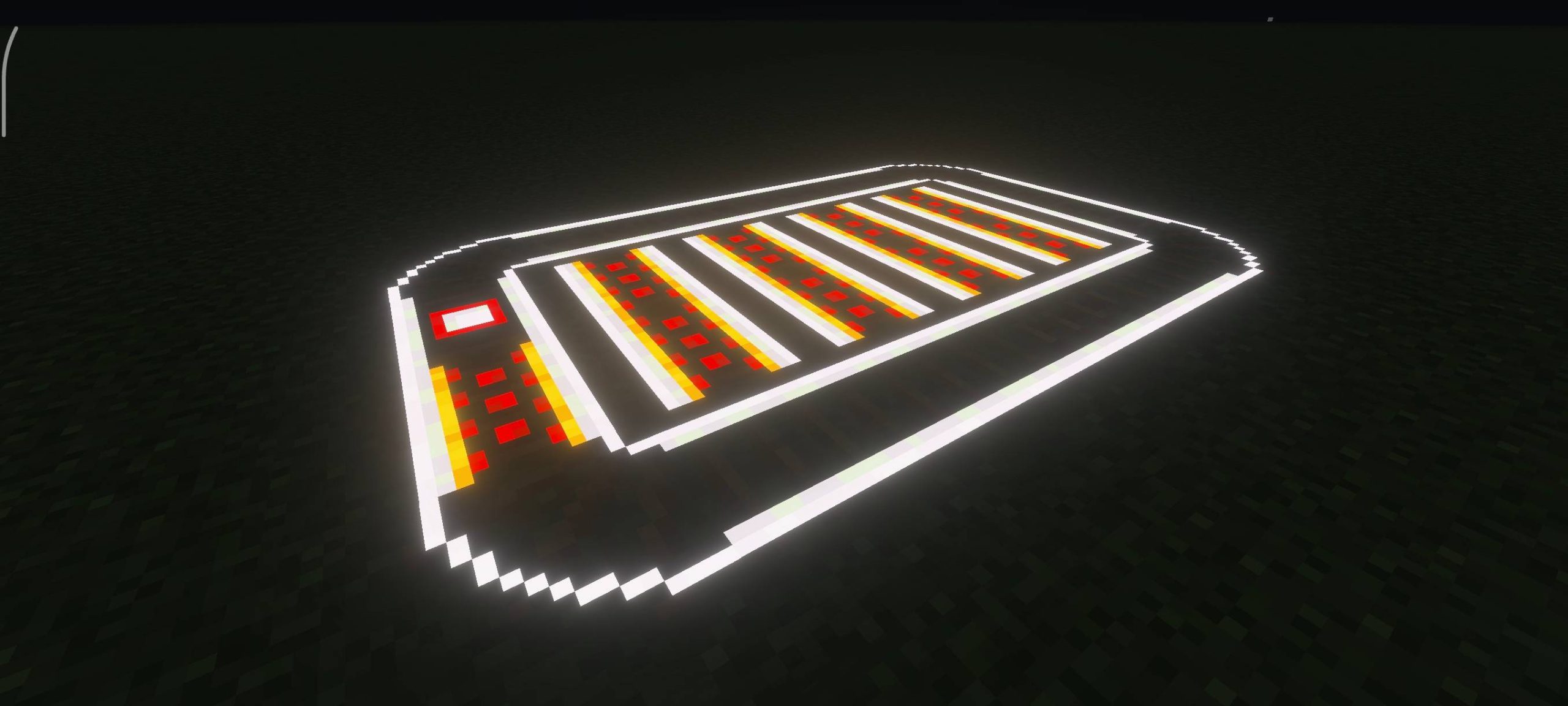
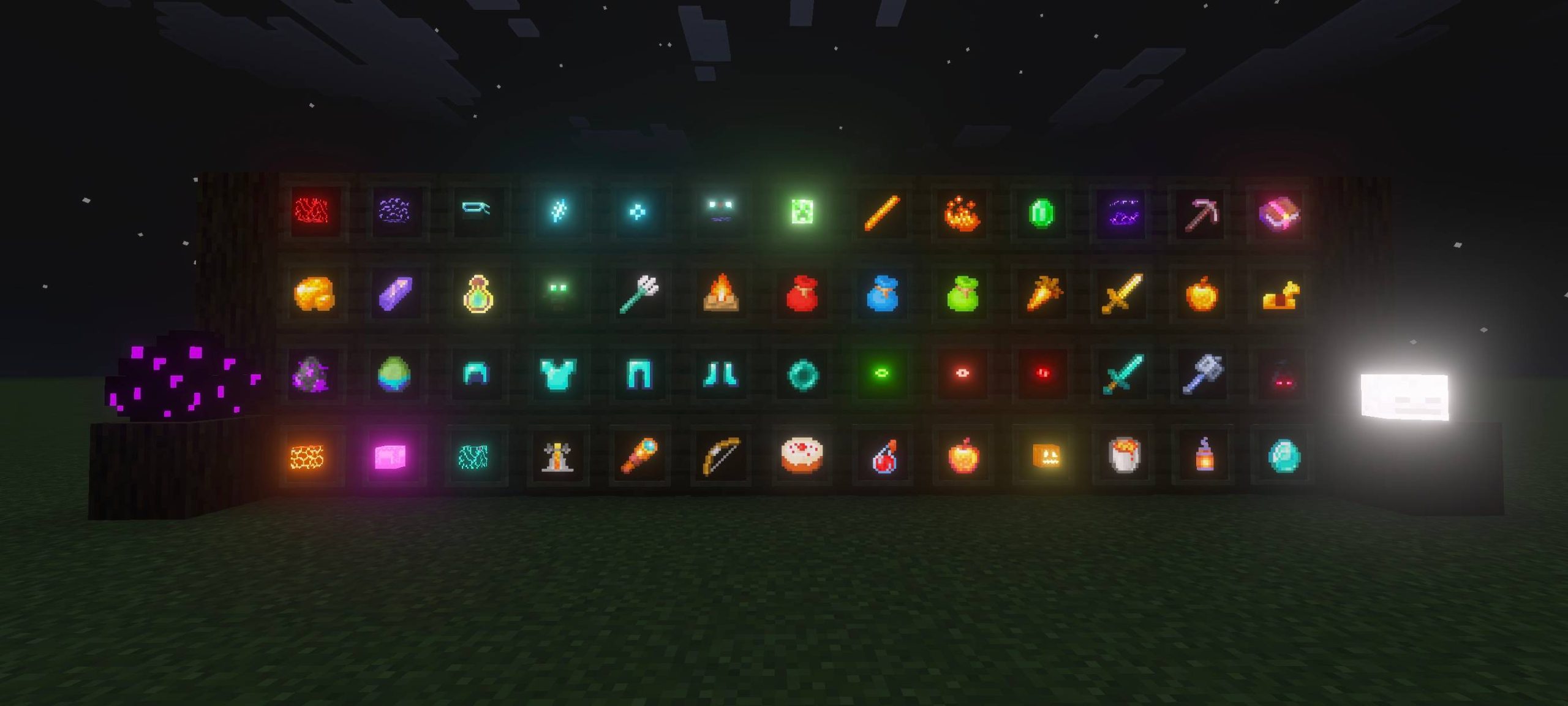
Now all items, blocks, and even creatures will receive certain glowing elements that fit perfectly into the game and look especially good at night. All that remains is for you to personally evaluate this variety and enjoy the game to the fullest.
Installing Glowing Visuals Pro:
The first step is to run the downloaded file and import the addon/texture into MCPE.
Second step: open Minecraft Pocket Edition and go to the settings of the world.
Third step: install the imported resource sets and add-ons for the world.
Step four: select the imported resource packages/add-on in each section and restart the mobile client.
Comments (0)