



GUI Overhaul for Minecraft Pocket Edition 1.21
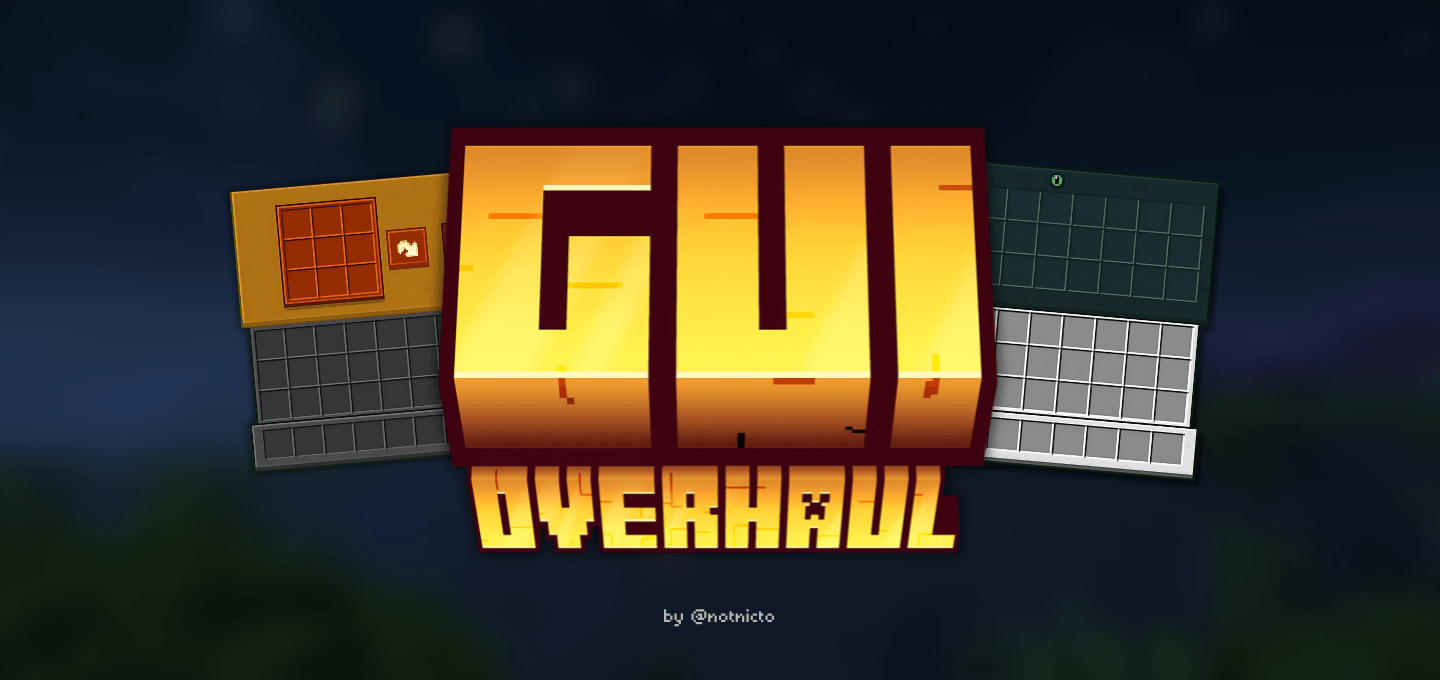
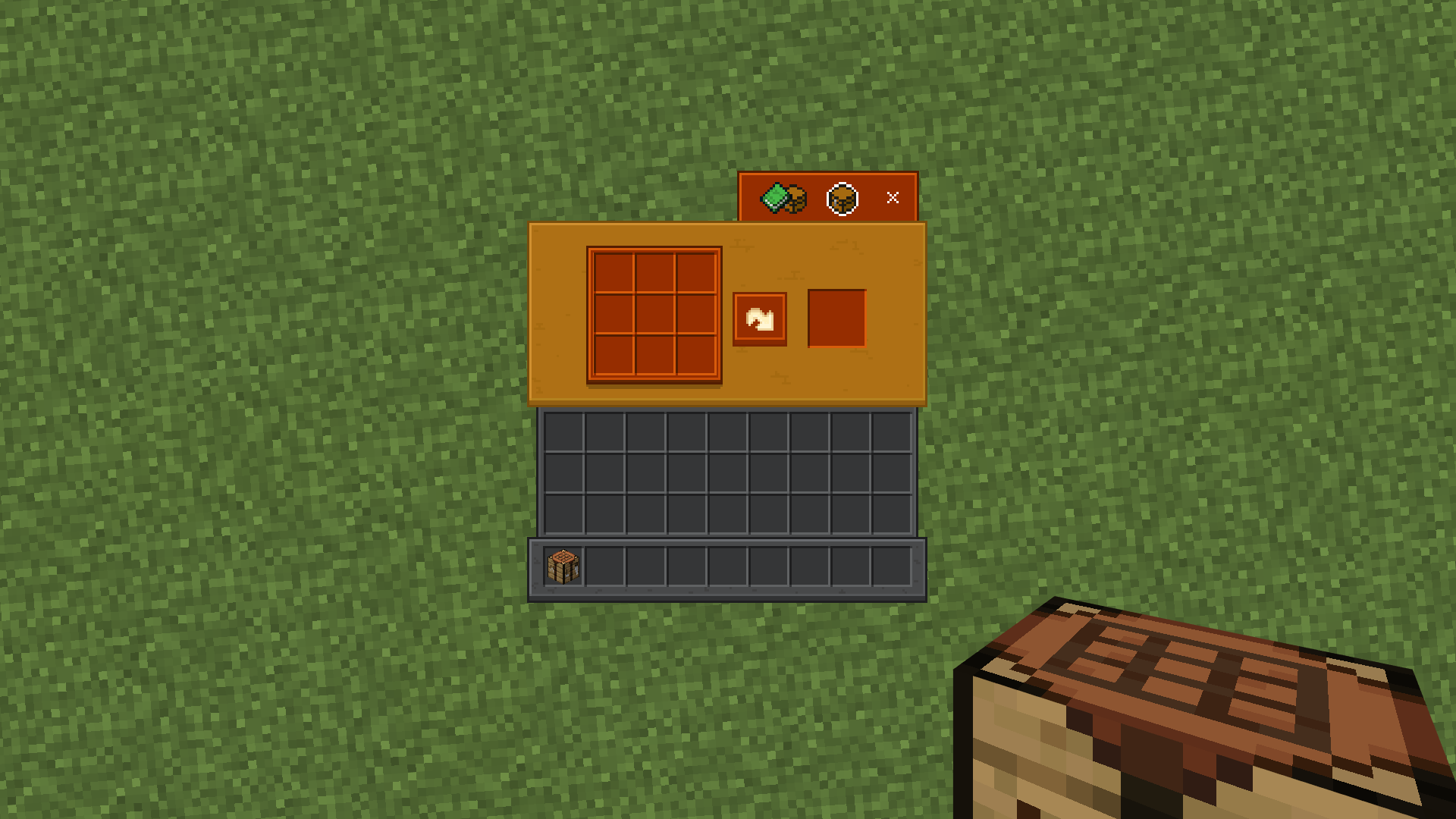
Not everyone pays attention to the interface until they try something truly convenient and stylish. GUI Overhaul is exactly one of those texture packs: it reworks the standard control panels and makes the menus much more expressive. The crafting table, furnace, and enchanting table windows receive a design that better matches the shape and purpose of the specific block, because of which the interface looks more cohesive.
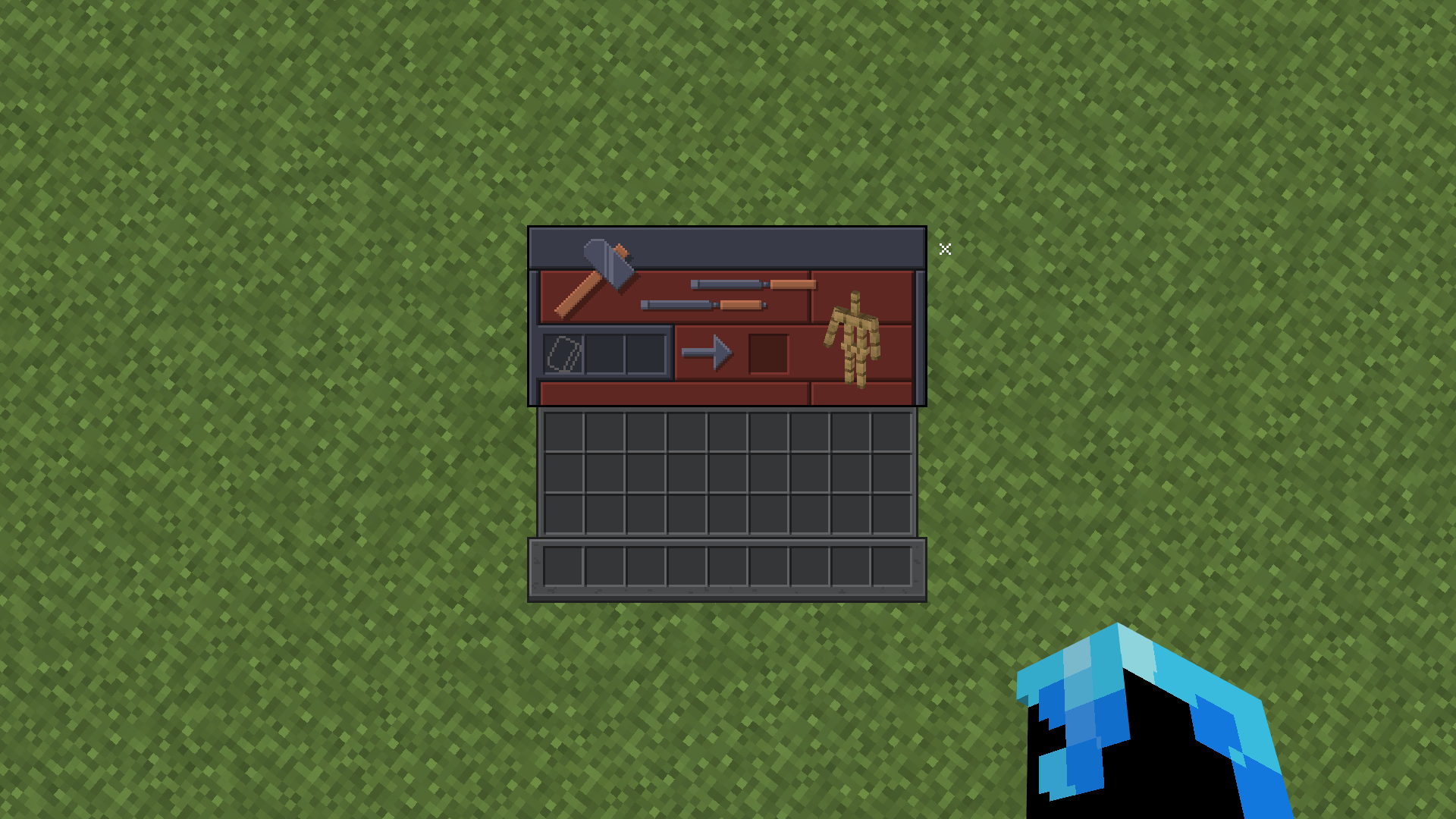
An additional advantage is the animations in some menus, because of which interacting with tools feels fresher. There is also a practical side: the pack includes light and dark modes, so the appearance can be adjusted to personal preferences.
Installing GUI Overhaul:
The first step is to run the downloaded file and import the addon/texture into MCPE.
Second step: open Minecraft Pocket Edition and go to the settings of the world.
Third step: install the imported resource sets and add-ons for the world.
Step four: select the imported resource packages/add-on in each section and restart the mobile client.
Comments (0)