



Health Bar for Minecraft Pocket Edition 1.21
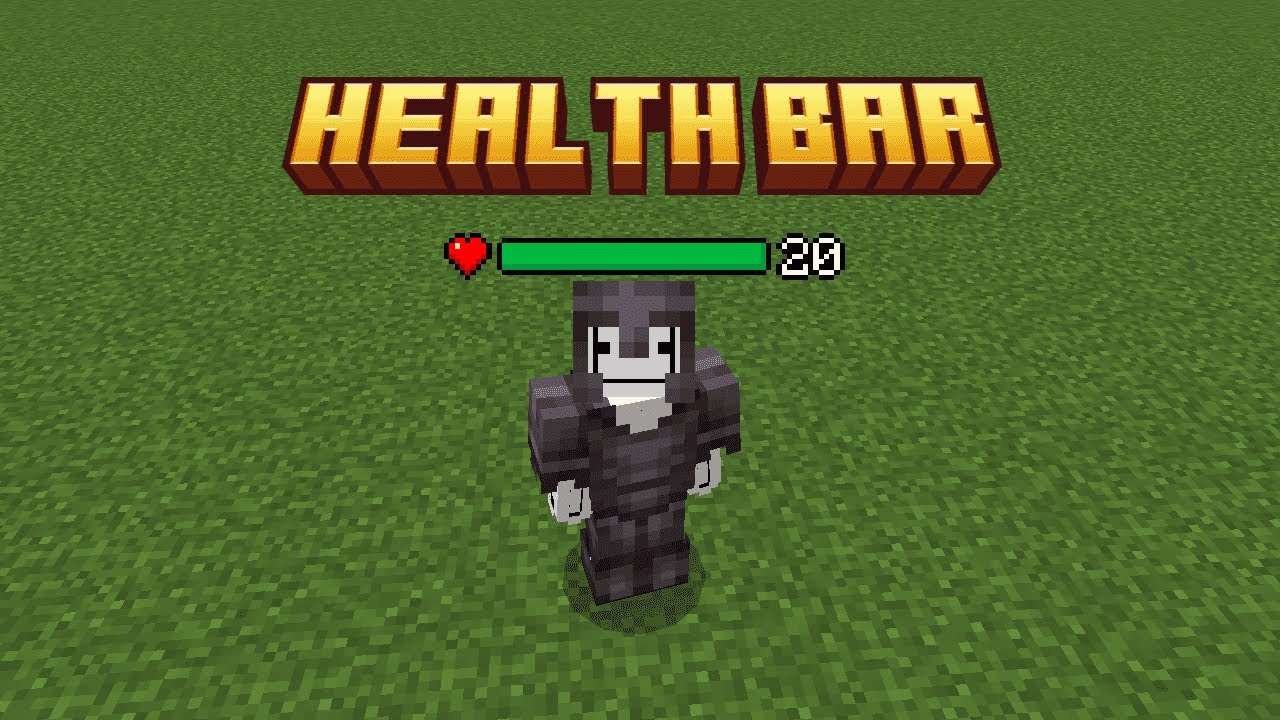
You’ve no doubt often found yourself wanting to see more information about your surroundings while on your adventures. All you need to do is try the Health Bar add-on for Minecraft, which promises to be both effective and interesting.
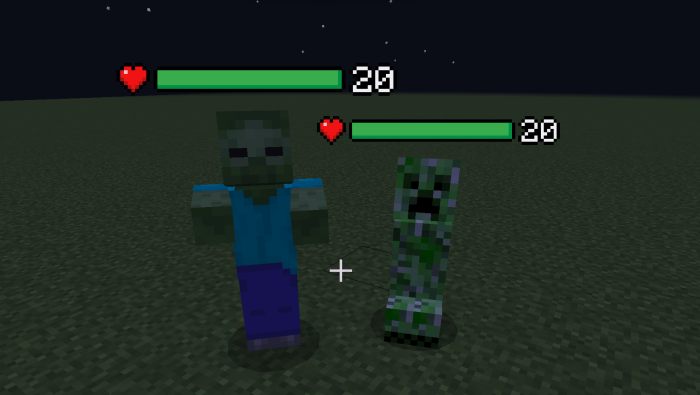
Enemies will now have their own health bar, heart icons and a few other small elements. With these indicators, you’re sure to get much more information and successfully fend off enemies. The key is to make skilful use of these new features and gradually achieve good results in your adventures.
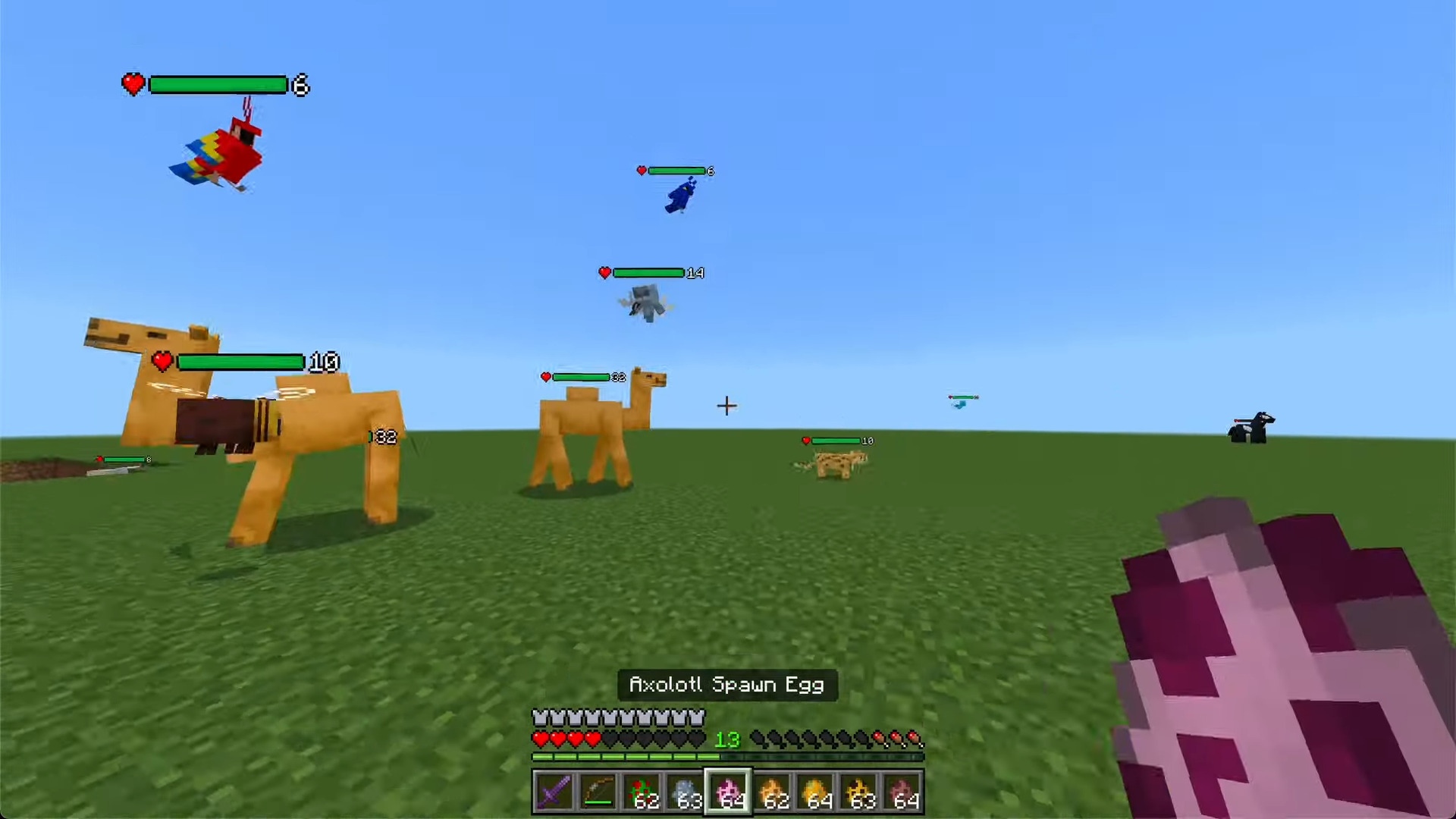
How to install the texture pack:
Step 1: Download the texture pack using the link below.
Step 2: Extract the downloaded archive and copy the Health Bar folder to games\com.mojang\resource_packs (if this folder does not exist, create it yourself)
Step 3: In the game, go to Settings; next to ‘Texture Packs’, you’ll see a ‘Manage’ button – click on it. The copied texture pack will appear in the list on the left; click on it so that it moves to the top of the list on the right.
Comments (0)