



Herobrine Wither for Minecraft Pocket Edition 1.21
There are texture packs that have almost no effect on the mechanics, but completely change the impression of meeting a boss, and Herobrine Wither works exactly like that. This pack replaces the appearance of the Wither with the image of Herobrine, making the battle noticeably darker and more atmospheric. At the same time, the boss’s abilities, behavior, and overall difficulty level remain the same, so the game balance does not suffer.
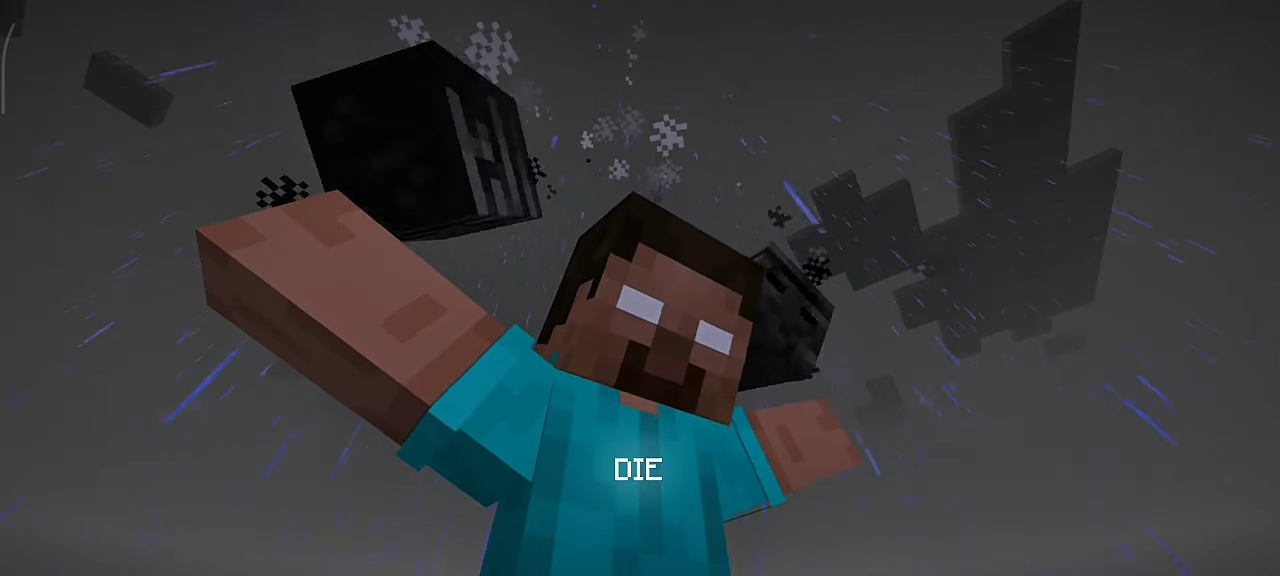
What changes first of all is the presentation: instead of the familiar appearance, the player gets a more frightening and memorable image that fits perfectly for horror maps, themed packs, or simply unusual survival.
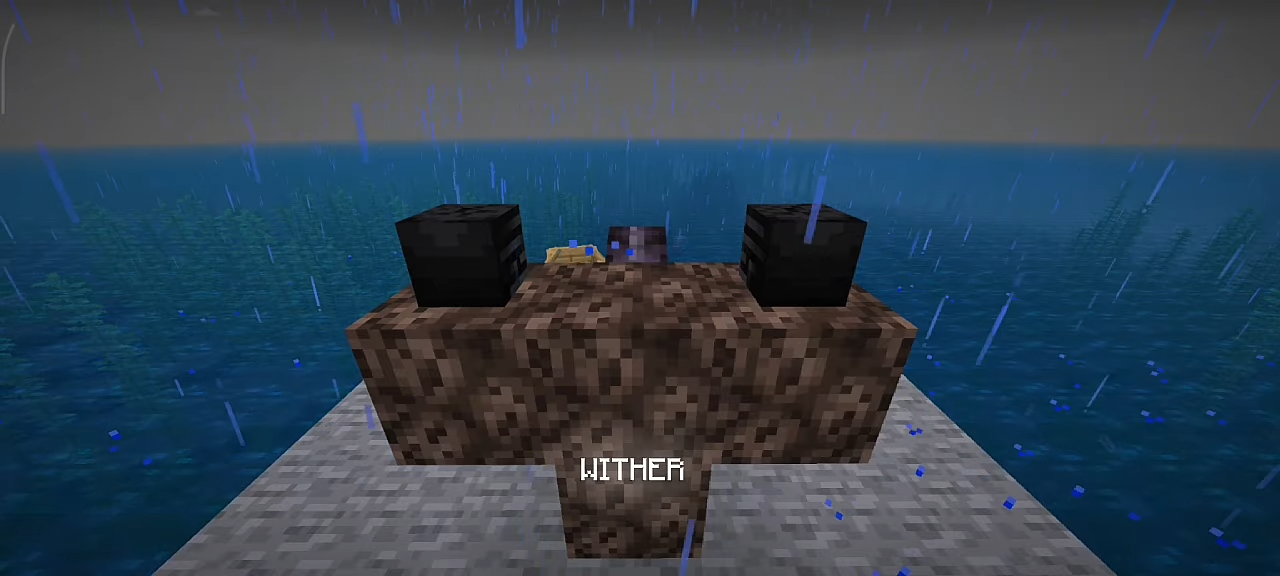
Installing Herobrine Wither:
The first step is to run the downloaded file and import the addon/texture into MCPE.
Second step: open Minecraft Pocket Edition and go to the settings of the world.
Third step: install the imported resource sets and add-ons for the world.
Step four: select the imported resource packages/add-on in each section and restart the mobile client.
Comments (0)