



Immersive Hearts for Minecraft Pocket Edition 1.21
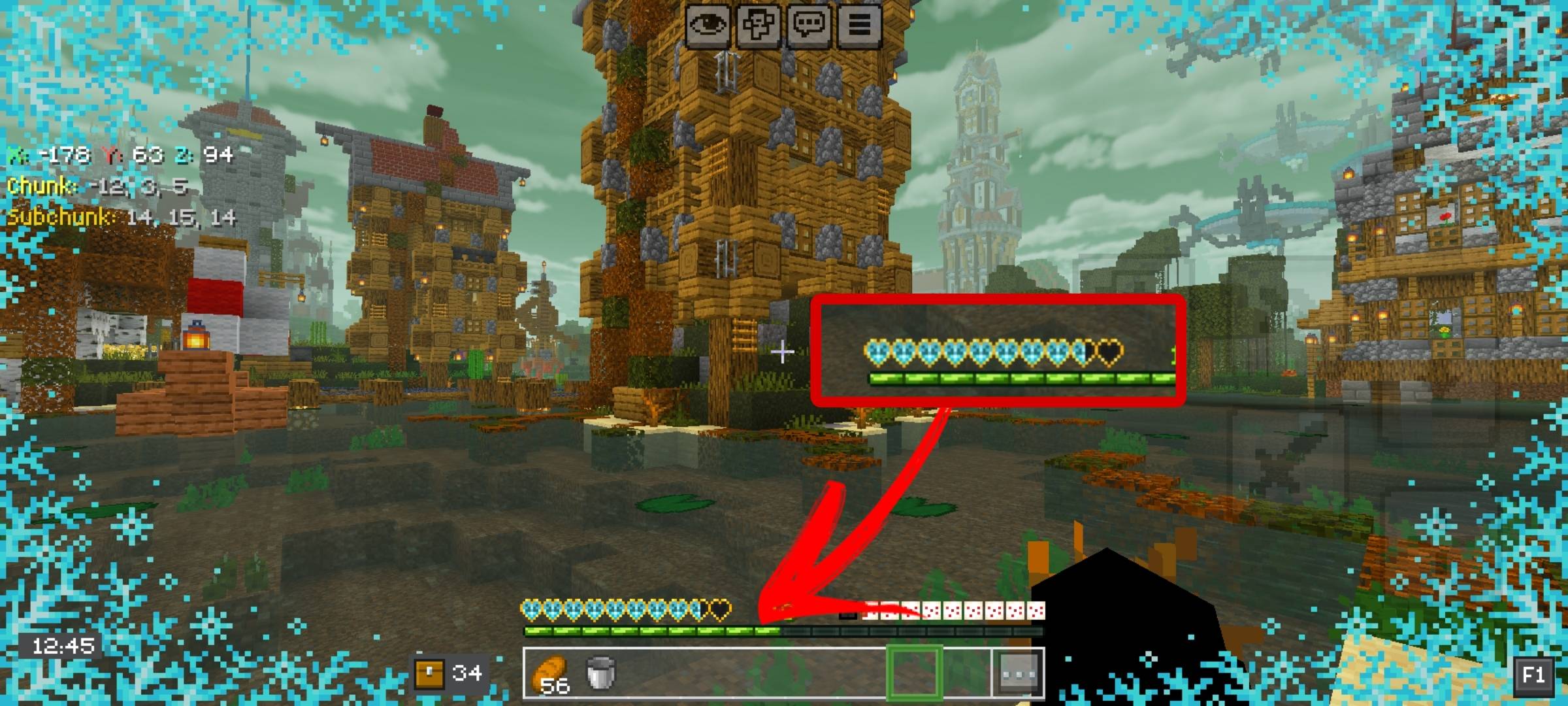
To make the game more attractive, it is enough to use add-ons that change the appearance. For example, if you pay attention to Immersive Hearts enhancement for Minecraft, you can significantly change the display of hearts, the bubble, and even armor. All of this will surely allow you to gain new impressions and simply make the game many times more appealing.
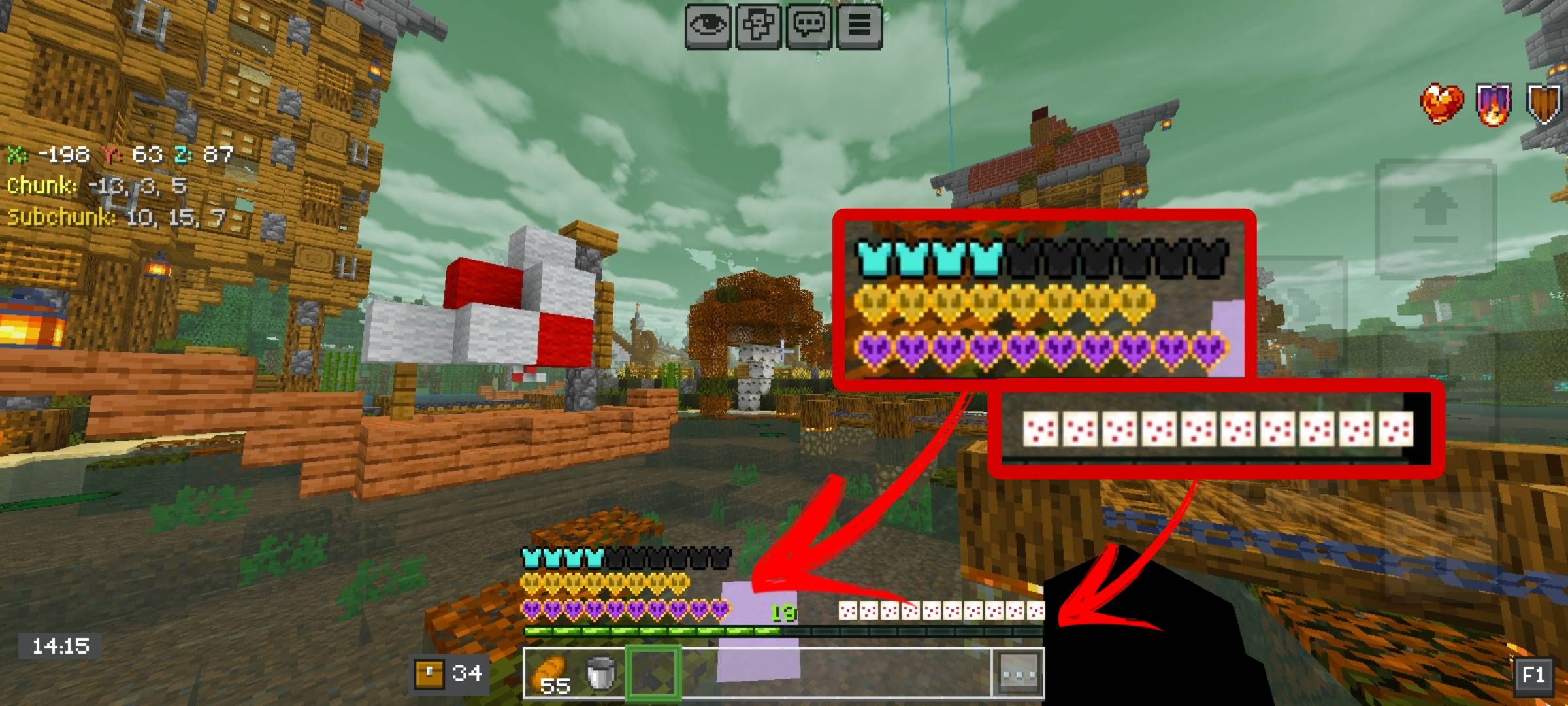
All that remains is to personally test your possibilities and boldly set off on an adventure. Now the game will give much more impressions, which will have a positive effect on the entire journey.
Installing Immersive Hearts:
The first step is to run the downloaded file and import the addon/texture into MCPE.
Second step: open Minecraft Pocket Edition and go to the settings of the world.
Third step: install the imported resource sets and add-ons for the world.
Step four: select the imported resource packages/add-on in each section and restart the mobile client.
Comments (0)