



Invisible Armors for Minecraft Pocket Edition 1.21
Invisible Armors for Minecraft is an excellent addition that will appeal to users who want to be well protected without spoiling the visual appearance of the main character. Simply put, all armor that is worn on the character will now become invisible, which will surely please you and give you lots of new impressions.
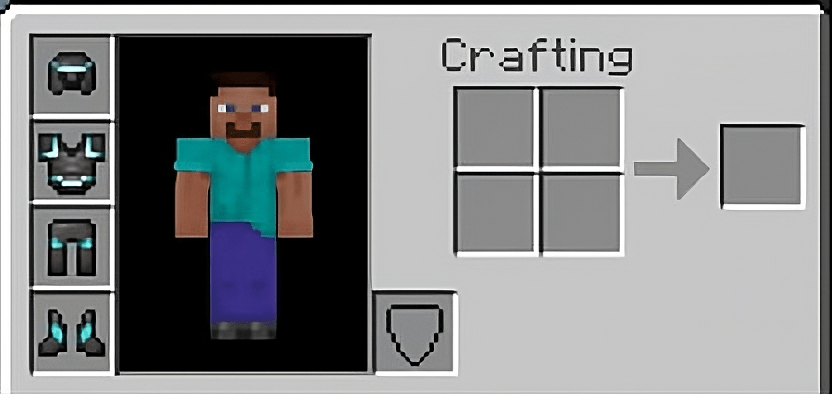
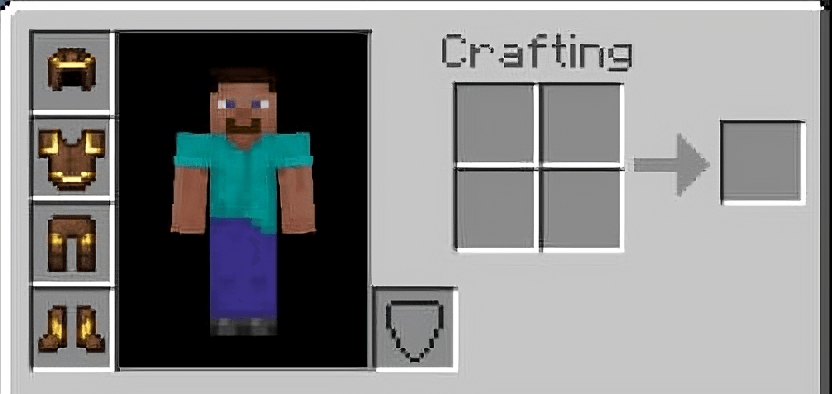
You will be able to freely use skins or a personally created appearance without burdening it with the presence of strong and reliable armor. It sounds interesting, especially considering the important fact that all protection will fully perform its intended functions and certainly will not ruin your adventure.
Installing Invisible Armors:
The first step is to run the downloaded file and import the addon/texture into MCPE.
Second step: open Minecraft Pocket Edition and go to the settings of the world.
Third step: install the imported resource sets and add-ons for the world.
Step four: select the imported resource packages/add-on in each section and restart the mobile client.
Comments (0)