



La Nature for Minecraft Pocket Edition 1.21
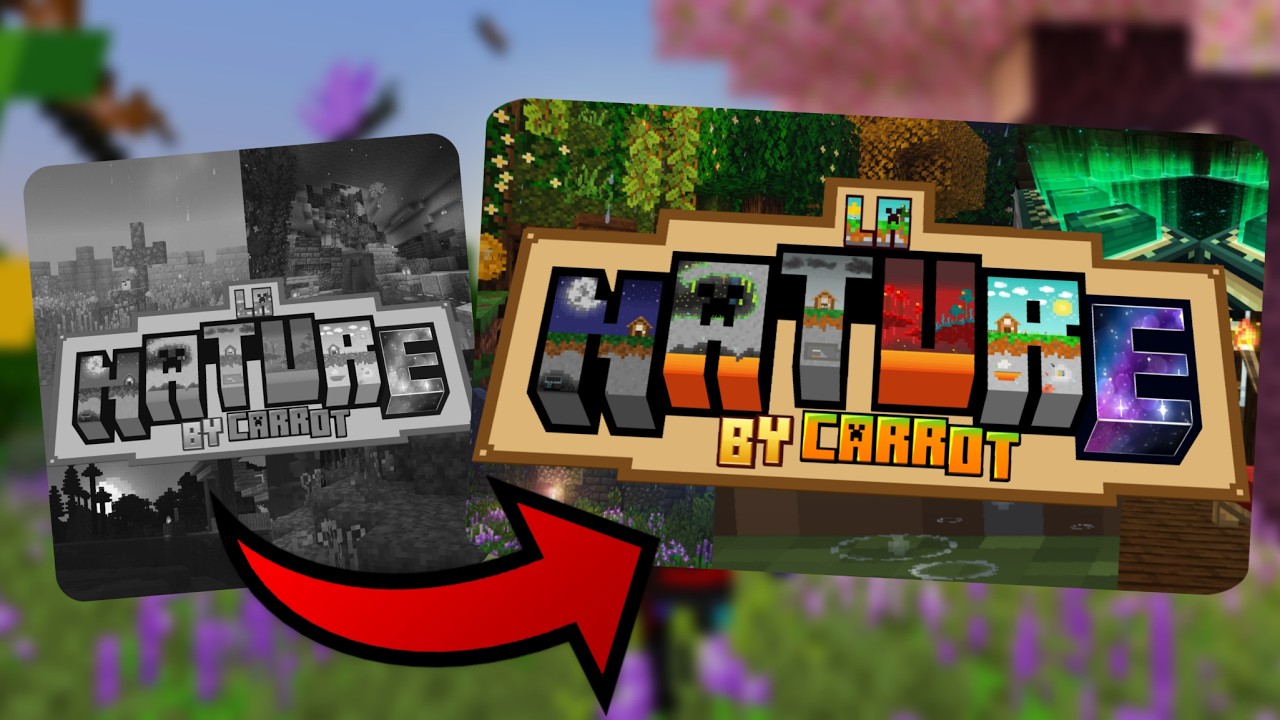
To transform the surrounding world, it’s enough to actively use La Nature add-on for Minecraft. The improvements in this add-on focus on enhancing the environment. For example, a lot of natural details will now appear around you — petals, saplings, and small lanterns.
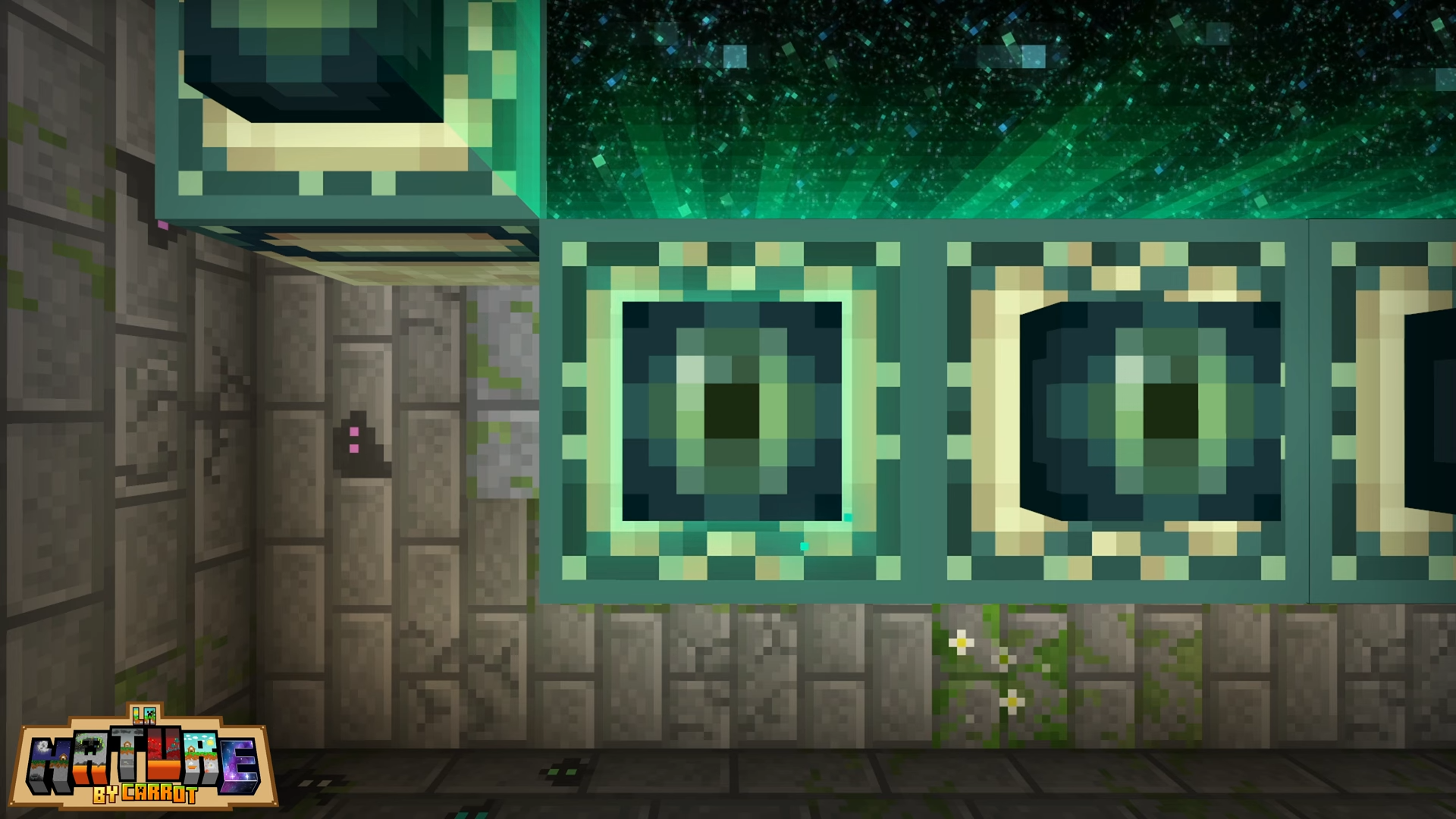
There will be a rain splash effect, as well as many small but realistic sounds such as insects, rustling leaves, and so on. With such an atmospheric improvement, you’ll dive deeper into your adventures and get a lot of pleasant impressions from your journey.
Installing La Nature:
The first step is to run the downloaded file and import the addon/texture into MCPE.
Second step: open Minecraft Pocket Edition and go to the settings of the world.
Third step: install the imported resource sets and add-ons for the world.
Step four: select the imported resource packages/add-on in each section and restart the mobile client.
Comments (0)