



Neo for Minecraft Pocket Edition 1.21

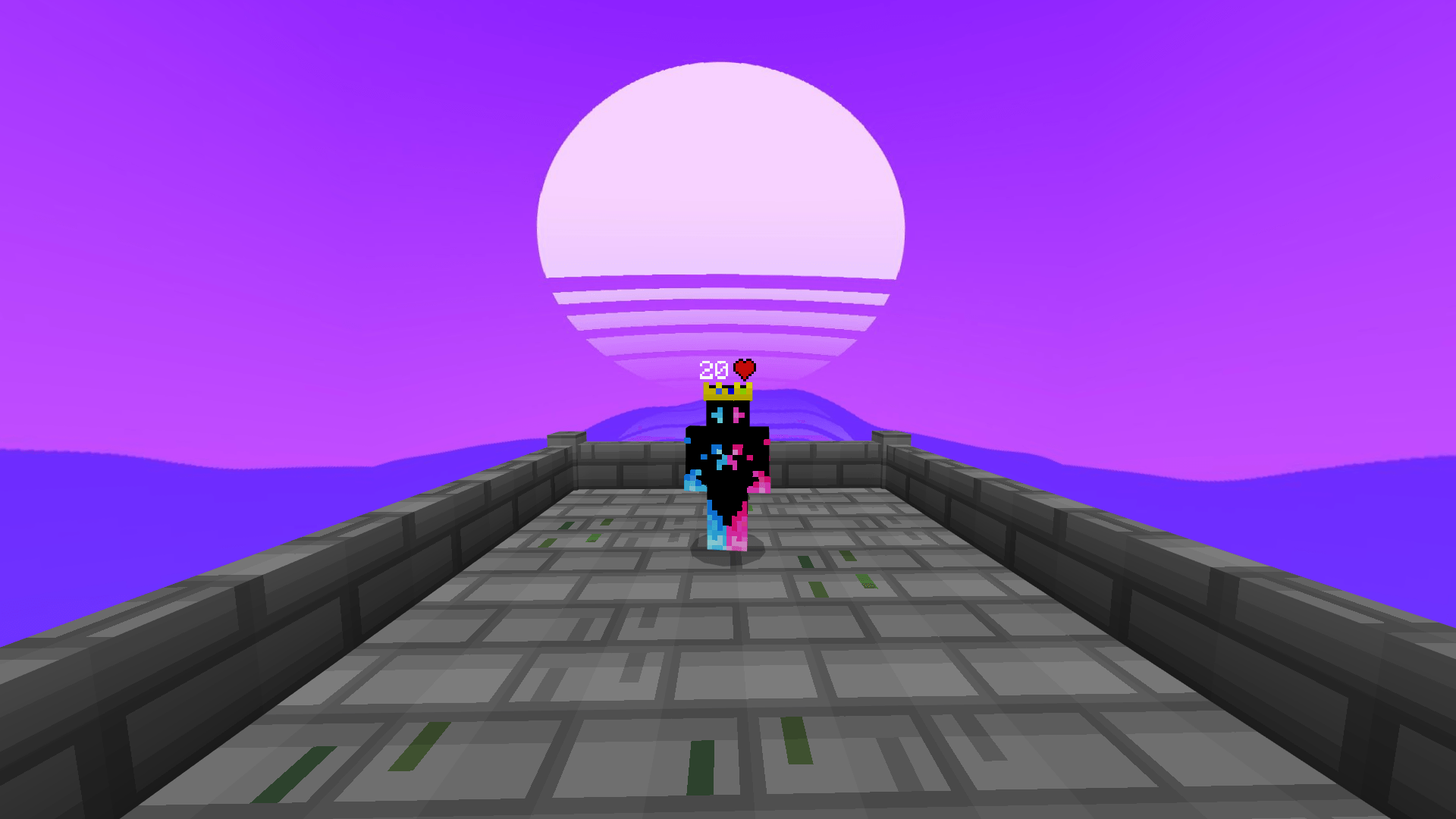
If you need a texture pack that makes the Bedrock version more convenient in several ways at once, Neo is worth paying attention to. This is not just a cosmetic interface update, but a whole set of improvements for everyday gameplay. The pack adds a clearer picture thanks to shading support without creating unnecessary load, and it also offers color schemes, PvP modes, and an FPS counter.
In practice, the health and item durability indicators are especially useful — with them, it becomes much easier to monitor the condition of equipment in battle and survival. The overall picture is completed by built-in potion hints and a direct trading function, which make the gameplay more comfortable.
Installing Neo:
The first step is to run the downloaded file and import the addon/texture into MCPE.
Second step: open Minecraft Pocket Edition and go to the settings of the world.
Third step: install the imported resource sets and add-ons for the world.
Step four: select the imported resource packages/add-on in each section and restart the mobile client.
Comments (0)