



Netherite Stones for Minecraft Pocket Edition 1.21
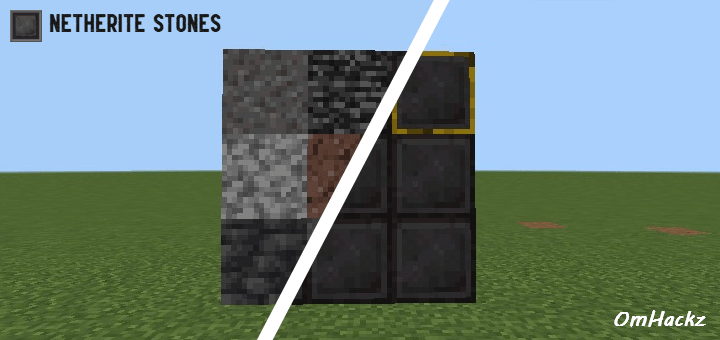
If you like a modern look for materials, we suggest using Netherite Stones add-on for Minecraft. The main feature of this improvement is related to changing the appearance of stone block textures. Now absolutely all of them will receive a netherite-style visual design, which will make buildings, caves, and other locations more modern and pleasing to the eye.
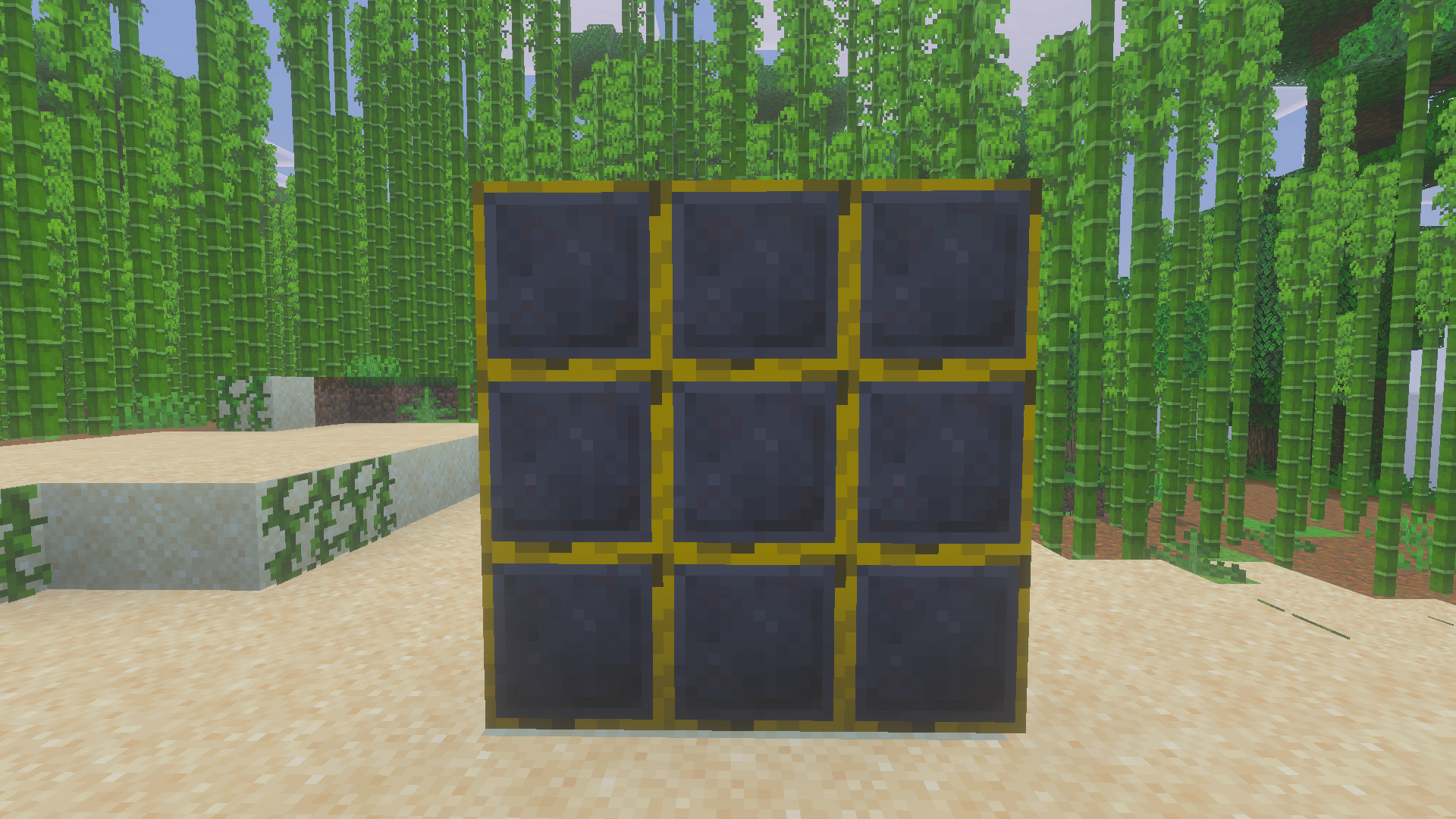
This approach will surely delight you and allow you to get plenty of pleasant impressions during survival. The main thing is not to rush and to pay attention to such small details that define the atmosphere and sense of style.
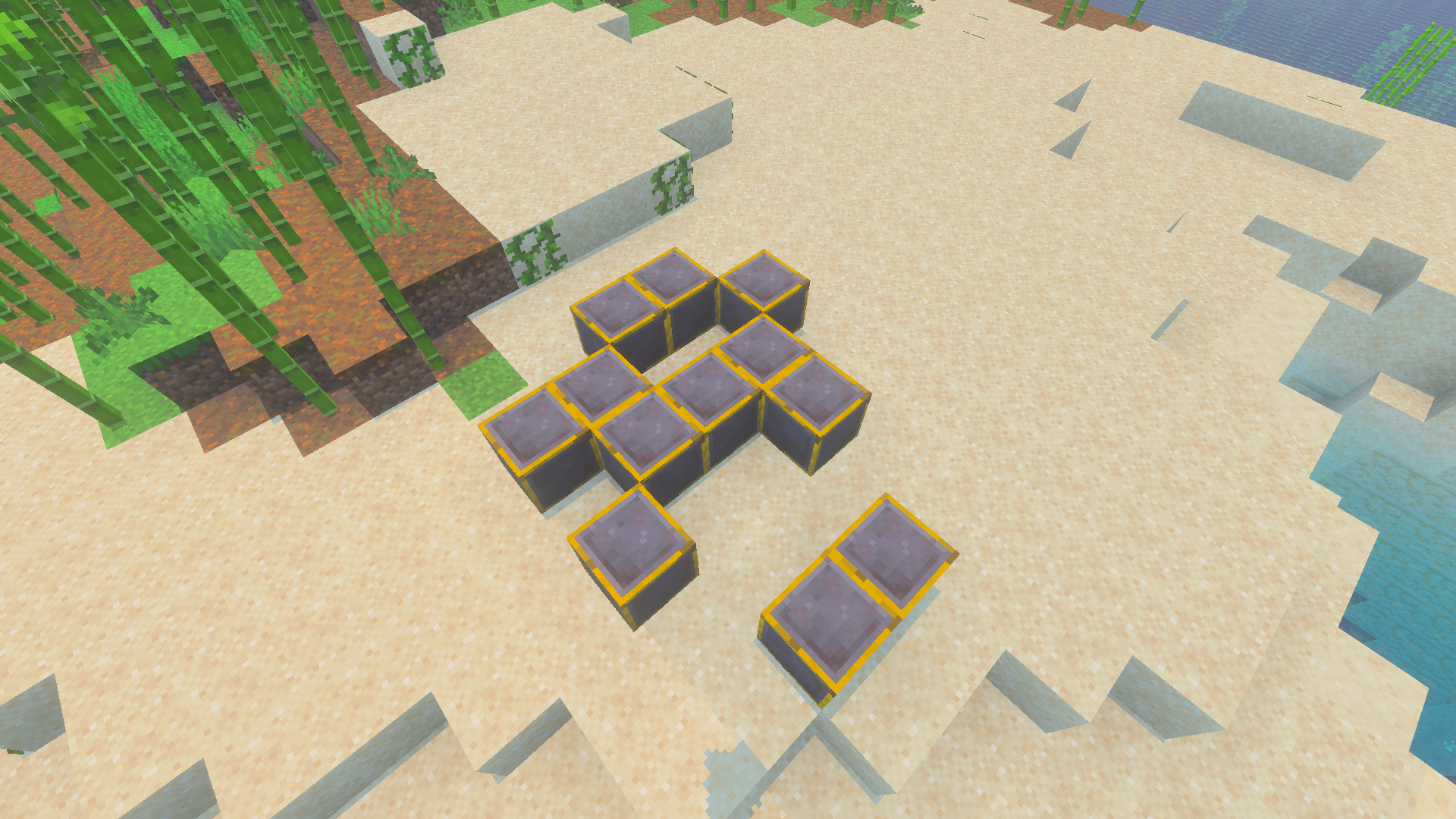
Installing Netherite Stones:
The first step is to run the downloaded file and import the addon/texture into MCPE.
Second step: open Minecraft Pocket Edition and go to the settings of the world.
Third step: install the imported resource sets and add-ons for the world.
Step four: select the imported resource packages/add-on in each section and restart the mobile client.
Comments (0)